

Live Analytics
Comments 0
Roblox gameplay ~#roblox Analytics Table
Income Estimates for Roblox gameplay ~#roblox
Based on this YouTube video's total view count of 193K views and industry-standard rates, the estimated total earning is $135 - $386 through ad revenue. Historical data is not yet available to calculate daily, weekly, or monthly averages.
About Roblox gameplay ~#roblox
Explore Roblox gameplay ~#roblox with 193,127 views, 2,735 likes, and 11 comments. Experience the impact of this video content that has captured audience attention.
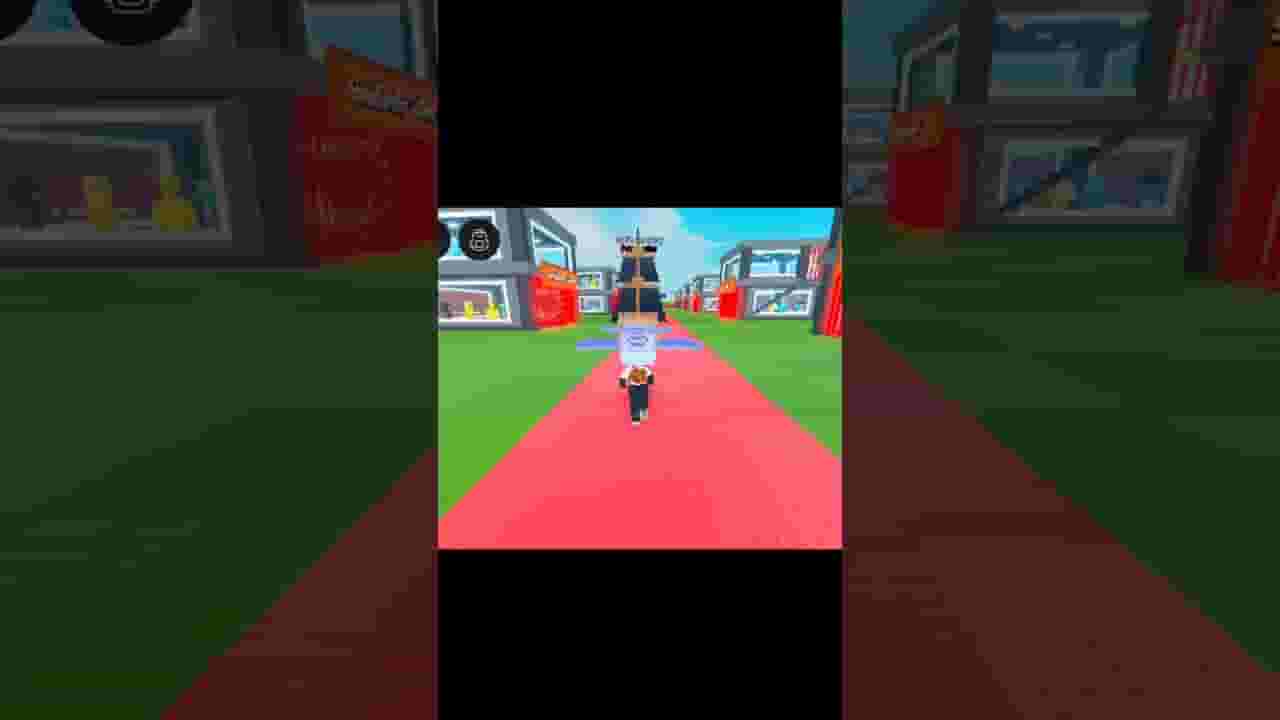
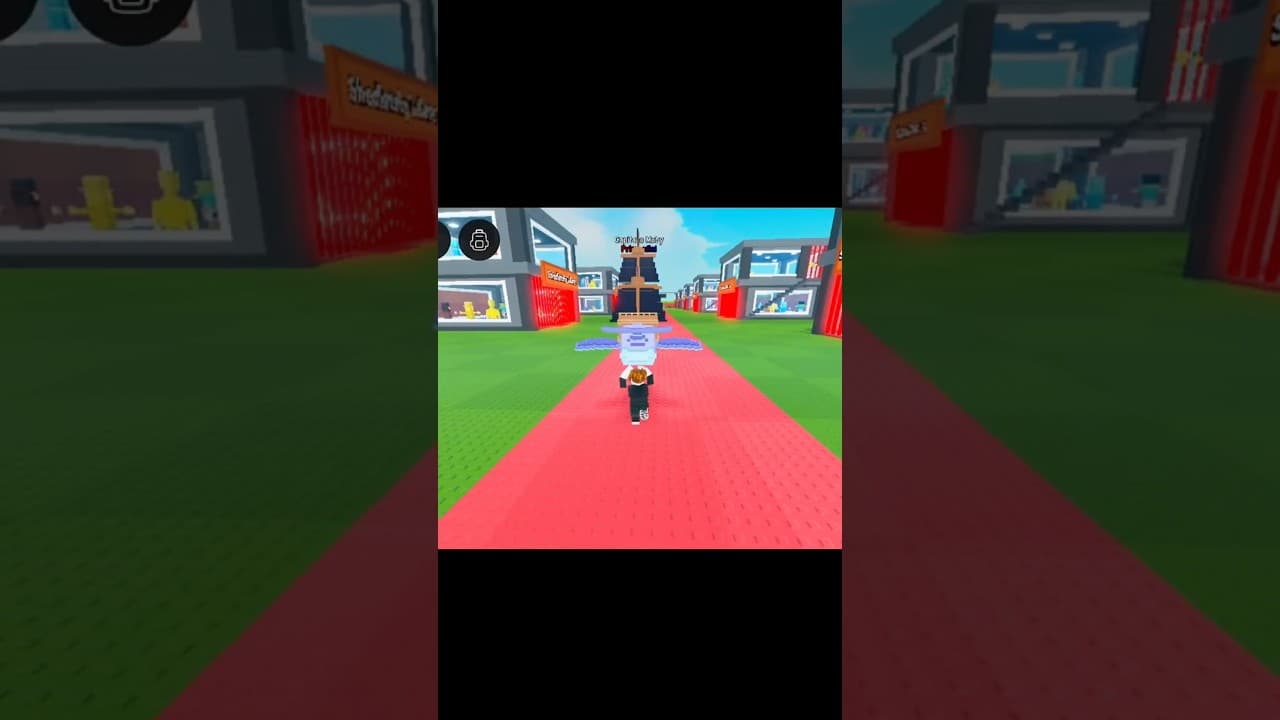
Noob to Pro Guide. In this video, we jump into the chaotic fun of Escape Tsunami for Brainrots, the latest trending Roblox simulator that’s taken the community by storm. Whether you’re just starting out or you’re chasing that legendary Brainrot God, this video has everything you need—from gameplay breakdowns to secret tips, working codes, and even modded content. We'll be exploring Roblox Escape Tsunami for Brainrots in-depth, showcasing the latest mechanics, power-ups, and how to master escaping tsunamis efficiently. If you’ve been searching for how to become the Brainrot God Escape Tsunami for Brainrots players talk about—or want to know what makes Escape Tsunami for Brainrots Roblox Brainrot God so powerful—this video is the perfect guide. We’ll also test some of the newest Escape Tsunami for Brainrots codes to see what free rewards you can grab in the current Escape Tsunami for Brainrots update. If you’re trying to level up fast or unlock rare items, don’t skip that part. These codes can give you the edge you need in the fight for brainrot dominance! Throughout the video, we showcase real Escape Tsunami for Brainrots Roblox gameplay, including PVP strategy, collecting brains, and interacting with the quirky in-game systems that make this simulator so addictive. We also dive into some of the more advanced features, like the mysterious Escape Tsunami for Brainrots modded mechanics and the ongoing Escape Tsunami for Brainrots Roblox update rollout. Of course, we couldn’t leave out the more technical side of things. We'll be talking about Escape Tsunami for Brainrots script usage—what's safe, what’s risky, and how it impacts gameplay. Whether you’re just curious or actively using a script, we break it down for you. There's also a section on Escape Tsunami for Brainrots glitches, including a newly discovered Escape Tsunami for Brainrots Roblox glitch that might let you escape faster than intended. If you're into exploring the limits of the game, or just enjoy finding a good glitch, this part is for you. This isn’t just a guide—it’s a full breakdown of Escape Tsunami for Brainrots Roblox, including meta strategies, hidden features, and even a peek at what’s coming in the next big Escape Tsunami for Brainrots update. You’ll see tips for optimizing your setup, defending against attackers, and how to evolve your gameplay to match the latest updates. Whether you searched for Escape Tsunami for Brainrots Robox update, roblox escape tsunami for brainrots, or are just trying to figure out what makes brainrot such a powerful mechanic in this bizarre and hilarious Roblox simulator, this video will give you everything you need. Thanks for watching! I’m mnx, and this video is brought to you by mnx Roblox. If you enjoyed the content, learned something new, or laughed at the madness of brainrot chaos, don’t forget to like, comment, and subscribe to mnx for more Roblox Escape Tsunami for Brainrots content and beyond! #roblox #robloxshorts #usa
About YouTube Real-Time View Count
With SocialCounts.org’s view counter, track your YouTube video’s live view count and YouTube likes count in real time with fast, reliable updates.
Watch every YouTube video live view count rise with our real-time YouTube views tracker—built for accuracy and minimal delay.
Follow YouTube real time views as they happen, using our dedicated view counter for YouTube videos.
Get up-to-date live view count on YouTube and see real-time growth with SocialCounts.org’s smart tracking tools.
Embed Widget
Parameters:
fullscreen=true- Fullscreen countergraph=true- Live graph chartcounter=0/1/2- Select counter (0=likes, 1=views, 2=comments)
URL
Click to copy the embed URL to your clipboard