

0
likes
251
comments
daily view 0
monthly view 0
Live Analytics
Comments 0
Automatic Jukebox v2 Tutorial | Minecraft Bedrock Edition Analytics Table
Income Estimates for Automatic Jukebox v2 Tutorial | Minecraft Bedrock Edition
Based on this YouTube video's total view count of 121K views and industry-standard rates, the estimated total earning is $85 - $242 through ad revenue. Historical data is not yet available to calculate daily, weekly, or monthly averages.
About Automatic Jukebox v2 Tutorial | Minecraft Bedrock Edition
Explore Automatic Jukebox v2 Tutorial | Minecraft Bedrock Edition with 121,186 views, 0 likes, and 251 comments. Experience the impact of this video content that has captured audience attention.
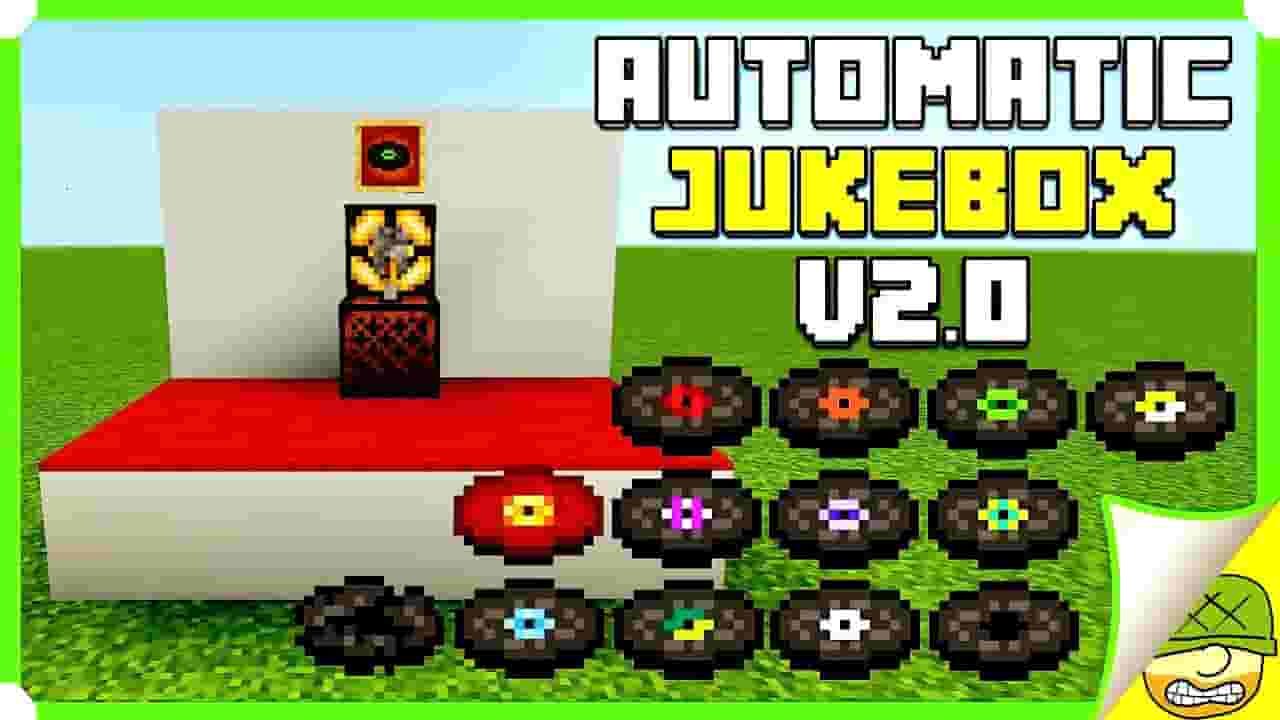
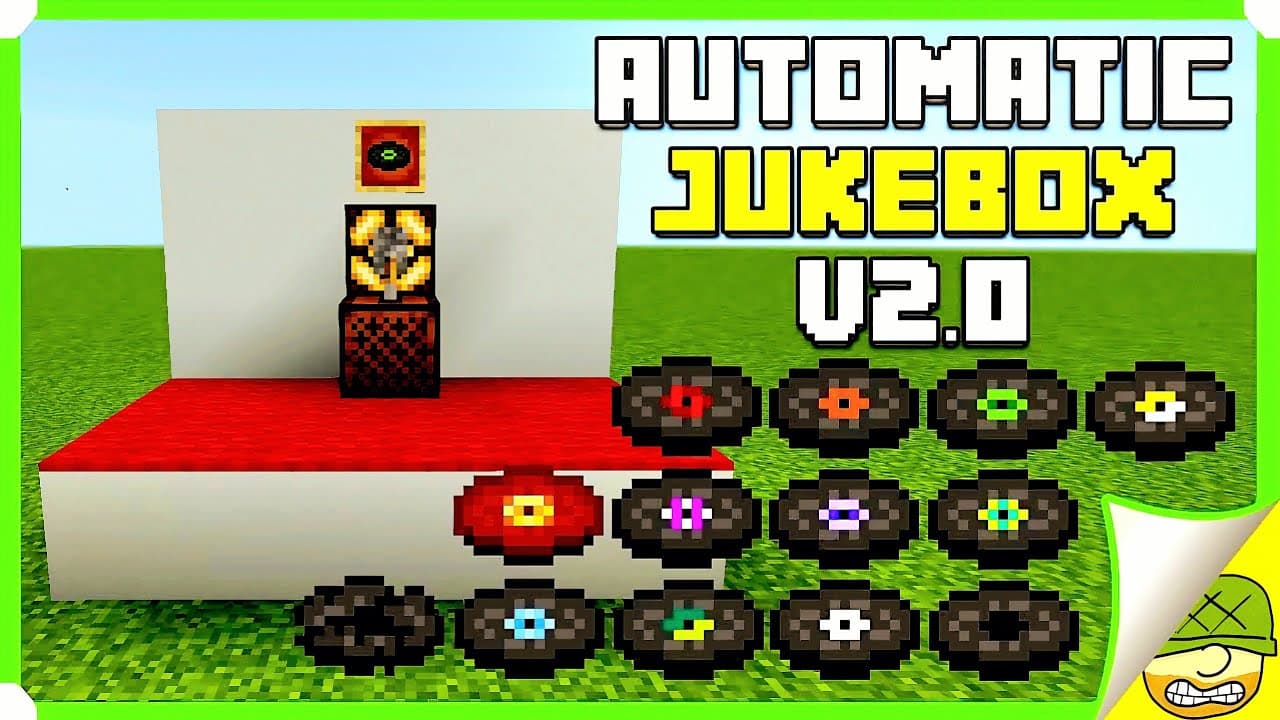
Build an automatic jukebox in Minecraft Bedrock Edition with a simple on/off switch for continuous music playback! This is Version 2 of my automatic jukebox design, using hoppers, a dropper, comparator, observer, redstone, and a lever to keep your music discs cycling without manually restarting every song. Hey everyone, SkyGuyJedi here! This updated v2 design adds one of the most useful features from my earlier jukebox build: a proper on/off control. Turn the system on when you want music running around your base, then shut it down when you want the jukebox quiet. WHAT THIS AUTOMATIC JUKEBOX DOES The machine automatically moves a music disc through the jukebox system so the track can play again after it finishes. One disc is enough to create a repeating loop, while loading multiple discs gives the system more variety. MATERIALS NEEDED - 1 Jukebox - 2 Hoppers - 1 Dropper - 2 Building blocks - 1 Comparator - 1 Redstone Dust - 1 Redstone Lamp - 1 Lever - 1 Observer - 1 Item Frame - 1 decorative Music Disc - At least 1 playable Music Disc HOW THE SYSTEM WORKS The dropper and hoppers move the music disc through the system, while the comparator and observer detect changes and help trigger the next part of the cycle. A dropper can insert a music disc directly into a jukebox in Bedrock Edition. Once the song finishes, the automation routes the disc back through the system so it can be played again. With one disc loaded, you'll hear the same track repeat. With several discs available, you can get more variety from the machine. BUILDING THE CORE At 00:56, I begin positioning the jukebox, dropper, and hoppers. Pay close attention to the direction each hopper and dropper faces. Item-routing builds can look correct from the outside while failing because one component is pointing the wrong way. REDSTONE CIRCUIT At 01:37, the comparator, observer, and redstone dust are added. The circuit watches the jukebox system and provides the pulses needed to keep the disc moving through the machine. ADDING THE ON/OFF SWITCH At 02:01, Version 2's biggest improvement is added: the lever. This lets you control continuous playback instead of having the jukebox cycle indefinitely whenever discs are available. It makes the system much more practical as part of a real base. DECORATING THE JUKEBOX Near the end of the tutorial, I show how the mechanism can be built into the surrounding area. An item frame and music disc can be used as decoration, and the rest of the machine can be hidden behind whatever style matches your base. Build it into a music room, tavern, restaurant, arcade, dance floor, marketplace, storage room, or anywhere else you want background music. PARROTS AND MUSIC Tamed parrots dance when they're within three blocks of a jukebox that is actively playing a music disc. In Bedrock Edition, they can even dance while sitting on a player's shoulder. CHAPTERS 00:00 Introduction and demonstration 00:15 Single-disc looping and multiple-disc playback 00:56 Jukebox, dropper, and hopper setup 01:37 Comparator, observer, and redstone 02:01 On/off switch 02:30 Testing the automatic playback 04:05 Decoration ideas 04:40 Finished Version 2 build VERSION HISTORY Version 1: https://www.youtube.com/watch?v=chOdjgHJYvs Version 3: https://youtu.be/VNLW8ZdF9YY If you're comparing the designs, Version 2 is the one built around this compact loop system with an on/off switch. Version 3 is a separate later design with its own layout and redstone approach. BEDROCK EDITION NOTE This tutorial was made specifically for Minecraft Bedrock Edition. Jukebox automation is still part of Bedrock: droppers can insert music discs into jukeboxes, and jukeboxes still interact with redstone comparators. Minecraft continues to evolve, though, and newer Bedrock previews are introducing additional playlist-style jukebox behavior. That means this video is best treated as the Version 2 redstone design shown here rather than a claim that it's the only way to automate music in every future update. YOUR TURN Which Minecraft music disc would you keep running in this machine? Would you use one favorite song on repeat or load several discs for more variety? Let me know in the comments, and tell me which automatic jukebox design you prefer: Version 1, Version 2, or Version 3. MORE MINECRAFT FROM SKYGUYJEDI Minecraft building tutorials: https://www.youtube.com/playlist?list=PLsx5DuY9eeK8V-dCSpR7gYbo6JqOkGldZ Minecraft Infiniverse survival series: https://www.youtube.com/playlist?list=PLsx5DuY9eeK8ODGBWICQO2jHoDn5VgCL2 Subscribe to SkyGuyJedi: https://www.youtube.com/@SkyGuyJedi If this automatic jukebox helped your Bedrock world, leave a like and subscribe for more Minecraft tutorials, redstone builds, farms, survival projects, and ideas! Until next time, SkyGuyJedi out! May the Force be with you all! #MinecraftBedrock #AutomaticJukebox #MinecraftRedstone
About YouTube Real-Time View Count
With SocialCounts.org’s view counter, track your YouTube video’s live view count and YouTube likes count in real time with fast, reliable updates.
Watch every YouTube video live view count rise with our real-time YouTube views tracker—built for accuracy and minimal delay.
Follow YouTube real time views as they happen, using our dedicated view counter for YouTube videos.
Get up-to-date live view count on YouTube and see real-time growth with SocialCounts.org’s smart tracking tools.
Embed Widget
Parameters:
fullscreen=true- Fullscreen countergraph=true- Live graph chartcounter=0/1/2- Select counter (0=likes, 1=views, 2=comments)
URL
Click to copy the embed URL to your clipboard