


189
likes
108
comments
daily view 0
monthly view 0
Live Analytics
Comments 0
D-Link DWR-M960 Router firmware bricked reinstall Easily without any software | Smart Brain💡 Analytics Table
Income Estimates for D-Link DWR-M960 Router firmware bricked reinstall Easily without any software | Smart Brain💡
Based on this YouTube video's total view count of 20.1K views and industry-standard rates, the estimated total earning is $14 - $40 through ad revenue. Historical data is not yet available to calculate daily, weekly, or monthly averages.
About D-Link DWR-M960 Router firmware bricked reinstall Easily without any software | Smart Brain💡
Explore D-Link DWR-M960 Router firmware bricked reinstall Easily without any software | Smart Brain💡 with 20,141 views, 189 likes, and 108 comments. Experience the impact of this video content that has captured audience attention.
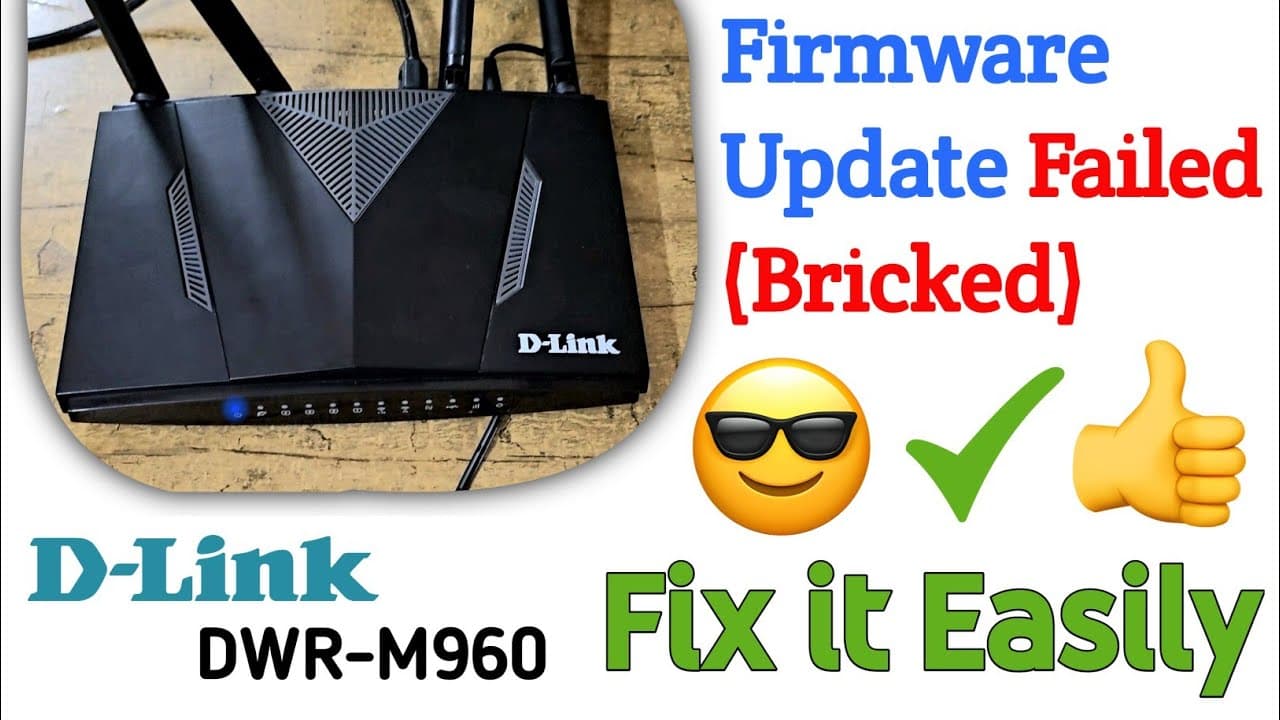
D-Link DWR-M960 firmware files & recovery procedure DOWNLOAD Link: https://www.mediafire.com/file/aq6mgn4nz1hmffo/DWR-M960_receovery_procedure.rar/file D-Link firmware recovery procedure: (I wish this will work for all d-link router) Change IP address of your laptop/PC to 192.168.1.2 and Default gateway 192.168.1.6 For Help You Can Contact To This Email: [email protected] First of all, connect to your dwr-m960 using ethernet cable. Then Press the Reset button on dwr-m960 for 15 seconds and power OFF the device keep pressing the RESET button and power ON the device./- OR press and hold the RESET button for 5 seconds then power ON the device and keep pressing the RESET button for 10-15 seconds. And now you have to change the IP address of laptop/PC. (To change the IP address & Default gateway go to the -Settings/Network & internet/Ethernet/Change adapter options/Ethernet/ Properties/Internet protocol version 4/Use the following IP address-) then enter IP address:192.168.1.2 Subnet mask:255.255.255.0 Default gateway:192.168.1.6 then press OK. In the browser put 192.168.1.6 and the emergency page should popup and then upload the firmware file that you downloaded from D-link website for your device model. please ignore tags: #dwrm960 #dlink #satisfying #subscribe #viral #shorts #dlink #dlinkrouter #router #fix #recovery #internet #wifi #youtubeshorts #youtube #repair #dwr-m960 #m960 dwr_m960 recovery WIFI router firmware #firmwareupdate #reinstall #firmware #update connect browser youtube #best best good #recovery dlink dwr-m960 firmware update firmware issue router wifi internet data net speedtest speed slow high network tower light blink blinks blinking blinked stay on antenna failed working upgrade upgrading update updating upload uploading down download downloading up down market store space satellite option connect connection phone mobile smartphone technology science nasa link dlink d link brick bricked fix fixed easily ethernet cable wireless wire wired wireness business open technical mechanical digital world network power on off 1 2 3 4 5 6 7 8 9 0 10 numbers just for views fyp fyps viral trend tiktok facebook imo whatsapp telegram tools learn for you page help service solved fixed contact email google chrome youtube social media facebook
About YouTube Real-Time View Count
With SocialCounts.org’s view counter, track your YouTube video’s live view count and YouTube likes count in real time with fast, reliable updates.
Watch every YouTube video live view count rise with our real-time YouTube views tracker—built for accuracy and minimal delay.
Follow YouTube real time views as they happen, using our dedicated view counter for YouTube videos.
Get up-to-date live view count on YouTube and see real-time growth with SocialCounts.org’s smart tracking tools.
Embed Widget
Parameters:
fullscreen=true- Fullscreen countergraph=true- Live graph chartcounter=0/1/2- Select counter (0=likes, 1=views, 2=comments)
URL
Click to copy the embed URL to your clipboard