

233
likes
29
comments
daily view 0
monthly view 0
Live Analytics
Comments 0
How to Make a GUI Music Player In Java (Netbeans) Analytics Table
Income Estimates for How to Make a GUI Music Player In Java (Netbeans)
Based on this YouTube video's total view count of 17.9K views and industry-standard rates, the estimated total earning is $13 - $36 through ad revenue. Historical data is not yet available to calculate daily, weekly, or monthly averages.
About How to Make a GUI Music Player In Java (Netbeans)
Explore How to Make a GUI Music Player In Java (Netbeans) with 17,959 views, 233 likes, and 29 comments. Experience the impact of this video content that has captured audience attention.
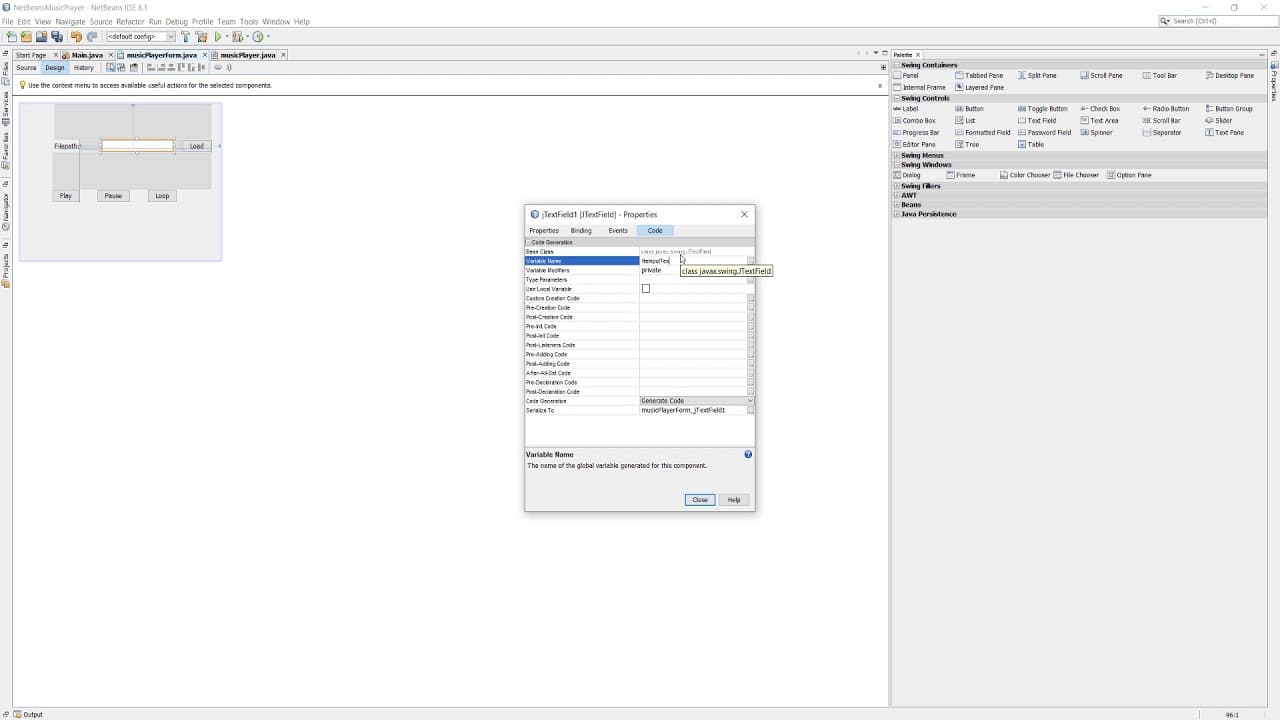
How to Make a GUI Music Player In Java (Netbeans) Greetings, I am here with a highly requested video, how to make a visual music player using Java, this is a follow up to my 'How to Play, Loop, Pause and Stop Music in Java' video. We add a text field to allow users to load custom music files, a play button, a pause/resume button and a loop button. We use the Netbeans GUI builder and I will be uploading an Eclipse IDE version soon. This method can't play mp3 files but handles wav and ogg files. Thanks for watching and hope you have a great day! If you have any topics you want me to cover, leave a request in the comments. I will be uploading other Java music tutorials and other programming tutorials, so why not subscribe to keep notified when I upload? https://tinyurl.com/SubMaxODidily How to Make a GUI Music Player In Java (Netbeans)
About YouTube Real-Time View Count
With SocialCounts.org’s view counter, track your YouTube video’s live view count and YouTube likes count in real time with fast, reliable updates.
Watch every YouTube video live view count rise with our real-time YouTube views tracker—built for accuracy and minimal delay.
Follow YouTube real time views as they happen, using our dedicated view counter for YouTube videos.
Get up-to-date live view count on YouTube and see real-time growth with SocialCounts.org’s smart tracking tools.
Embed Widget
Parameters:
fullscreen=true- Fullscreen countergraph=true- Live graph chartcounter=0/1/2- Select counter (0=likes, 1=views, 2=comments)
URL
Click to copy the embed URL to your clipboard