


17,650
likes
595
comments
daily view 0
monthly view 0
Live Analytics
Comments 0
Secrets to Creating Stunning AI Images: Expert Prompts Analytics Table
Income Estimates for Secrets to Creating Stunning AI Images: Expert Prompts
Based on this YouTube video's total view count of 475K views and industry-standard rates, the estimated total earning is $333 - $952 through ad revenue. Historical data is not yet available to calculate daily, weekly, or monthly averages.
About Secrets to Creating Stunning AI Images: Expert Prompts
Explore Secrets to Creating Stunning AI Images: Expert Prompts with 475,828 views, 17,650 likes, and 595 comments. Experience the impact of this video content that has captured audience attention.
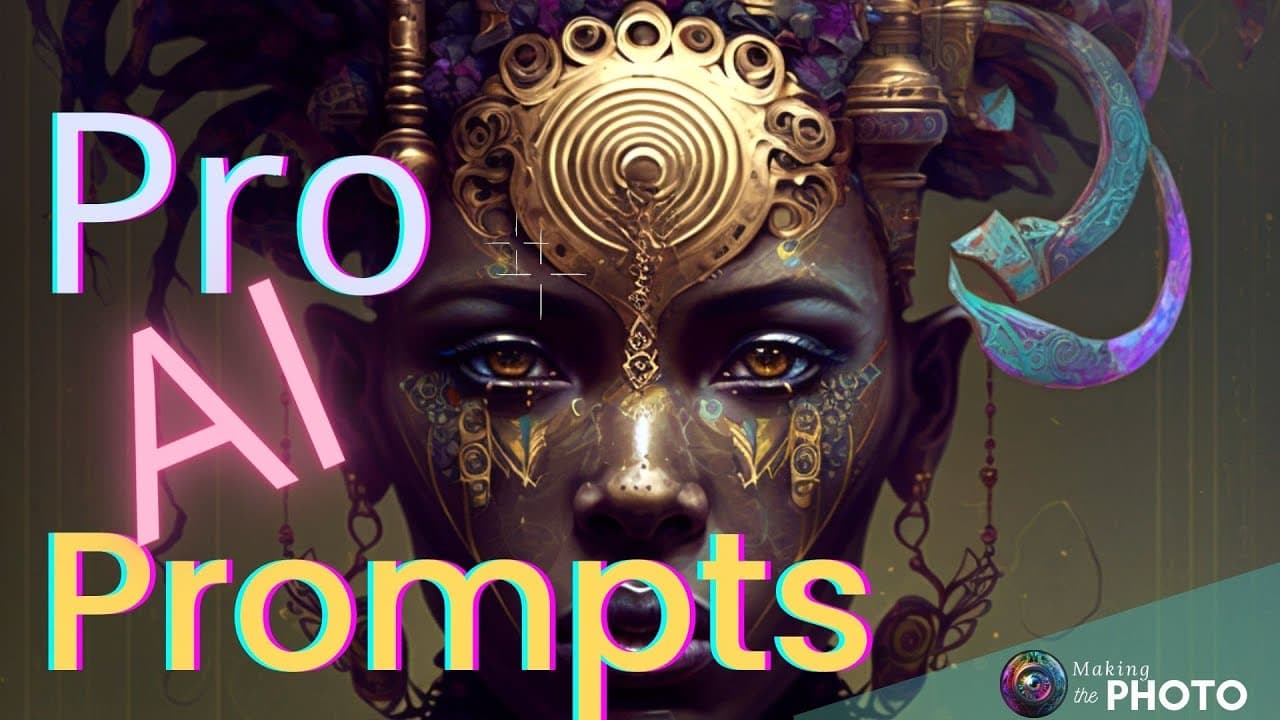
*New!!* get the ultimate prompting eBook! http://bit.ly/AI-prompt Are you tired of using the same old prompts for your AI images? Are you looking for ways to make your AI images stand out? In this video, I'm going to blow your mind with 12 of the wildest and most unexpected prompt tricks. Known only by the experts. These expert image prompts will help you create one-of-a-kind, jaw-dropping AI images. Most of these tricks work in Midjourney, Stable Diffusion, and Dall-E What are the secrets to creating stunning AI images? Images for this video created in Midjourney version 4 --style 4b ***Let us know your favorite prompting tricks in the comments below.*** Subscribe for more tips like these https://bit.ly/MtP-Subscribe ▬▬▬▬▬▬▬▬▬▬▬▬▬▬▬▬▬▬▬▬▬ VIDEO TIMELINE 0:00 Start 0:23 12 Style Fusion 0:57 11 Lighting Prompts 1:42 10 Detail Prompts 2:09 9 Texture Prompts 2:33 8 Prompting with Texture Images 2:59 7 Prompting for Repeated Patterns --tile 3:17 6 The Beautiful Magical Word 3:42 5 Punk It! 4:00 4 Use Juxtaposition 4:19 3 Random Prompts 4:40 2 Nonsense Prompts 5:02 1 Emoji-to-Image Prompts ▬▬▬▬▬▬▬▬▬▬▬▬▬▬▬▬▬▬▬▬▬ GET MORE! ►The Ultimate prompting eBook! http://bit.ly/AI-prompt ►Unlocking the Mystery: How AI Creates Stunning Images https://youtu.be/v7c8XQiBRjE ►Weird Midjourney Tricks with just One Prompt https://youtu.be/SZE_vXOcCPo ►AI Style Fusion: Infinite Creativity in Midjourney https://youtu.be/pFUFnlQQVTU ►Online Randomizer https://onlinerandomtools.com/pick-random-item ►Pixabay https://pixabay.com/ ►Spectrogram https://musiclab.chromeexperiments.com/spectrogram/ ►Random String Generator https://www.random.org/strings/ ►Nonsense Word Generator https://www.soybomb.com/tricks/words/ ▬▬▬▬▬▬▬▬▬▬▬▬▬▬▬▬▬▬▬▬▬ MY FAVORITE TEXT-TO-IMAGE GENERATORS ►MIDJOURNEY www.midjourney.com ►DALL-E 2 https://openai.com/dall-e-2/ ►LEXICA ART https://lexica.art ▬▬▬▬▬▬▬▬▬▬▬▬▬▬▬▬▬▬▬▬▬ GETTING STARTED VIDEOS ►►VIDEO: Starting Your Midjourney https://youtu.be/yqtmXL8g8bY ▬▬▬▬▬▬▬▬▬▬▬▬▬▬▬▬▬▬▬▬▬ MAKING THE VIDEO Photos by Jenn Mishra via Midjourney, Stable Diffusion & Dall-E Additional images by Yuri on Pixabay Music “Sun Melt Waves” by Oman from Epidemic Sound Video created with Canva, Audacity, PowerPoint, & Runway ►CANVA www.canva.com ►AUDACITY https://www.audacityteam.org ►RUNWAY https://runwayml.com Some of these links are affiliate links. I earn a commission when you purchase products. ►Follow on Facebook https://www.facebook.com/witsendphoto/ ►Follow on Instagram https://www.instagram.com/jennatwitsend/ ►Follow on Flickr https://www.flickr.com/photos/jae_at_wits_end/ ►Follow on Midjourney (subscribers) https://www.midjourney.com/app/users/1004726795704213564/
About YouTube Real-Time View Count
With SocialCounts.org’s view counter, track your YouTube video’s live view count and YouTube likes count in real time with fast, reliable updates.
Watch every YouTube video live view count rise with our real-time YouTube views tracker—built for accuracy and minimal delay.
Follow YouTube real time views as they happen, using our dedicated view counter for YouTube videos.
Get up-to-date live view count on YouTube and see real-time growth with SocialCounts.org’s smart tracking tools.
Embed Widget
Parameters:
fullscreen=true- Fullscreen countergraph=true- Live graph chartcounter=0/1/2- Select counter (0=likes, 1=views, 2=comments)
URL
Click to copy the embed URL to your clipboard