


245
likes
62
comments
daily view 0
monthly view 0
Live Analytics
Comments 0
Blacklyte Atlas Lite Review: The Standing Desk Upgrade I Needed Analytics Table
Income Estimates for Blacklyte Atlas Lite Review: The Standing Desk Upgrade I Needed
Based on this YouTube video's total view count of 38.5K views and industry-standard rates, the estimated total earning is $27 - $77 through ad revenue. Historical data is not yet available to calculate daily, weekly, or monthly averages.
About Blacklyte Atlas Lite Review: The Standing Desk Upgrade I Needed
Explore Blacklyte Atlas Lite Review: The Standing Desk Upgrade I Needed with 38,541 views, 245 likes, and 62 comments. Experience the impact of this video content that has captured audience attention.
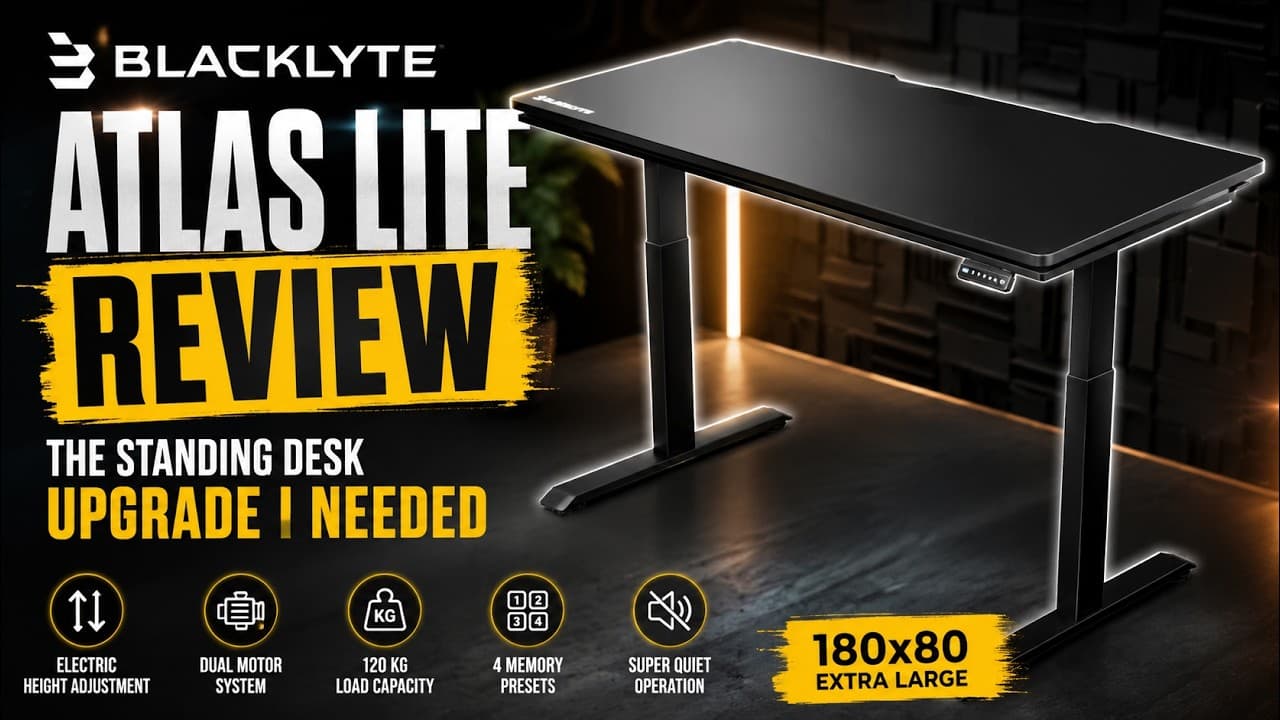
Blacklyte Atlas Lite Review: is this electric standing desk the workspace upgrade you actually need? In this video, I unbox, assemble, test and review the Blacklyte Atlas Lite Standing Desk in Obsidian Black, including the extra-large one hundred eighty centimeter version used in my studio setup. If you are looking for a large standing desk, height adjustable desk, electric sit stand desk, home office desk, gaming desk or professional workstation, this detailed Blacklyte Atlas Lite review will show you exactly what to expect. I have been using a simple white IKEA desk in my studio for a long time, but it was finally time for a major upgrade. The Blacklyte Atlas Lite completely changes the look and functionality of my workspace, giving me much more room for monitors, computers, cameras, lighting equipment and other tech that I regularly use for my reviews. Blacklyte Atlas Lite Standing Desk: https://blacklyte.com/collections/desks?sca_ref=12078747.JGO9YYoDNmXeRfPW Blacklyte Athena Pro Gaming Chair: https://blacklyte.com/products/blacklyte-athena-pro-gaming-chair?sca_ref=12078747.JGO9YYoDNmXeRfPW In this video, I go through the complete experience from delivery to the finished setup. The desk arrives in two separate boxes: one for the desktop and another for the steel frame, lifting columns, feet, motors, controller, electronics and mounting hardware. My Blacklyte Atlas Lite is the Obsidian Black version with a one hundred eighty by eighty centimeter desktop. It uses a dual-motor electric lifting system and offers smooth height adjustment for both sitting and standing positions. The controller includes manual up and down adjustment together with four programmable memory presets, making it easy to save your preferred desk heights and switch between them quickly. The Atlas Lite supports a maximum distributed load of up to one hundred twenty kilograms, making it suitable for larger workstation setups with multiple monitors, desktop computers, camera equipment and other heavy accessories. The electric lifting system is designed to operate smoothly and quietly, while the wide steel frame gives the desk a stable and solid feel. One of the biggest advantages of a height adjustable standing desk is the flexibility it gives you during the day. You can use a lower position for normal seated work, switch to a standing position when you want to change posture, or adjust the desk to a different height when filming products, working with cameras or reorganizing your workspace. I also show the complete Blacklyte Atlas Lite assembly process step by step, including installing the frame, lifting columns, feet, electronics, controller and cable management. If you are considering buying this desk, this should give you a good idea of how difficult the setup is and what the finished desk looks like in a real home studio. For my setup, the Obsidian Black finish works especially well with the dark walls, acoustic panels and studio lighting. Compared with my old IKEA desk, the Atlas Lite provides much more working space and creates a cleaner, more professional-looking desk setup. If you are researching the best standing desk for a home office, studio, gaming setup or productivity workspace, the Blacklyte Atlas Lite is definitely an interesting option to consider. Watch the full review to see the complete unboxing, assembly process, electric height adjustment, memory presets and my final impressions after installing the Blacklyte Atlas Lite in my studio. TIMESTAMPS: 00:00 – My Old IKEA Desk 00:25 – Blacklyte Atlas Lite First Look 00:40 – Unboxing and Introduction 01:30 – Starting the Assembly 02:44 – Building the Main Frame 03:44 – Installing the Feet 04:20 – Attaching the Frame to the Desktop 05:15 – Electronics and Cable Connections 06:00 – Installing the Height Controller 06:40 – Turning the Desk Upright 07:20 – First Look at the Finished Desk 08:00 – Cable Management and Design 08:45 – Final Assembly Check 09:36 – Height Adjustment Controller 10:00 – Dual-Motor Standing Desk Test 10:40 – Building the New Studio Setup 11:15 – Monitor and Equipment Setup 11:45 – Final Desk Setup 12:15 – Blacklyte Atlas Lite Final Thoughts 12:40 – Conclusion If this Blacklyte Atlas Lite review was useful, please like the video and subscribe to ScanVerdict for more detailed technology reviews, desk setup videos, studio upgrades, productivity gear, computer accessories and professional creator equipment. #Blacklyte #StandingDesk #DeskSetup #HomeOffice #TechReview #ScanVerdict
About YouTube Real-Time View Count
With SocialCounts.org’s view counter, track your YouTube video’s live view count and YouTube likes count in real time with fast, reliable updates.
Watch every YouTube video live view count rise with our real-time YouTube views tracker—built for accuracy and minimal delay.
Follow YouTube real time views as they happen, using our dedicated view counter for YouTube videos.
Get up-to-date live view count on YouTube and see real-time growth with SocialCounts.org’s smart tracking tools.
Embed Widget
Parameters:
fullscreen=true- Fullscreen countergraph=true- Live graph chartcounter=0/1/2- Select counter (0=likes, 1=views, 2=comments)
URL
Click to copy the embed URL to your clipboard