

12
likes
0
comments
daily view 0
monthly view 0
Live Analytics
Comments 0
Ball Balancing PID System using Node MCU | working & explanation Analytics Table
Income Estimates for Ball Balancing PID System using Node MCU | working & explanation
Based on this YouTube video's total view count of 315 views and industry-standard rates, the estimated total earning is $0 - $1 through ad revenue. Historical data is not yet available to calculate daily, weekly, or monthly averages.
About Ball Balancing PID System using Node MCU | working & explanation
Explore Ball Balancing PID System using Node MCU | working & explanation with 315 views, 12 likes, and 0 comments. Experience the impact of this video content that has captured audience attention.
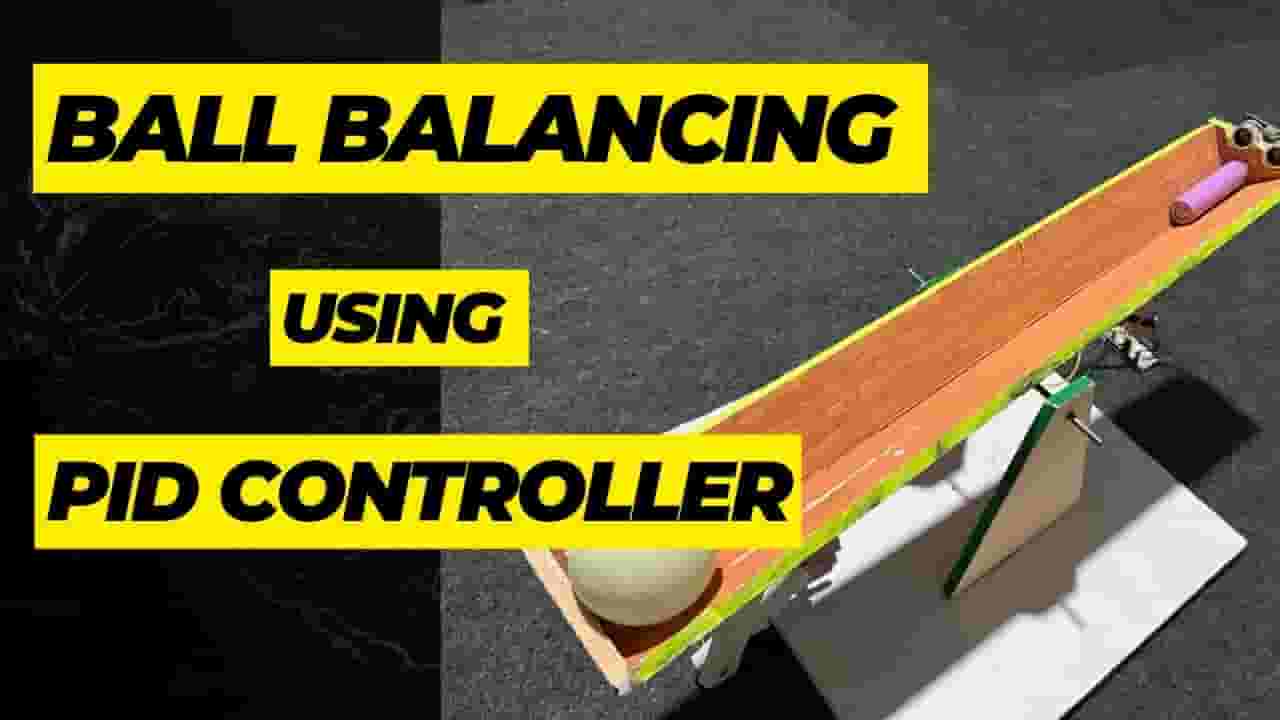
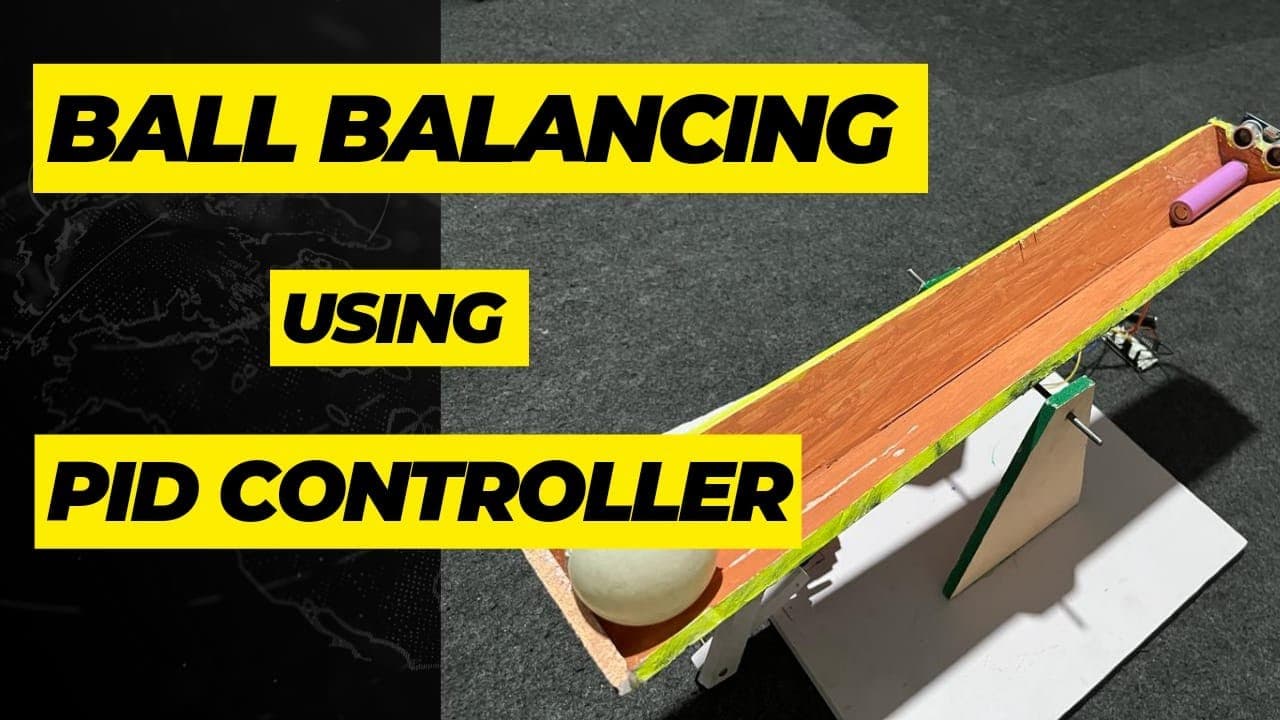
Hey Learners..!! Welcome to our latest tutorial on ball balancing using a PID controller with NodeMCU! In this video, we will explore the fascinating world of control systems as we build a PID controller to balance a ball on a platform. 🔥 What you'll learn: Understand the fundamentals of PID control and its applications. Explore the NodeMCU development board and its capabilities. Build a physical setup with a platform and a sensor to detect ball position. Implement the PID algorithm using Arduino programming. Fine-tune the PID parameters to achieve optimal ball balancing. 🛠️ Hardware and software used: NodeMCU development board: Learn about its features and how it connects to the Arduino IDE. Ultrasonic Sensor: An essential sensor for measuring the ball's position and movement. Arduino IDE: We'll write and upload the code to the NodeMCU board. 💡 Why PID control? PID (Proportional-Integral-Derivative) control is a widely used technique for stabilizing systems by adjusting control variables. We'll dive into the theory behind PID control and understand how it helps in maintaining stability and accurate ball positioning. 🔧 Building the setup: Follow along as we assemble the physical setup, connecting the NodeMCU, ultrasonic sensor, and the platform. ⚙️ Fine-tuning the PID parameters: Achieving optimal control requires careful tuning of the PID parameters. We'll demonstrate various methods to fine-tune the P, I, and D constants, helping you understand the impact of each parameter on the system's behavior. 🚀 Watch your ball balance! Once the PID controller is programmed and the parameters are fine-tuned, we'll put it to the test. Witness the mesmerizing action as the ball dynamically balances on the platform, adapting to changes in position and maintaining stability. 🎬 Don't forget to like, share, and subscribe for more tutorials and projects. For more such interesting projects please visit our website : https://techieyantechnologies.com/ Follow us on our Instagram Page https://www.instagram.com/techieyan_t... Follow us on our linkedIn https://www.linkedin.com/company/tech... Follow us on facebook https://www.facebook.com/techieyan/ You can message us or call us at +91 7075575787 Email at : [email protected] ****for code and the project hardware kit please call us/write us**** #ballbalance #pidcontroller #nodemcu #arduinoproject #academicprojects #btechprojects #controller #projects #learning #collegeprojectcenters #collegeproject #mechanicalprojects #electronicsproject #btech #btechprojects #topproject #ultrasonicsensor #servomotor #iotprojectcenters #iotproject
About YouTube Real-Time View Count
With SocialCounts.org’s view counter, track your YouTube video’s live view count and YouTube likes count in real time with fast, reliable updates.
Watch every YouTube video live view count rise with our real-time YouTube views tracker—built for accuracy and minimal delay.
Follow YouTube real time views as they happen, using our dedicated view counter for YouTube videos.
Get up-to-date live view count on YouTube and see real-time growth with SocialCounts.org’s smart tracking tools.
Embed Widget
Parameters:
fullscreen=true- Fullscreen countergraph=true- Live graph chartcounter=0/1/2- Select counter (0=likes, 1=views, 2=comments)
URL
Click to copy the embed URL to your clipboard