


39
likes
10
comments
daily view 0
monthly view 0
Live Analytics
Comments 0
CapCut Video Editing Tutorial Using Phone – Full Course for Beginners (2026) Analytics Table
Income Estimates for CapCut Video Editing Tutorial Using Phone – Full Course for Beginners (2026)
Based on this YouTube video's total view count of 1.98K views and industry-standard rates, the estimated total earning is $1 - $4 through ad revenue. Historical data is not yet available to calculate daily, weekly, or monthly averages.
About CapCut Video Editing Tutorial Using Phone – Full Course for Beginners (2026)
Explore CapCut Video Editing Tutorial Using Phone – Full Course for Beginners (2026) with 1,986 views, 39 likes, and 10 comments. Experience the impact of this video content that has captured audience attention.
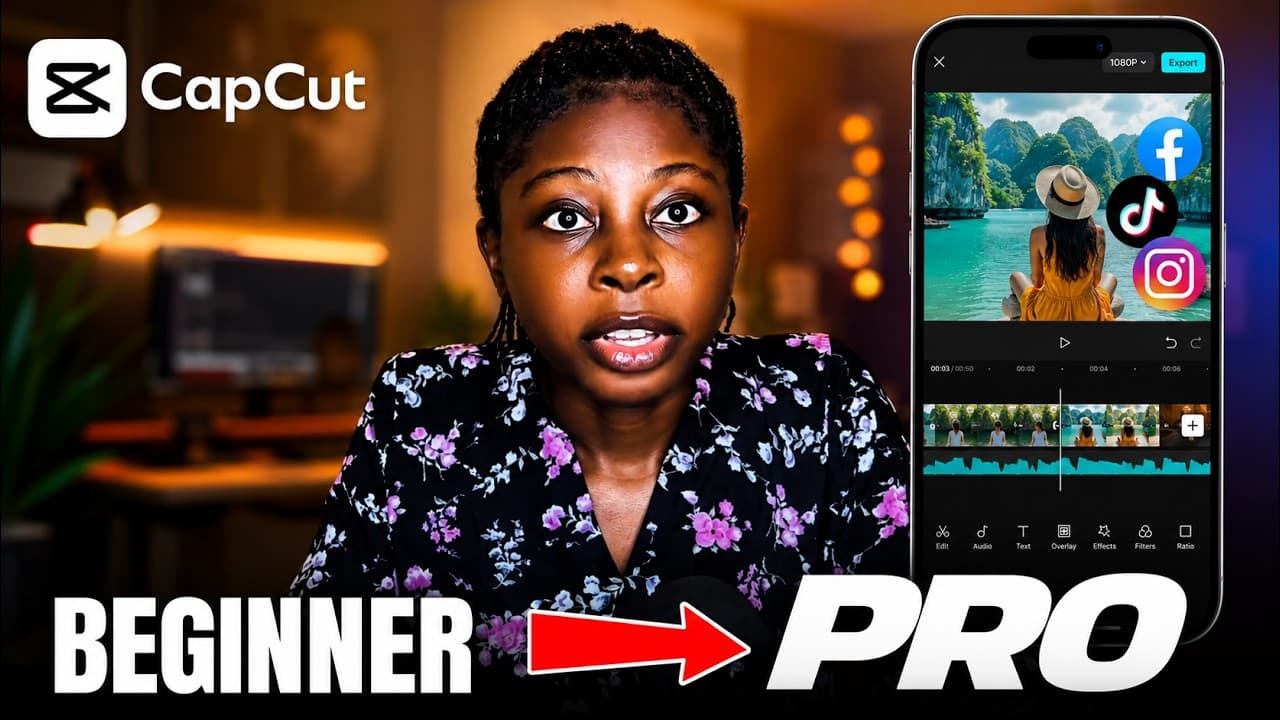
🎬 CapCut Video Editing Tutorial Using Phone – Full Course for Beginners 2026 Learn how to edit professional videos using just your smartphone with CapCut! This full CapCut course covers everything from the basics to advanced editing techniques — no laptop or expensive equipment needed. Whether you're editing for YouTube, TikTok, Instagram Reels, or YouTube Shorts, this CapCut tutorial on mobile will take you from beginner to pro step by step. By the end of this CapCut full course, you'll know how to trim and cut clips, add transitions, music, text, subtitles, captions, filters, and effects — all on your phone. ━━━━━━━━━━━━━━━━━━━━━━ 📌 WHAT YOU'LL LEARN IN THIS CAPCUT COURSE: ━━━━━━━━━━━━━━━━━━━━━━ ✅ How to set up CapCut on your phone ✅ Importing and arranging clips on the timeline ✅ Trimming, cutting, and splitting video clips ✅ Adding transitions between clips ✅ Adding text, titles, and animated captions ✅ Adding background music and sound effects ✅ Applying filters and color grading ✅ Using CapCut AI tools (auto captions, background removal) ✅ Exporting and sharing your final video ━━━━━━━━━━━━━━━━━━━━━━ ⏱️ CHAPTERS / TIMESTAMPS: ━━━━━━━━━━━━━━━━━━━━━━ → 0:00 Introduction & What You'll Learn → 1:10 Capcut Camara with Teleprompter → 4:48 How to Change Video Aspect Ratio in Capcut → 5:58 How to Rotate Video in Capcut → 6:24 How to Increase and Slow Video Speed in Capcut → 7:09 How to Increase (Add) Video Volume in Capcut → 7:16 How to Cut or Spilt Video in Capcut (Remove Unnecessary Part of Your Video) → 9:48 Capcut Video Adjustment and Filters → 15:10 How to Retouch Your Face with CapCut AI → 16:40 How to Export Videos → 18:42 How to Import Multiple Videos into Capcut Video Editor → 20:05 How to Remove Background Noise with Capcut → 21:7 How to Remove Video Background in Capcut → 22:24 How to Add Stickers in Capcut → 23:28 How to Add Text → 24:10 How to Add Background Music → 25:05 How to Add Effect and Transitions ━━━━━━━━━━━━━━━━━━━━━━ 📢 SUBSCRIBE FOR MORE TUTORIALS: ━━━━━━━━━━━━━━━━━━━━━━ If this CapCut tutorial helped you, SUBSCRIBE to Kingsway Collins for weekly tutorials on AI tools, video editing, and how to make money online as a content creator. 🔔 Hit the NOTIFICATION BELL so you never miss a new video! 👇 DROP A COMMENT — What do you want to learn to edit next? ━━━━━━━━━━━━━━━━━━━━━━ #CapCut #CapCutTutorial #VideoEditing ━━━━━━━━━━━━━━━━━━━━━━
About YouTube Real-Time View Count
With SocialCounts.org’s view counter, track your YouTube video’s live view count and YouTube likes count in real time with fast, reliable updates.
Watch every YouTube video live view count rise with our real-time YouTube views tracker—built for accuracy and minimal delay.
Follow YouTube real time views as they happen, using our dedicated view counter for YouTube videos.
Get up-to-date live view count on YouTube and see real-time growth with SocialCounts.org’s smart tracking tools.
Embed Widget
Parameters:
fullscreen=true- Fullscreen countergraph=true- Live graph chartcounter=0/1/2- Select counter (0=likes, 1=views, 2=comments)
URL
Click to copy the embed URL to your clipboard