

75
likes
15
comments
daily view 0
monthly view 0
Live Analytics
Comments 0
This Plugin Changes Your Voice Instantly! | Minimal Audio Evoke Analytics Table
Income Estimates for This Plugin Changes Your Voice Instantly! | Minimal Audio Evoke
Based on this YouTube video's total view count of 4.52K views and industry-standard rates, the estimated total earning is $3 - $9 through ad revenue. Historical data is not yet available to calculate daily, weekly, or monthly averages.
About This Plugin Changes Your Voice Instantly! | Minimal Audio Evoke
Explore This Plugin Changes Your Voice Instantly! | Minimal Audio Evoke with 4,519 views, 75 likes, and 15 comments. Experience the impact of this video content that has captured audience attention.
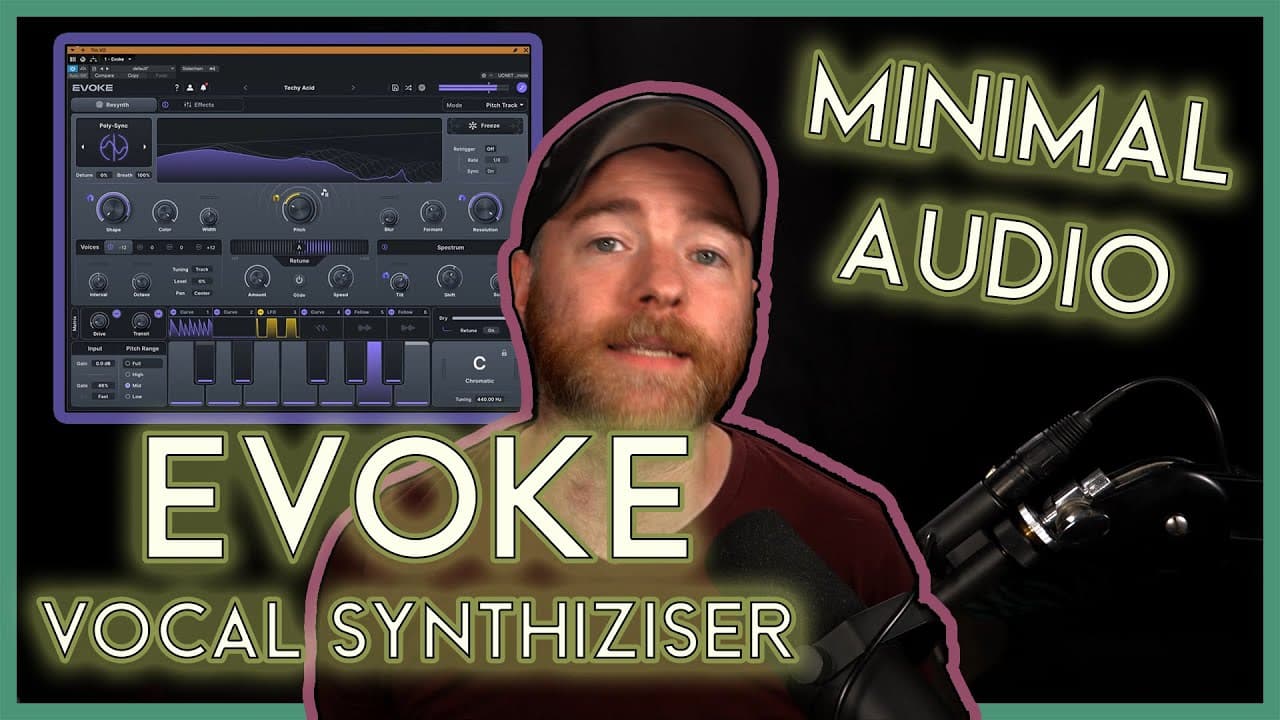
In this video, I dive into Minimal Audio’s Evoke — a next-level vocal processing and sound design plugin. 🎛️ I’ll show you how Evoke can re-create realistic vocal harmonies and what happens when you “accidentally” push it in the wrong direction… Spoiler: it unlocks some super creative, unexpected results. 👀 I also take Evoke beyond traditional vocal production, using it as a sound design tool to manipulate an AI-generated voiceover script, giving you a fresh perspective on how versatile this plugin can be in your workflow. If you’re into vocal production, harmony creation, or experimental sound design, this one’s for you. 👉 Download Evoke here: Minimal Audio Evoke https://bit.ly/3IOW18Y 👉 Don’t forget to like, subscribe, and ring the bell 🔔 so you don’t miss future plugin deep dives! 👉 Drop a comment below — would you use Evoke more for music production or sound design? ⏱️ Chapters: 0:00 Intro 0:37 Dive into the DAW 1:17 Controls Overview 8:19 Audio Examples 8:34 Evoke in Music Production 12:25 Evoke on a Voice Over Recording 18:01 Final Thoughts Have a question? Ask in the comments and I'll make your question into a video for everyone else to learn from! Enjoyed this video? Consider buying me a Coffee! https://ko-fi.com/timtalksaudio 🔗 Links: For booking info, visit: http://www.timflanzbaum.com Join the Tim Talks Audio Discord! https://discord.gg/S84G4ejBcj Social: Instagram: https://www.instagram.com/timtalksaudio/ Twitter: https://twitter.com/timtalksaudio Facebook: https://www.facebook.com/TimTalksAudio *Get started with or expand your third party plugins with Waves! http://bit.ly/3HP1XKx *Shop with Sweetwater: http://imp.i114863.net/TTA-SW *Sweetwater’s Monthly Giveaway! https://imp.i114863.net/TTAswGive *Deals: https://imp.i114863.net/TTAswDeal *Trust your mixing decisions with Sonarworks Reference Speaker and Headphone calibration! http://bit.ly/3glueyT *Get some effects and virtual instruments from Karanyi Sounds! https://karanyisounds.com/ref/tim.flanzbaum/ *Get great deals on plugins from Plugin Boutique! https://pluginboutique.com/?a_aid=617227bb7dc11 *Get your music to the people with DistroKid! Get 7% off! http://distrokid.com/vip/TimTalksAudio *Get award winning plugins used by 30,000+ mixers and producers, from Baby Audio https://bit.ly/3ugZS2Q *Sonimus creates plugins sophisticated but simple-to-use, unique but precise emulations of vintage devices. Explore the Analog Vibes, Digital Perfection https://sonimus.com/?ref=11059 *PluginFox helps us get great deals on plugins from the top manufacturers! https://bit.ly/3l98baZ *Upgrade your mic locker with Roswell Microphones https://bit.ly/33mrZkO *Check out some of the gear I recommend, available on Amazon! https://amzn.to/3ldelqu All links with * are Affiliate Links. #StudioOne
About YouTube Real-Time View Count
With SocialCounts.org’s view counter, track your YouTube video’s live view count and YouTube likes count in real time with fast, reliable updates.
Watch every YouTube video live view count rise with our real-time YouTube views tracker—built for accuracy and minimal delay.
Follow YouTube real time views as they happen, using our dedicated view counter for YouTube videos.
Get up-to-date live view count on YouTube and see real-time growth with SocialCounts.org’s smart tracking tools.
Embed Widget
Parameters:
fullscreen=true- Fullscreen countergraph=true- Live graph chartcounter=0/1/2- Select counter (0=likes, 1=views, 2=comments)
URL
Click to copy the embed URL to your clipboard