

18,606
likes
1,872
comments
daily view 0
monthly view 0
Live Analytics
Comments 0
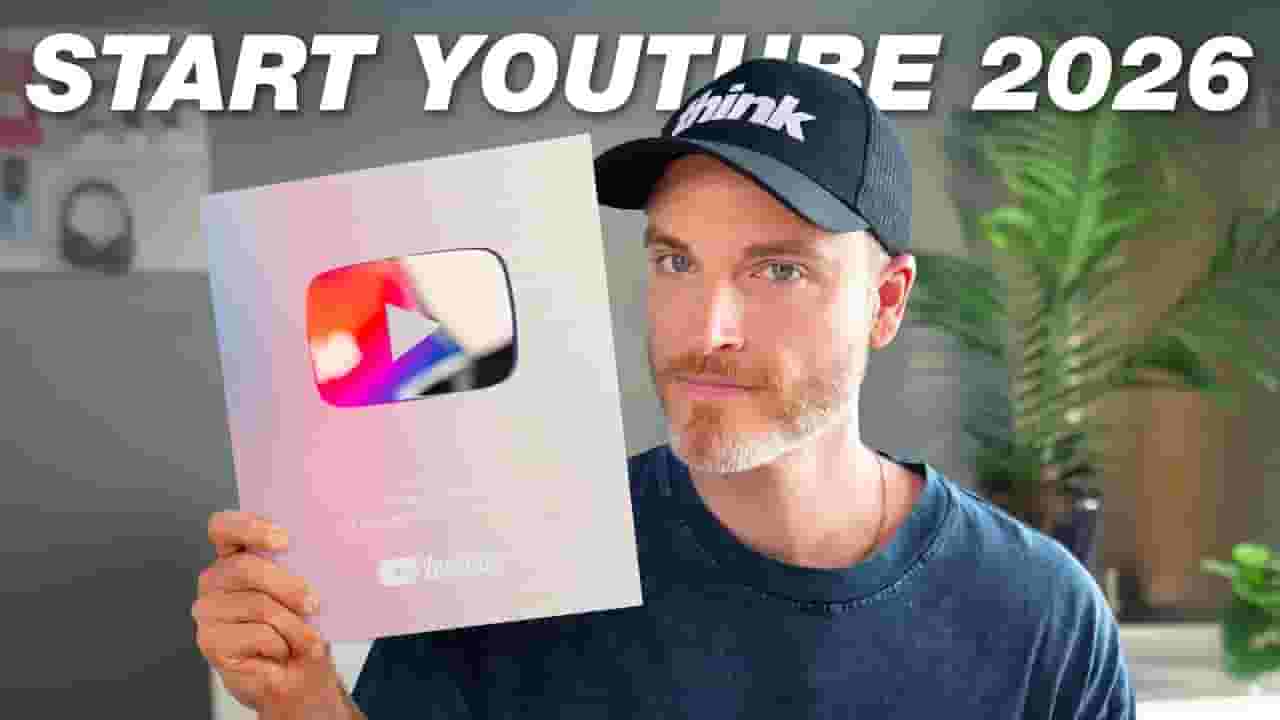
If I Started a YouTube Channel in 2026, I'd Do This Analytics Table
Income Estimates for If I Started a YouTube Channel in 2026, I'd Do This
Based on this YouTube video's total view count of 534K views and industry-standard rates, the estimated total earning is $374 - $1.07K through ad revenue. Historical data is not yet available to calculate daily, weekly, or monthly averages.
About If I Started a YouTube Channel in 2026, I'd Do This
Explore If I Started a YouTube Channel in 2026, I'd Do This with 534,803 views, 18,606 likes, and 1,872 comments. Experience the impact of this video content that has captured audience attention.
How to get your first 1,000 subscribers on YouTube in 2026. ⭐️ Our free YouTube growth class reveals 3 essential secrets we're using in 2026 to get more views, subscribers, and income—watch here 👉 http://FreeThinkClass.com 📈 Want to break through on YouTube? Join our FREE 3-Day YouTube Growth Sprint for the ultimate plan to start getting views and grow your channel fast! ➡ http://YTSprint.com/ This video is NOT sponsored. Some product links are affiliate links which means if you buy something we'll receive a small commission. ============================= All Products and Gear Mentioned in this video ============================= 🔥 Get a 30-Day trial of vidIQ's Boost plan for just $1 here: 👉 http://vidiq.com/think 📚 The Art of War - https://geni.us/5vaN =========================== Connect with us! ============================= Tik Tok: ➡︎ https://www.tiktok.com/@thinkmediaofficial/ IG: ➡︎ https://www.instagram.com/officialthinkmedia/ =========================== Subscribe and Listen to the Think Media Podcast HERE:📱 =========================== ➡︎YT: @ThinkMediaPodcast ➡︎Apple: https://apple.co/2F3tmIS ➡︎Spotify: https://spoti.fi/36qevE8 ⏰ Timecodes ⏰ 0:00 The Simple System I’d Use to Grow on YouTube Today 1:06 Start With the End: Who Your YouTube Channel Is Really For 3:32 How to Find YouTube Video Ideas That Already Work 7:03 The Recording Mistake That Kills Most YouTube Videos 9:01 What Actually Matters When You Upload a YouTube Video 11:39 How Videos Really Take Off on YouTube 14:43 Rocket vs Rank: Two Ways YouTube Gives You Views 17:11 What to Look for in YouTube Analytics (and What to Ignore) 21:07 The Fastest Way to Grow on YouTube 22:58 The Smart Way to Reuse One YouTube Video Everywhere =========================== Here are the ways to work with us here at Think Media: =========================== ⚡️FREE CLASS: Watch our FREE YouTube class here: ➡︎ http://ThinkMasterclass.com ⚡️BOOK: Check out the #1 best-selling book YouTube Secrets here: ➡︎ https://ytsecrets.com/ ⚡️For Support inquires, or Business inquiries, please go to ➡︎ http://ThinkMediaSupport.com ⚡️Join our YouTube Course & Community TODAY with this special limited-time bundle at: http://joinvra.com =========================== Connect with Sean Cannell on Social Media: =========================== ➡︎https://www.linkedin.com/in/seancannell/ ➡︎https://twitter.com/seancannell ➡︎https://instagram.com/seancannell =========================== What We Use For Music: =========================== 🔥 Get a 7-day free trial for new personal and commercial plan here! ➡️ http://thinkmediasounds.com =========================== In-Depth Channel Analytics and Ideas =========================== Get a 30-Day trial of vidIQ's Boost plan for just $1 here: 👉 http://vidiq.com/think =========================== #thinkmedia #seancannell #thinkmediapodcast The 7-Step System for YouTube Success (That Works in 2026) Growing on YouTube in 2026 doesn’t require hacks or luck — it requires a repeatable system. In this video, Sean Cannell breaks down the exact 7-step YouTube system he would use to start a channel from scratch today. This is the same framework Think Media has used — and taught — to help creators grow from zero to their first 100, 1,000, and even 100,000 subscribers. This system works because it focuses on clarity, strategy, and consistency, not random uploads. The Video Ranking Academy 7 Steps Explained: 1. Reverse Engineer – Start with the end in mind. Before uploading, define who your channel is for, what problem it solves, and how it can eventually make money. 2. Research – Find ideas people already want. Use YouTube search, competitor research, and proven topics to plan videos that have demand. 3. Record – Create videos with structure. Learn how to record YouTube videos that hold attention with clear hooks, a strong big idea, and intentional delivery. 4. Release – Optimize every upload. Titles, thumbnails, descriptions, tags, and chapters all help your video get discovered and understood. 5. Rocket (and Rank) – Build momentum the right way. Understand how videos take off on YouTube and how ranked videos keep getting views long after publishing. 6. Review – Let analytics guide improvement. Use YouTube analytics to see what’s working and make each video better than the last. 7. Repeat – Scale what already works. Growth comes from doubling down on winning topics, formats, and ideas. Bonus: Repurpose – Turn one video into many. Reuse YouTube content across clips, Shorts, podcasts, and other platforms to grow faster without creating more. 👇 Free Training Want to learn how to make money on YouTube faster, even with a small channel? Watch the free class here: https://freethinkclass.com Disclaimer: Please see the link for our disclaimer policy for all of our videos on the Think Media and Think Media Podcast YouTube channels. https://go.thinkmedia.com/youtube-disclaimer
About YouTube Real-Time View Count
With SocialCounts.org’s view counter, track your YouTube video’s live view count and YouTube likes count in real time with fast, reliable updates.
Watch every YouTube video live view count rise with our real-time YouTube views tracker—built for accuracy and minimal delay.
Follow YouTube real time views as they happen, using our dedicated view counter for YouTube videos.
Get up-to-date live view count on YouTube and see real-time growth with SocialCounts.org’s smart tracking tools.
Embed Widget
Parameters:
fullscreen=true- Fullscreen countergraph=true- Live graph chartcounter=0/1/2- Select counter (0=likes, 1=views, 2=comments)
URL
Click to copy the embed URL to your clipboard