

2,185
likes
27
comments
daily view 0
monthly view 0
Live Analytics
Comments 0
How Does the Moon's Gravity Create Ocean Tides? | #astronomy Analytics Table
Income Estimates for How Does the Moon's Gravity Create Ocean Tides? | #astronomy
Based on this YouTube video's total view count of 232K views and industry-standard rates, the estimated total earning is $162 - $464 through ad revenue. Historical data is not yet available to calculate daily, weekly, or monthly averages.
About How Does the Moon's Gravity Create Ocean Tides? | #astronomy
Explore How Does the Moon's Gravity Create Ocean Tides? | #astronomy with 232,130 views, 2,185 likes, and 27 comments. Experience the impact of this video content that has captured audience attention.
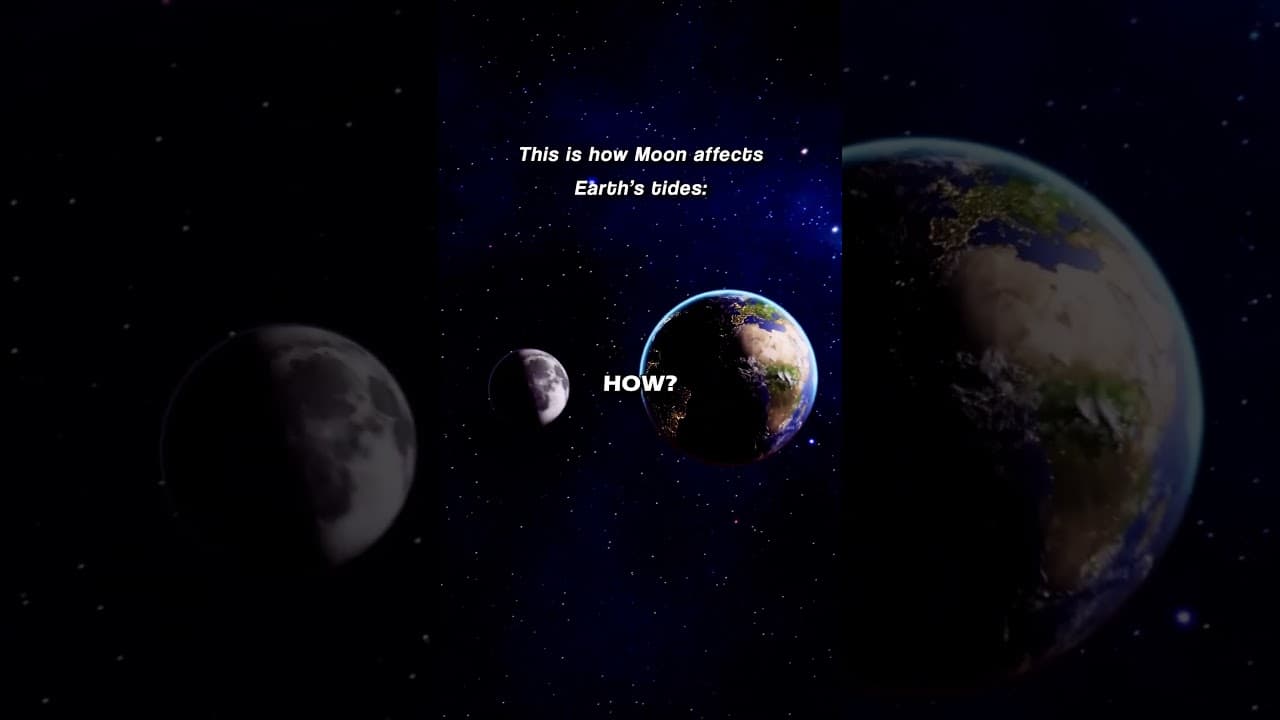
The moon's gravity creates ocean tides by pulling on the Earth's oceans. The moon's gravity is strongest on the side of the Earth closest to the moon, and weakest on the side of the Earth farthest from the moon. This difference in gravitational pull creates two bulges of water on opposite sides of the Earth, one on the side closest to the moon and one on the side farthest from the moon. These bulges are called tides. The tides are a complex phenomenon, but they are ultimately caused by the gravitational pull of the moon and sun. The moon's gravity is the primary force that creates the tides, but the Earth's rotation and the shape of the coastline also play a role. #shorts
About YouTube Real-Time View Count
With SocialCounts.org’s view counter, track your YouTube video’s live view count and YouTube likes count in real time with fast, reliable updates.
Watch every YouTube video live view count rise with our real-time YouTube views tracker—built for accuracy and minimal delay.
Follow YouTube real time views as they happen, using our dedicated view counter for YouTube videos.
Get up-to-date live view count on YouTube and see real-time growth with SocialCounts.org’s smart tracking tools.
Embed Widget
Parameters:
fullscreen=true- Fullscreen countergraph=true- Live graph chartcounter=0/1/2- Select counter (0=likes, 1=views, 2=comments)
URL
Click to copy the embed URL to your clipboard