

Live Analytics
Comments 0
DX editing Analytics Table
Income Estimates for DX editing
Based on this YouTube video's total view count of 536 views and industry-standard rates, the estimated total earning is $0 - $1 through ad revenue. Historical data is not yet available to calculate daily, weekly, or monthly averages.
About DX editing
Explore DX editing with 536 views, 10 likes, and 0 comments. Experience the impact of this video content that has captured audience attention.
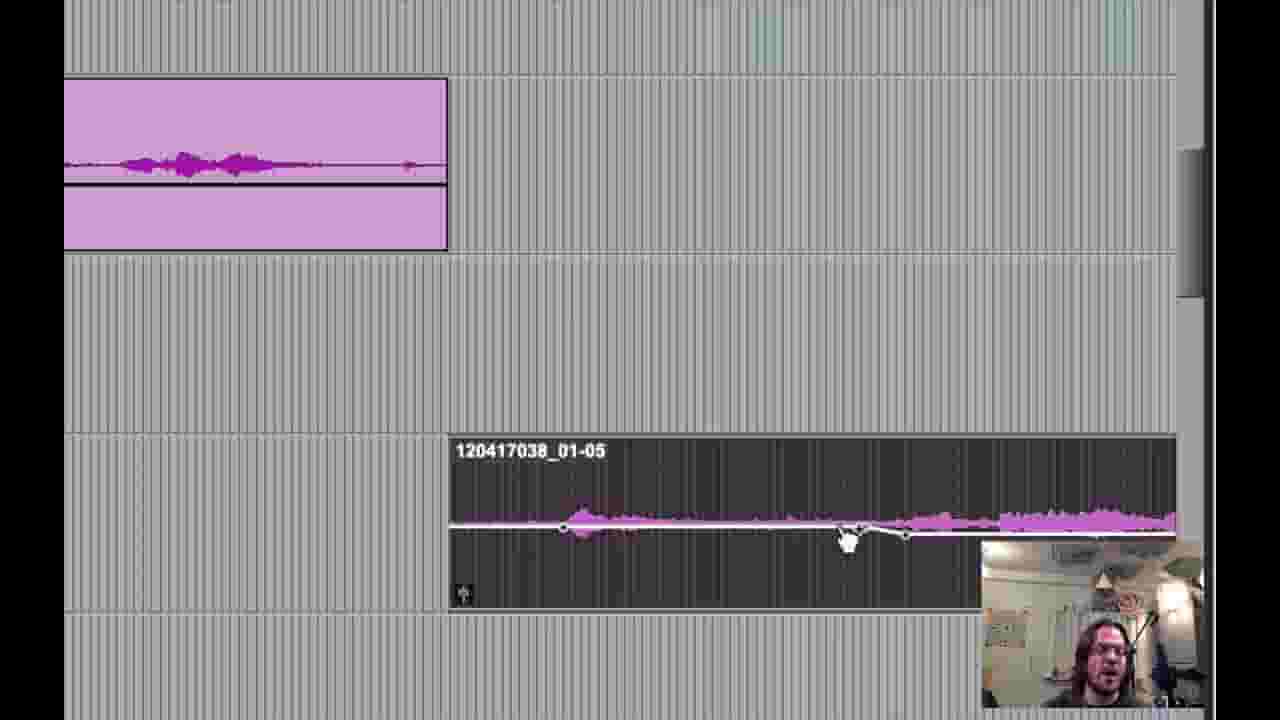
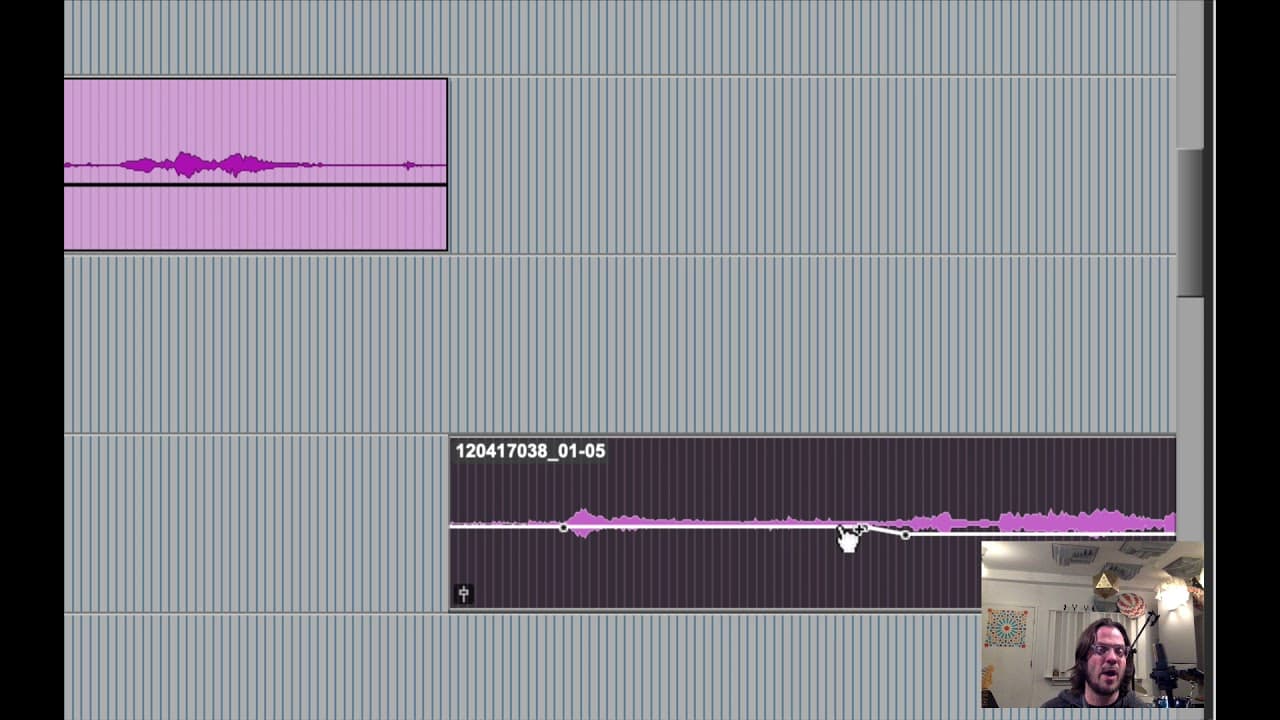
MUSX 178 Sound for Picture Assignment 5 – Dialog Editing Take the given Pro Tools Session and edit the dialog for each character. Follow the assignment objectives listed below. Each objective will be a percentage of your grade. Please watch the video demoing how to do this! ____ Turn on “Link Track and Edit Selection”, select into a track and use solo (shift + S) on your edit selection to quickly solo the best takes. Use your ears to determine which of the takes best fits the scene. Usually you will only use one mic source audio track when editing / mixing DX. ____ Copy the Boom and lav mics original recordings (Green Tracks) from the video editor to the appropriate characters. With Keyboard Focus A-Z in the edit window, use P and ; to move a copied file up and down without losing sync to the character tracks. ____ Clip gain is used to create a consistent and smooth volume level throughout, no volume jumps between characters. Mac clip gain key command is Control + Shift + up down arrow. View / Clip / Clip gain line or View / clip / clip gain info are useful to fine tune clip gain. ____ Volume levels: Dialog Levels are peaking at around -12 db, (use TL master meter or Youlean meter plug-in to judge levels) You can also calibrate your monitors to around 80 dB. But -12 db FS is a great starting point. ____ Copy most non DX, Sound FX such as foot steps or pen clicks to the PFX, for production sound FX. ____ Add Fades as appropriate between audio clips. You don’t necessarily want to hear the fade at all, it’s only to make a seamless transition to the next cut. So short fades are best, also checkerboarded overlapping fades are the best. ____ Dialog Editing: Clean seamless editing, checkerboard edits or track splitting, smooth transitions, fades are used. ____ Mix the dialogue to taste with EQ, optional light transparent compression if needed. For example on Nilah and Clarie characters I’m taking out 3 dB a bit at 4 and 7k, due to sibilance. You may also wish to high pass DX tracks as it can eliminate other noise. ____ Mixing: Music and background levels are mixed relative to the dialogue, with dialog clearly on top. The music or ambience should never be louder than the dialogue. ____ Deliverables are all present and clearly labeled in one folder. Bounce a QuickTime movie with your audio mix. Label the file “LastName_as5_bounce.mov” into the bounced files folder in the PT session folder. Rename the PT session folder to “lastname_as5”, zip and hand into the drop box.
About YouTube Real-Time View Count
With SocialCounts.org’s view counter, track your YouTube video’s live view count and YouTube likes count in real time with fast, reliable updates.
Watch every YouTube video live view count rise with our real-time YouTube views tracker—built for accuracy and minimal delay.
Follow YouTube real time views as they happen, using our dedicated view counter for YouTube videos.
Get up-to-date live view count on YouTube and see real-time growth with SocialCounts.org’s smart tracking tools.
Embed Widget
Parameters:
fullscreen=true- Fullscreen countergraph=true- Live graph chartcounter=0/1/2- Select counter (0=likes, 1=views, 2=comments)
URL
Click to copy the embed URL to your clipboard