


11,579
likes
355
comments
daily view 0
monthly view 0
Live Analytics
Comments 0
Writing - Misplaced Modifiers Analytics Table
Income Estimates for Writing - Misplaced Modifiers
Based on this YouTube video's total view count of 588K views and industry-standard rates, the estimated total earning is $412 - $1.17K through ad revenue. Historical data is not yet available to calculate daily, weekly, or monthly averages.
About Writing - Misplaced Modifiers
Explore Writing - Misplaced Modifiers with 588,437 views, 11,579 likes, and 355 comments. Experience the impact of this video content that has captured audience attention.
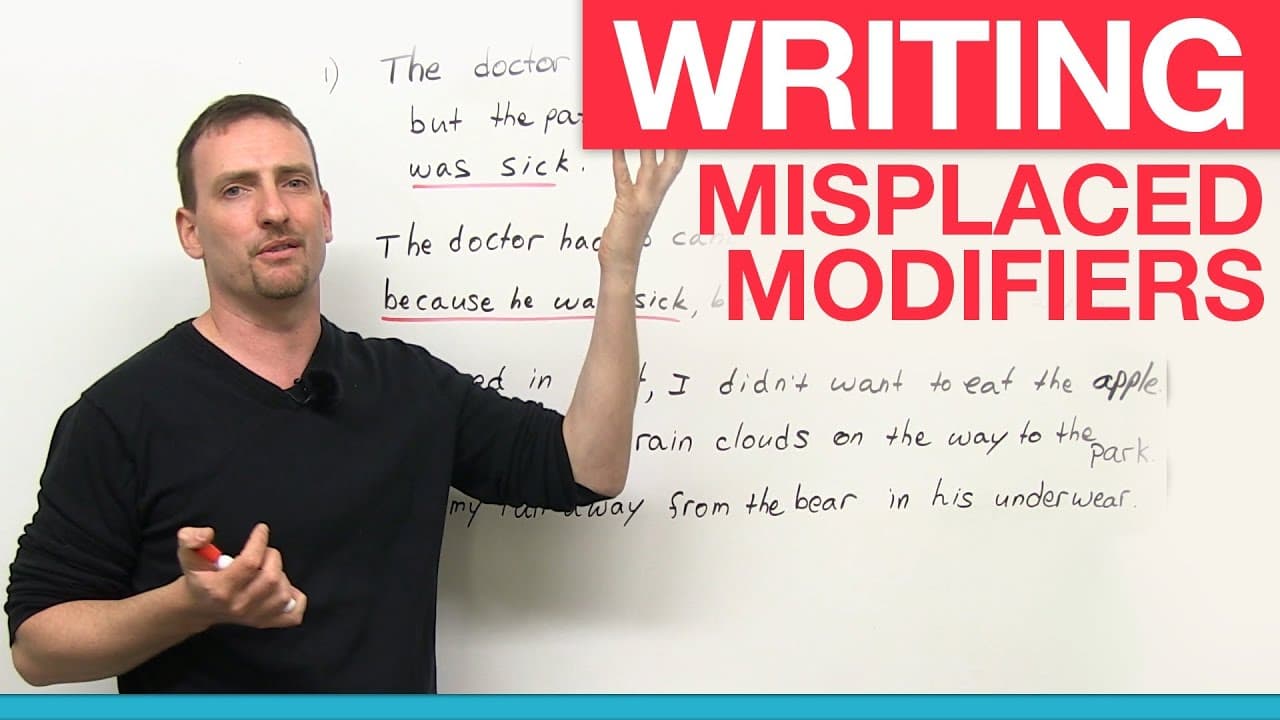
http://www.engvid.com "Engvid.com is great for English learners where you can learn many new things about the language." Does that sentence seem OK to you? Well, in this lesson you will find out why it isn't and where the modifying clause should be. Misplaced modifiers are a common problem in writing and after this lesson, should be a problem of the past. Test your writing skill with the quiz here: http://www.engvid.com/writing-misplaced-modifiers/ TRANSCRIPT: Hi. Welcome again to www.engvid.com. My name's Adam. Today's lesson is a little bit more advanced. It's actually very useful for native English speakers as well, not only ESL learners. Today we're talking about misplaced modifiers. Now, this is a very important grammar point, plus it's also very, very important for those of you who need to do English writing. Okay? This is a very common mistake that people will see in all kinds of writing. It could be very, very embarrassing sometimes because... You'll understand in a minute why. But I'll show you the different types and we'll figure out a way to fix it as much as we can. So, first of all, what is a "modifier"? A modifier is anything in a sentence, it could be an adjective or an adverb, a clause, a phrase, anything that modifies something else in the sentence. What does "modify" mean? Means to change, change the meaning of, change the idea of. Okay? So, for example: if you say: "A car", you have an idea of a car. You say: "A red car", you have a different idea of the car probably. So "red" modifies "car". Okay, so what we're looking at is misplaced modifiers. We have misplaced modifiers, dangling modifiers, squinting modifiers. Don't worry about the technical words. Worry about what is actually happening here. So I'm going to start with these examples, and we'll look at a few others in a minute. So look at these two sentences: "I call only my mother when I'm sick." "I only call my mother when I'm sick." Now, this word: "only" is the modifier we're looking at. It is very, very often misplaced; people don't realize that this word doesn't necessarily go where it should go half the time. It's amazing how many people misplace it. So what does this sentence mean: "I call only my mother when I'm sick"? It means: when I'm sick, I don't call my friends, I don't call my girlfriend or boyfriend, I don't call my aunt or uncle; only my mother. I'm sick: "Mom, come make me some soup, please." You have to be polite, of course. "I only call my mother when I'm sick." It means: when I'm healthy, I don't call her. I never speak to her, only when I'm sick do I call her. She gets very angry at me, she thinks I'm using her. But according to this sentence, I am, because I only call her when I'm sick. So you understand what this word does to the sentence. Okay? Very, very important where you place it to know which word it's going to modify. The secret about modifiers: place them close to the word you're trying to modify. But that also doesn't always work. "People who whistle quickly become annoying." Now, you're thinking: "This sentence looks okay." The problem is: what does it mean? Is it: "People who whistle quickly, become annoying"? Or: "People who whistle, quickly become annoying"? Which one do you mean? All people who whistle or just people who whistle quickly? I don't think I should whistle, I'll probably blow the mic, but very fast whistling. Right? So, this is called a squinting modifier; you're not sure which word the modifier is going with. How can I fix this? You can probably cut it into two sentences. "I get quickly annoyed by people who whistle." Or: "People who whistle become annoying quickly." Or just change the location or again, just split it into two different sentences, that's another solution. Here's another one, this is called more... This is more of a dangling modifier: "I went to see a movie last night with my friend, which was really boring." Okay, maybe you understand the sentence. I don't. What was boring, the movie or the going out with the friend? This is called a dangling modifier because I don't actually know what it is modifying. I'm not sure what this "which" is, the situation or the movie. So again, to fix it, just bring it closer to the actual thing. I'm going to assume you're talking about the movie. "I went to see a movie last night which was really boring, with my friend." No, that's not a very good way to fix it either. "I went to see a movie which was really boring last night with my friend." That's much better, it's right next to the thing you're modifying. So you want to put this right here, so it modifies the movie itself. Okay? So here're three different examples of misplaced modifiers. Let's look at a few more. Okay, let's look at a few more examples, and eventually, we'll get to some funny ones that you'll understand why it could be embarrassing.
About YouTube Real-Time View Count
With SocialCounts.org’s view counter, track your YouTube video’s live view count and YouTube likes count in real time with fast, reliable updates.
Watch every YouTube video live view count rise with our real-time YouTube views tracker—built for accuracy and minimal delay.
Follow YouTube real time views as they happen, using our dedicated view counter for YouTube videos.
Get up-to-date live view count on YouTube and see real-time growth with SocialCounts.org’s smart tracking tools.
Embed Widget
Parameters:
fullscreen=true- Fullscreen countergraph=true- Live graph chartcounter=0/1/2- Select counter (0=likes, 1=views, 2=comments)
URL
Click to copy the embed URL to your clipboard