


2,195
likes
128
comments
daily view 0
monthly view 0
Live Analytics
Comments 0
Hermes Agent Masterclass: 1. Installation, Setup, Basic Commands Analytics Table
Income Estimates for Hermes Agent Masterclass: 1. Installation, Setup, Basic Commands
Based on this YouTube video's total view count of 79.7K views and industry-standard rates, the estimated total earning is $56 - $160 through ad revenue. Historical data is not yet available to calculate daily, weekly, or monthly averages.
About Hermes Agent Masterclass: 1. Installation, Setup, Basic Commands
Explore Hermes Agent Masterclass: 1. Installation, Setup, Basic Commands with 79,786 views, 2,195 likes, and 128 comments. Experience the impact of this video content that has captured audience attention.
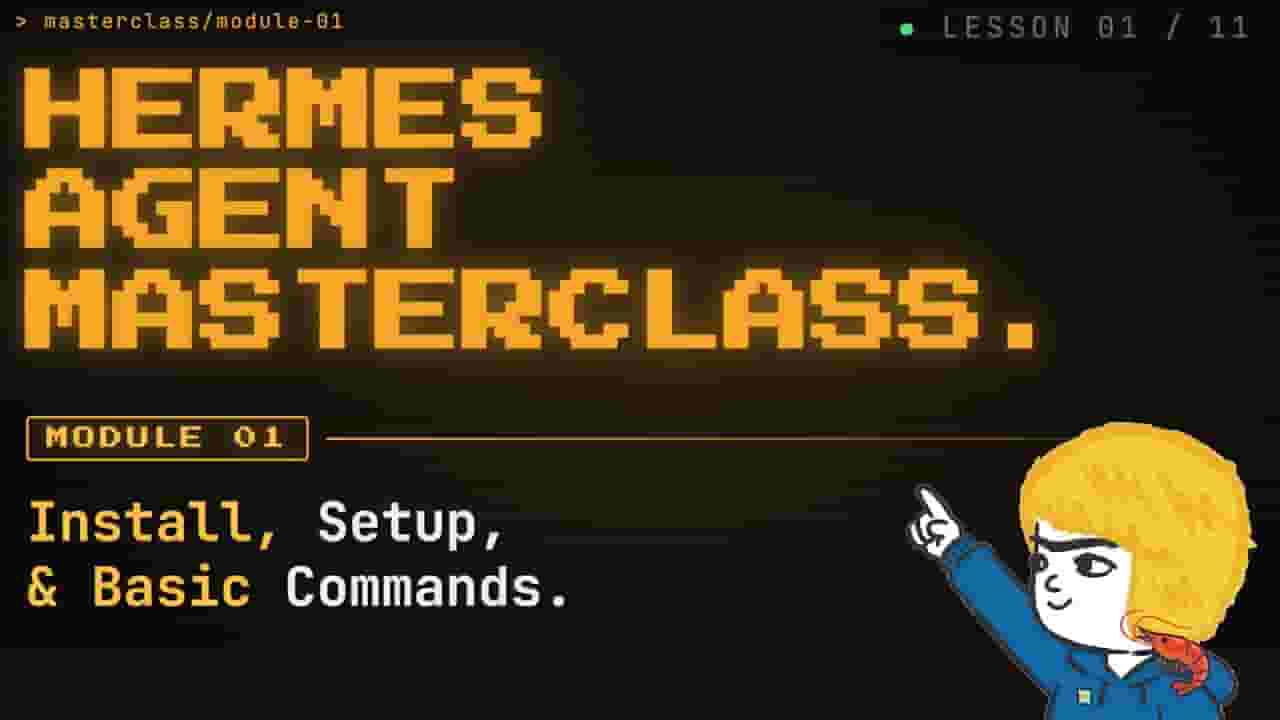
Module 1 of the Hermes Agent Masterclass — starting completely from zero and building up to a fully configured, compounding AI agent over 11 episodes. Sign up for my FREE weekly newsletter, where I spill my unfiltered thoughts on the latest AI news, cool research, and projects I'm building: https://www.onchainaigarage.com/ 🐦 Follow Tonbi on X for real-time AI x blockchain updates! https://x.com/tonbistudio Welcome to the Hermes Agent Master Class — an 11-episode series taking you from zero to fully leveraging every feature of Nous Research's open-source agent. In this first episode, we install Hermes from scratch on a brand new machine with no prior skills or memory, walk through full configuration with OpenRouter, tour the most important CLI and slash commands, and run our first real task: a competitor research report on a custom children's book AI business idea. Every future episode will build on this fresh install so you can see the compounding value of the agent in real time. ✅ Full installation walkthrough on WSL 2 with dependency setup, provider configuration, and fallback routing for API keys. ✅ Tour of the top 10 CLI commands and top 10 in-chat slash commands, including mid-session model switching with no reboot required. ✅ First real task: live competitor research and market gap analysis for an AI-powered children's book business using Tavily web search. 💻 Tonbi's GitHub: https://github.com/tonbistudio 🌐 Portfolio: https://www.tonbistudio.com Resources: 🔗 Hermes Agent (Nous Research): https://github.com/NousResearch/hermes-agent 🔗 OpenRouter: https://openrouter.ai/ 🔗 Tavily (Web Search API): https://tavily.com/ 🔗 WSL 2 Install Guide: https://learn.microsoft.com/en-us/windows/wsl/install Timestamps: 0:00 - Intro: Master Class overview and what you'll learn 0:53 - What is Hermes Agent and why it exists 2:12 - The compounding value thesis: why sessions build on each other 4:02 - Installation walkthrough on WSL 2 6:48 - Full configuration: providers, fallbacks, and context management 12:30 - Launching Hermes chat and touring available tools 13:08 - Top 10 CLI commands 16:43 - Top 10 in-chat slash commands 19:40 - Where everything lives: the .hermes directory 21:26 - First real task: competitor research on an AI business idea Coming Next: Episode 2 of the Masterclass: deployment options and messaging — hooking Hermes up to Telegram and other platforms so you can chat with your agent from anywhere! 👀 Following along with the Master Class? Drop your setup questions in the comments and I'll answer them in future episodes! Full series available on the AI Garage school community with select episodes on YouTube. If this helped you get started, please like, subscribe, and hit the bell! 🦐✨ #HermesAgent #NousResearch #AIAgent #MasterClass #LocalLLM #OpenRouter #AITools #LLM #AgentSetup #AIWorkflow #WSL #Tavily
About YouTube Real-Time View Count
With SocialCounts.org’s view counter, track your YouTube video’s live view count and YouTube likes count in real time with fast, reliable updates.
Watch every YouTube video live view count rise with our real-time YouTube views tracker—built for accuracy and minimal delay.
Follow YouTube real time views as they happen, using our dedicated view counter for YouTube videos.
Get up-to-date live view count on YouTube and see real-time growth with SocialCounts.org’s smart tracking tools.
Embed Widget
Parameters:
fullscreen=true- Fullscreen countergraph=true- Live graph chartcounter=0/1/2- Select counter (0=likes, 1=views, 2=comments)
URL
Click to copy the embed URL to your clipboard