

266
likes
9
comments
daily view 0
monthly view 0
Live Analytics
Comments 0
How to Change Desktop Wallpaper in Windows 10 Analytics Table
Income Estimates for How to Change Desktop Wallpaper in Windows 10
Based on this YouTube video's total view count of 94.2K views and industry-standard rates, the estimated total earning is $66 - $188 through ad revenue. Historical data is not yet available to calculate daily, weekly, or monthly averages.
About How to Change Desktop Wallpaper in Windows 10
Explore How to Change Desktop Wallpaper in Windows 10 with 94,249 views, 266 likes, and 9 comments. Experience the impact of this video content that has captured audience attention.
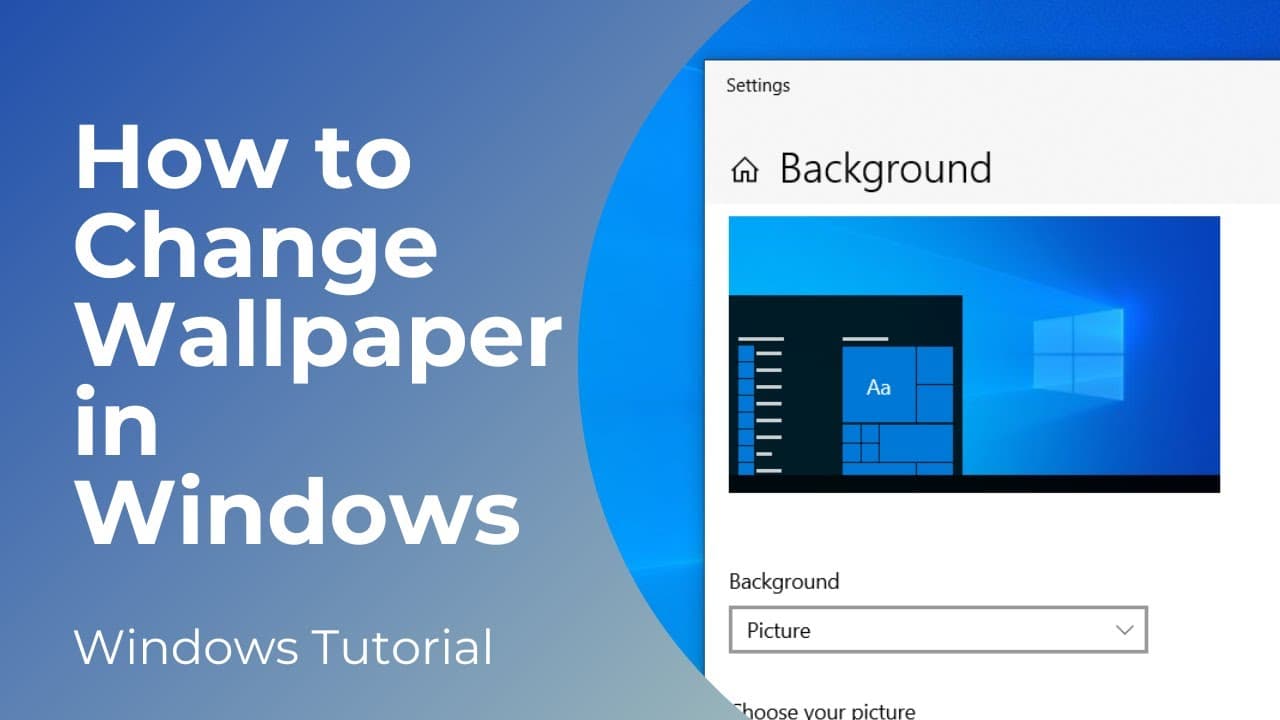
In today’s tutorial, I’m going to show you how to change your computer’s wallpaper in Windows 10. *To get started:* 1. Go to your computer’s desktop, and right click on the background. From the context menu, click on the “Personalize” option. 2. A settings dialog window will now open up. 3. From here you can change your computer’s wallpaper by either selecting a picture, a solid color, or a slideshow. 4. For the picture option, you can select one of the Windows provided images, or you can click on the browse button, and select an image from your computer. 5. For the “Solid color” option, you can select a color from the provided color palette, or select a custom color by clicking on the plus icon. 6. For the final option slideshow, you can select multiple images from your computer. 7. For today’s demo, I’m going to use the picture option and select this image from my pictures folder to be my new desktop background. 8. As you can see, when I close the dialog window, you can see the image has now been saved as my desktop wallpaper. And it’s as simple as that, changing the wallpaper on your computer is a simple task to perform that can be done in a matter of minutes. #windows10 #desktopwallpaper #changewallpaper
About YouTube Real-Time View Count
With SocialCounts.org’s view counter, track your YouTube video’s live view count and YouTube likes count in real time with fast, reliable updates.
Watch every YouTube video live view count rise with our real-time YouTube views tracker—built for accuracy and minimal delay.
Follow YouTube real time views as they happen, using our dedicated view counter for YouTube videos.
Get up-to-date live view count on YouTube and see real-time growth with SocialCounts.org’s smart tracking tools.
Embed Widget
Parameters:
fullscreen=true- Fullscreen countergraph=true- Live graph chartcounter=0/1/2- Select counter (0=likes, 1=views, 2=comments)
URL
Click to copy the embed URL to your clipboard