


Live Analytics
Comments 0
SolidWorks ඉගෙනගනිමු විනාඩි 10 යෙන් Analytics Table
Income Estimates for SolidWorks ඉගෙනගනිමු විනාඩි 10 යෙන්
Based on this YouTube video's total view count of 145 views and industry-standard rates, the estimated total earning is $0 - $0 through ad revenue. Historical data is not yet available to calculate daily, weekly, or monthly averages.
About SolidWorks ඉගෙනගනිමු විනාඩි 10 යෙන්
Explore SolidWorks ඉගෙනගනිමු විනාඩි 10 යෙන් with 145 views, 10 likes, and 8 comments. Experience the impact of this video content that has captured audience attention.
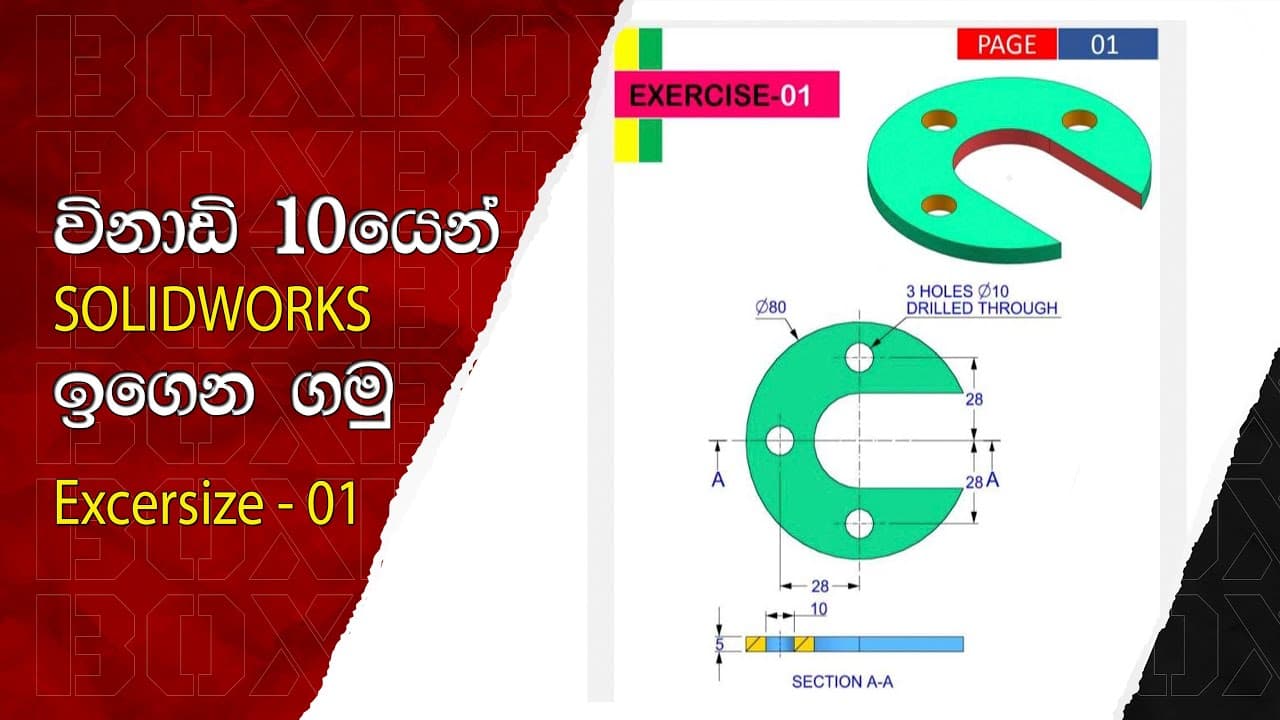
SolidWorks ඉගෙනගනිමු selecting, Extruding, Cutting, Mirroring, Hole Making, Smart Dimension, and Color Changes 0:00 - Introduction and overview 1:15 - Selecting objects efficiently 3:45 - Performing precise extrude operations for boss bases 6:12 - Using the cut extrude tool to remove unwanted material 9:27 - Exploring mirroring techniques for symmetrical designs 12:10 - Adding accurate and functional holes with hole making 15:48 - Smart dimensioning for clear communication and manufacturing 18:30 - Bringing life to your models with color changes 21:15 - Recap and conclusion Welcome to anonystudio SolidWorks tutorial! In this video, you'll learn valuable techniques and tips for mastering various features and tools within SolidWorks. From selecting and extruding boss bases to cutting extrudes, mirroring, hole making, smart dimensioning, and even changing colors, this tutorial covers it all! SolidWorks is a powerful software used for designing and creating 3D models, and understanding its key functionalities is essential for success in the field of engineering and design. Whether you're a beginner looking to get started or an experienced user seeking to enhance your skills, this tutorial is designed to cater to all levels of expertise. In this video, I will guide you step-by-step through the process of selecting objects efficiently, performing precise extrude operations to create boss bases, and using the cut extrude tool to remove unwanted material. We will also explore mirroring techniques to save time and effort in creating symmetrical designs. Furthermore, you'll discover the secrets of hole making in SolidWorks, enabling you to add accurate and functional holes to your models. Smart dimensioning is another crucial aspect we'll cover, which allows you to quickly and accurately annotate your designs for clear communication and manufacturing purposes. Additionally, we'll dive into the exciting realm of color change, where you'll learn how to bring life to your models by applying vibrant colors and textures, making them visually appealing and realistic. By the end of this tutorial, you'll have a solid foundation in SolidWorks and the ability to apply these techniques to your own projects effectively. So, join me on this learning journey, and let's unlock the full potential of SolidWorks together! Don't forget to like, comment, and subscribe for more valuable SolidWorks tutorials. Hit the notification bell to stay updated with the latest content. Let's dive in and take your SolidWorks skills to new heights! #SolidWorksTutorial #CADDesign #EngineeringDesign #3DModeling #ProductDesign #Manufacturing #DesignSoftware #TechnicalDrawing #MechanicalEngineering #SolidWorksTips #DesignProcess #DigitalPrototyping #CADModeling #DesignSkills #CreativeDesign #IndustrialDesign #CADCAM #DesignInspiration #ProductVisualization #EngineeringEducation
About YouTube Real-Time View Count
With SocialCounts.org’s view counter, track your YouTube video’s live view count and YouTube likes count in real time with fast, reliable updates.
Watch every YouTube video live view count rise with our real-time YouTube views tracker—built for accuracy and minimal delay.
Follow YouTube real time views as they happen, using our dedicated view counter for YouTube videos.
Get up-to-date live view count on YouTube and see real-time growth with SocialCounts.org’s smart tracking tools.
Embed Widget
Parameters:
fullscreen=true- Fullscreen countergraph=true- Live graph chartcounter=0/1/2- Select counter (0=likes, 1=views, 2=comments)
URL
Click to copy the embed URL to your clipboard