

2,331
likes
105
comments
daily view 0
monthly view 0
Live Analytics
Comments 0
How to use BMW Parking Assistant Analytics Table
Income Estimates for How to use BMW Parking Assistant
Based on this YouTube video's total view count of 474K views and industry-standard rates, the estimated total earning is $332 - $948 through ad revenue. Historical data is not yet available to calculate daily, weekly, or monthly averages.
About How to use BMW Parking Assistant
Explore How to use BMW Parking Assistant with 474,097 views, 2,331 likes, and 105 comments. Experience the impact of this video content that has captured audience attention.
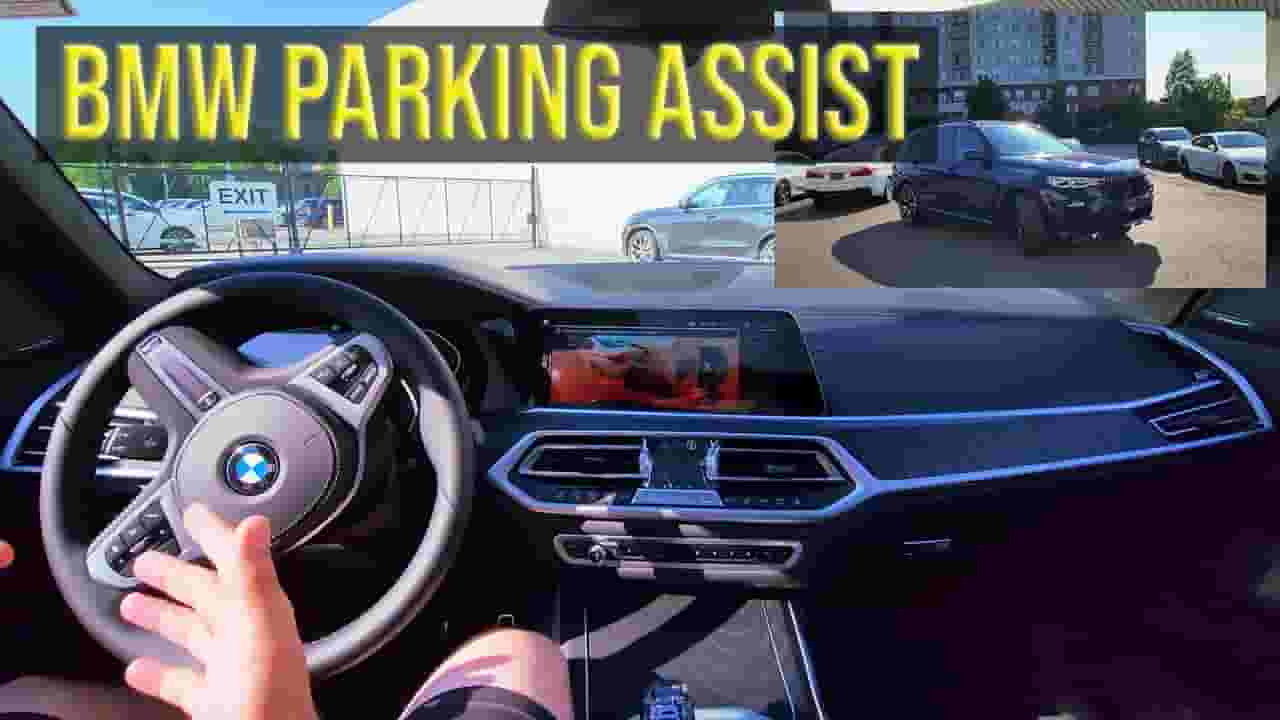
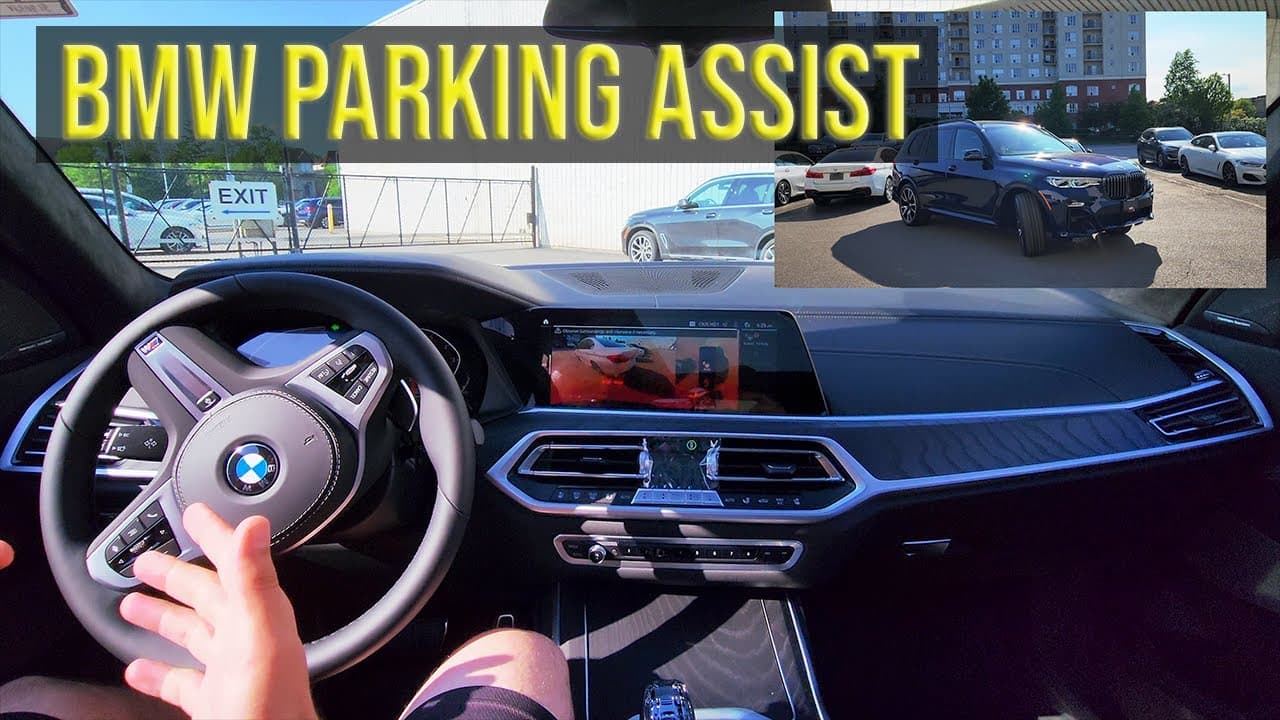
This is a demo of the the BMW Parking Assistant or BMW Park Assist feature which is available in some new BMWs. Thanks to the BMW parking assistant, the driver can maneuver in and out of parking spots with accuracy by having the system control the steering while you still have full control of the accelerator, gears, and brakes. The BMW Parking Assistant will automatically scan both sides of the road for suitably sized spaces. It measures gaps using ultrasonic sensors mounted in the wing mirrors. To start the process, simply press and hold the Parking Assistant button. When you take your hands off the steering wheel and release the footbrake, your BMW will take over steering, gears, acceleration and braking. But as always, be alert as you go through this procedure and be ready to take over the steering and brakes. Let's take a look at the BMW Parking Assistant in a BMW X7 The video was brought to you by Adrian Podeanu, Master Level Certified BMW Product Genius at BMW Autohaus, Thornhill, ON Canada. www.bmwautohaus.ca Andrei Podeanu on Youtube: https://www.youtube.com/channel/UC_sggKqvA3fRhGTzu-r8spA Discover all things BMW before anyone else! Subscribe now to BMWBLOG car channel 👉http://bit.ly/bmwblog_subscribe ............................................................ Instagram – http://www.instagram.com/bmwblog Tiktok - https://www.tiktok.com/@bmwblog.com Facebook – http://www.facebook.com/bmwblog Twitter – http://www.twitter.com/bmwblog ............................................................. Camera: GoPro 10 - https://amzn.to/3GLPkhw Microphone: Rode Wireless GO II - https://amzn.to/3nANaKj Tripod: Peak Design https://amzn.to/3FQ6rOg #bmwx7 #bmwblog
About YouTube Real-Time View Count
With SocialCounts.org’s view counter, track your YouTube video’s live view count and YouTube likes count in real time with fast, reliable updates.
Watch every YouTube video live view count rise with our real-time YouTube views tracker—built for accuracy and minimal delay.
Follow YouTube real time views as they happen, using our dedicated view counter for YouTube videos.
Get up-to-date live view count on YouTube and see real-time growth with SocialCounts.org’s smart tracking tools.
Embed Widget
Parameters:
fullscreen=true- Fullscreen countergraph=true- Live graph chartcounter=0/1/2- Select counter (0=likes, 1=views, 2=comments)
URL
Click to copy the embed URL to your clipboard