

0
likes
281
comments
daily view 0
monthly view 0
Live Analytics
Comments 0
How to install and connect CoolerMaster RGB FANS MF120L RGB Analytics Table
Income Estimates for How to install and connect CoolerMaster RGB FANS MF120L RGB
Based on this YouTube video's total view count of 770K views and industry-standard rates, the estimated total earning is $539 - $1.54K through ad revenue. Historical data is not yet available to calculate daily, weekly, or monthly averages.
About How to install and connect CoolerMaster RGB FANS MF120L RGB
Explore How to install and connect CoolerMaster RGB FANS MF120L RGB with 770,323 views, 0 likes, and 281 comments. Experience the impact of this video content that has captured audience attention.
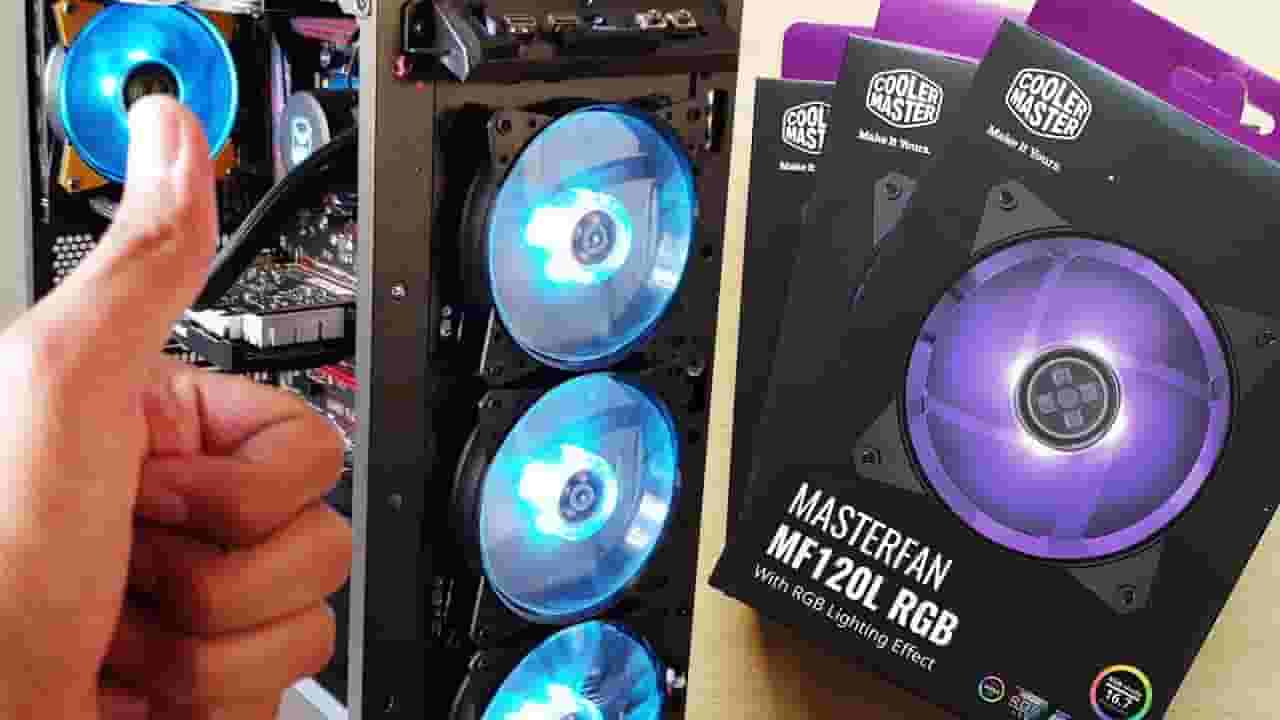
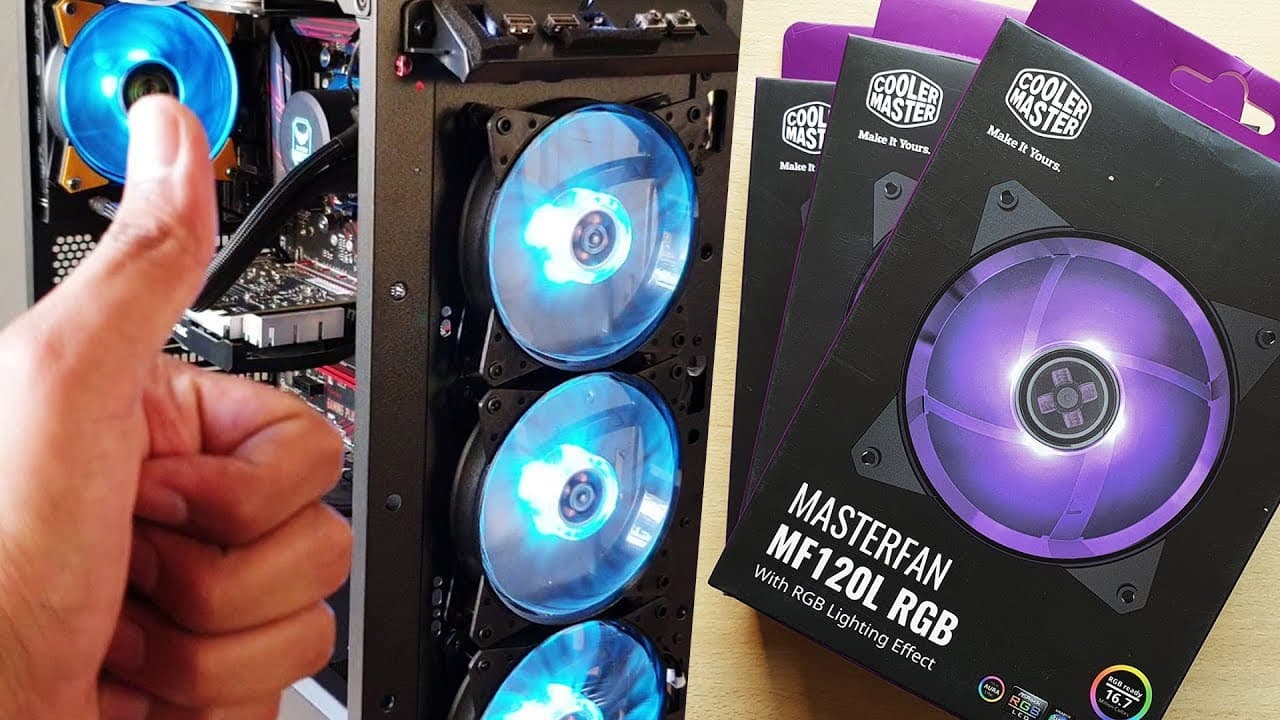
Hey guys in this video I will show you how to connect CoolerMaster RGB Fans to the motherboard header and also to the CoolerMaster's very own RGB Wired controller (which is sold separately). I will also show you how to connect the RGB and another 3Pin of the AIO Liquid cooler in this video. Watch full video to understand how to connect the fans properly. Now, I would recommend you connect the RGB wire of 3 fans to the wired controller from coolermaster and the other fans, to the motherboard RGB header. Find Steps to connect rgb fans below after pricing : Latest Updated Pricing : Amazon India : Cooler Master MF 120L RGB Fans : https://amzn.to/2LyVaev or https://amzn.to/2KfUmea Ant Esports 120 KIT ARGB - https://amzn.to/3oXsSJa ChipTronics : https://amzn.to/3r44kQC DeepCool : https://amzn.to/3mppo0s Cooler Master RGB Splitter Cable : https://amzn.to/3r7pPji FULL KIT : 3 RGB FANS + LED CONTROLLER Cooler Master MasterFan Pro 120 RGB Case Fan, 3 in 1 with RGB - https://amzn.to/3fEBIbb Cooler Master MB520 Case : https://amzn.to/3nngUrQ Cooler Master MB511 Case : https://amzn.to/2LNof6l Amazon US : Cooler Master MF 120L ARGB Fans : https://amzn.to/2HGR0jj Cooler Master MasterFan MF120R ARGB 120mm 3 Pack Fan with Independently-Controlled ARGB LEDs : https://amzn.to/3nYvLsH Cooler Master RGB Wired Controller : https://amzn.to/37ixFhg https://amzn.to/36aIzpZ Cooler Master MB511 Case : https://amzn.to/3pZlpux USA ONLY - Ultimate 5 Pack Super Cheap ARGB FAN : Asiahorse FS-9002 20+8LED(in and Outside Light efect) ARGB White 120mm Case Fan with 5V PWM Motherboard Sync/Analog Controller (5 Pack)-White https://amzn.to/2JfgNPW Steps to connect the RGB header/connector : 1. Each RGB fan comes with 2 wires. One wire is 3 pin and must be connected to the motherboard's fan header. Another wire is a 4 pic and is connected to RGB header on the motherboard. 2. If you buy the wired controller from cooler master which is this one http://www.coolermaster.com/cooling/cooling-rgb-accessories/wired-rgb-controller-c10l/ Then use the splitter cable from the wired controller and connect all 3 rgb connectors of the fan to the wired controller. It's that simple. The other cable from the wired controller is connected to power supply. 3. The other 3 pin wire from each fan is connected to motherboard's fan header like I mentioned in step 1. Just think it this way, 4 PIN = RGB Header 3 PIN = Motherboard Fan Headers. If you have a liquid cooler installed, the fan that runs has 4 pin connector for motherboard instead of the usual 3 pin wire. Even this 4 pin is connected to motherboard fan header, the same way. My gear : • Monitor - LG 34" Ultra-Wide Curved • Cabinet - https://amzn.to/3qXwTl8 • CPU - A https://amzn.to/30TmSdO • RAM - https://amzn.to/3HICa65 • Graphics Card - https://amzn.to/30Q5EOT • CPU Cooler - https://amzn.to/2ZiADSR • Power supply - https://amzn.to/3r4PP1t • Cabinet Cooler - Asia Horse ARGB Fans - • SSD - https://amzn.to/3riJrDJ • HDD - 8TB - https://amzn.to/3lfxGdn • MY BOOK 4TB - https://amzn.to/3I1spji • LOGITECH G402 - https://amzn.to/3djNG9Z • LOGITECH MX518 - https://amzn.to/3lw9zHK Camera : • SmartPhone - Samsung Galaxy Note 9 • Canon 80D - https://amzn.to/3Ih5vVt • Canon 200D Mii - https://amzn.to/31sgkDl • Canon M50 Mii - • Fujifilm XT3 - https://amzn.to/3rzKcbR • Lenses - 1. 24mm f2.8 - https://amzn.to/3lyKGuU 2. 50mm f1.8 - https://amzn.to/3lyLWy8 3. 55-250mm - https://amzn.to/31wdSvb 4. Sigma 30mm f/1.4 - https://amzn.to/3lyl7Kt Hope this tutorial helped you install the fans properly. Smash that like button, share with your friends and in forums and don't forget to subscribe to vickgeek if you haven't already. Come join our community : Facebook : https://goo.gl/uuDG8G Instagram : https://goo.gl/CMd2kY #coolermasterfan #coolermasterfaninstallationguide #coolermasterrgb #cpucooler #aioliquidcooler
About YouTube Real-Time View Count
With SocialCounts.org’s view counter, track your YouTube video’s live view count and YouTube likes count in real time with fast, reliable updates.
Watch every YouTube video live view count rise with our real-time YouTube views tracker—built for accuracy and minimal delay.
Follow YouTube real time views as they happen, using our dedicated view counter for YouTube videos.
Get up-to-date live view count on YouTube and see real-time growth with SocialCounts.org’s smart tracking tools.
Embed Widget
Parameters:
fullscreen=true- Fullscreen countergraph=true- Live graph chartcounter=0/1/2- Select counter (0=likes, 1=views, 2=comments)
URL
Click to copy the embed URL to your clipboard