

21
likes
2
comments
daily view 0
monthly view 0
Live Analytics
Comments 0
Solidworks Tutorial mit praxisnahem Anwendungsbeispiel - Part 1 Analytics Table
Income Estimates for Solidworks Tutorial mit praxisnahem Anwendungsbeispiel - Part 1
Based on this YouTube video's total view count of 2.78K views and industry-standard rates, the estimated total earning is $2 - $6 through ad revenue. Historical data is not yet available to calculate daily, weekly, or monthly averages.
About Solidworks Tutorial mit praxisnahem Anwendungsbeispiel - Part 1
Explore Solidworks Tutorial mit praxisnahem Anwendungsbeispiel - Part 1 with 2,786 views, 21 likes, and 2 comments. Experience the impact of this video content that has captured audience attention.
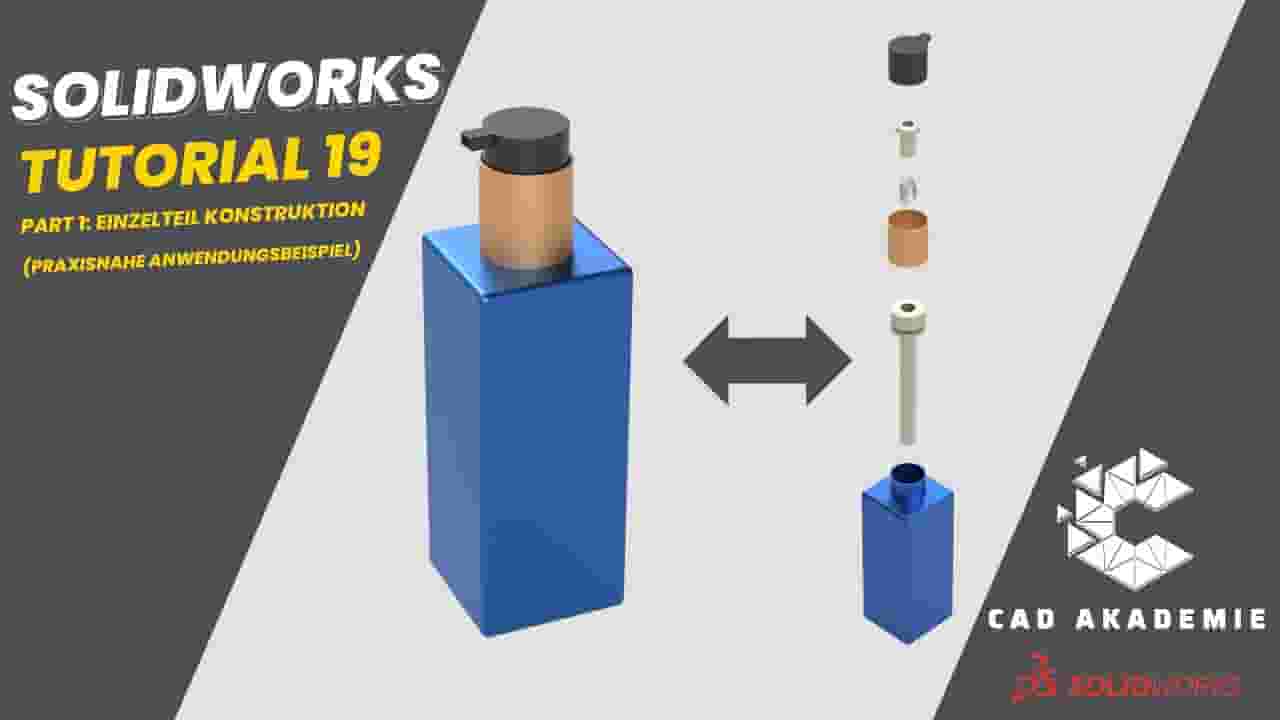
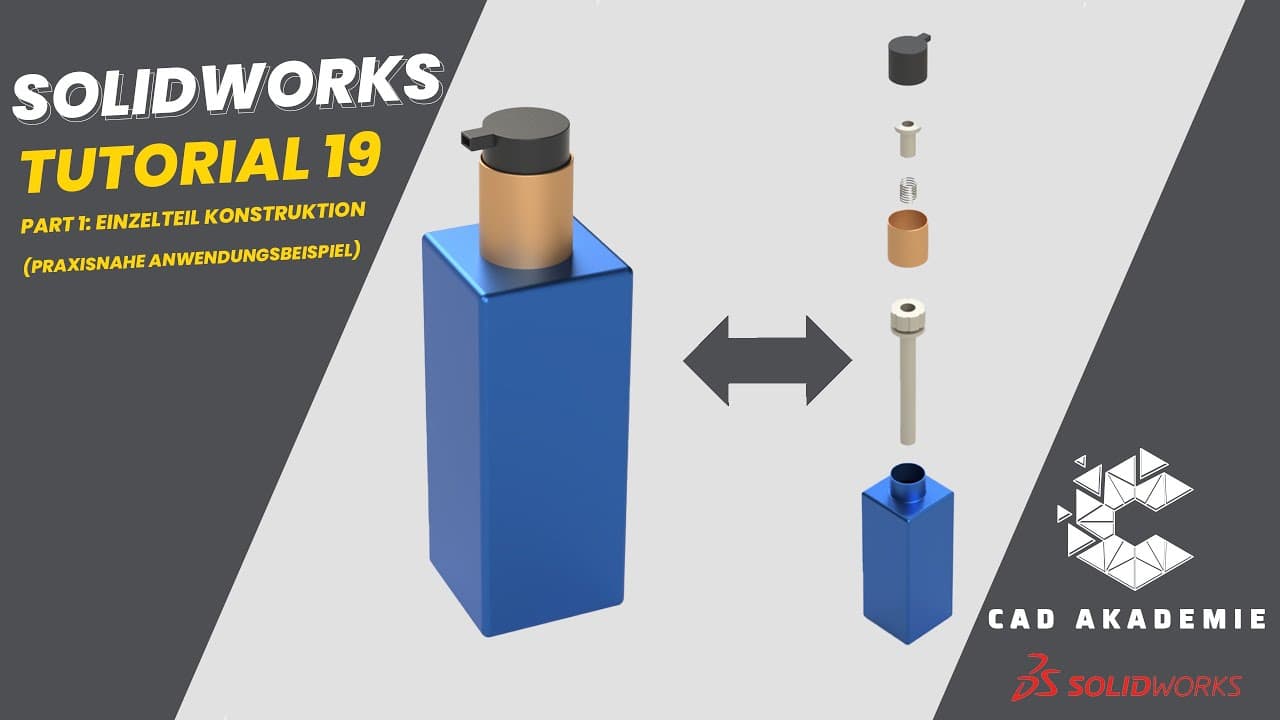
#solidworks #assembly #3d 📌 Part 2 - Solidworks Baugruppe erstellen - Praktisches Fallbeispiel: 👉 https://youtu.be/oDAkGq_rUII?si=aAd25aV6sXxlPRPD 📌 Part 3 - Solidworks - Zeichnung erstellen / Technical Drawing in Solidworks 👉 https://youtu.be/EfjK_RwUvc4 Willkommen zum heutigen Solidworks Tutorial! In diesem Tutorial erwarten dich insgesamt 5 Teile: -3D-Einzelteilerstellung -Baugruppenzusammenstellung (Verknüpfung der Bauteile) -Maßzeichnung -Montagevorgabe -Konfigurationserstellung (Kunde wünscht eine alternative Form der Flasche) Fallbeschreibung: Wir sind ein Unternehmen, das Flaschen für Pflegeprodukte herstellt. In diesem Fall hat ein Kunde jedoch eine spezielle Flasche angefordert, die wir selbst konstruieren und durch eine Partnerfirma herstellen lassen werden. Wir werden die Einzelteile in SolidWorks erstellen und anschließend in Solidworks zusammenbauen (verknüpfen). Um der Partnerfirma die benötigten Maße mitzuteilen, erstellen wir technische Zeichnungen. Nach der Produktion in der Partnerfirma werden die Teile zu uns geliefert, wo unsere Monteure die Montage durchführen. Daher benötigen sie auch eine Montagevorgabe, um die Teile der Flasche korrekt zusammenzubauen. Lasst uns nun gemeinsam durch diesen Prozess gehen😉 Viel Spaß.... ------------------------------------------------------------------------------------- English: Welcome to today's SolidWorks tutorial! In this tutorial, you can look forward to a total of 5 parts: -3D Individual Part Creation -Assembly Composition (Linking the Components) -Dimension Drawing -Assembly Instructions -Configuration Setup (Client desires an alternative form of the bottle) Scenario: We are a bottle manufacturing company that usually produces many bottles in-house. However, in this particular case, a customer has requested a special bottle, which we will design ourselves and have manufactured by a partner company. We'll design the individual parts in SolidWorks and then assemble them in SolidWorks (linking). To communicate the required dimensions to the partner company, we'll create technical drawings. After production by the partner company, the parts will be delivered to us, where our assemblers will perform the assembly. Hence, they also need assembly instructions to correctly put together the parts of the bottle. Let's now go through this process together!😉
About YouTube Real-Time View Count
With SocialCounts.org’s view counter, track your YouTube video’s live view count and YouTube likes count in real time with fast, reliable updates.
Watch every YouTube video live view count rise with our real-time YouTube views tracker—built for accuracy and minimal delay.
Follow YouTube real time views as they happen, using our dedicated view counter for YouTube videos.
Get up-to-date live view count on YouTube and see real-time growth with SocialCounts.org’s smart tracking tools.
Embed Widget
Parameters:
fullscreen=true- Fullscreen countergraph=true- Live graph chartcounter=0/1/2- Select counter (0=likes, 1=views, 2=comments)
URL
Click to copy the embed URL to your clipboard