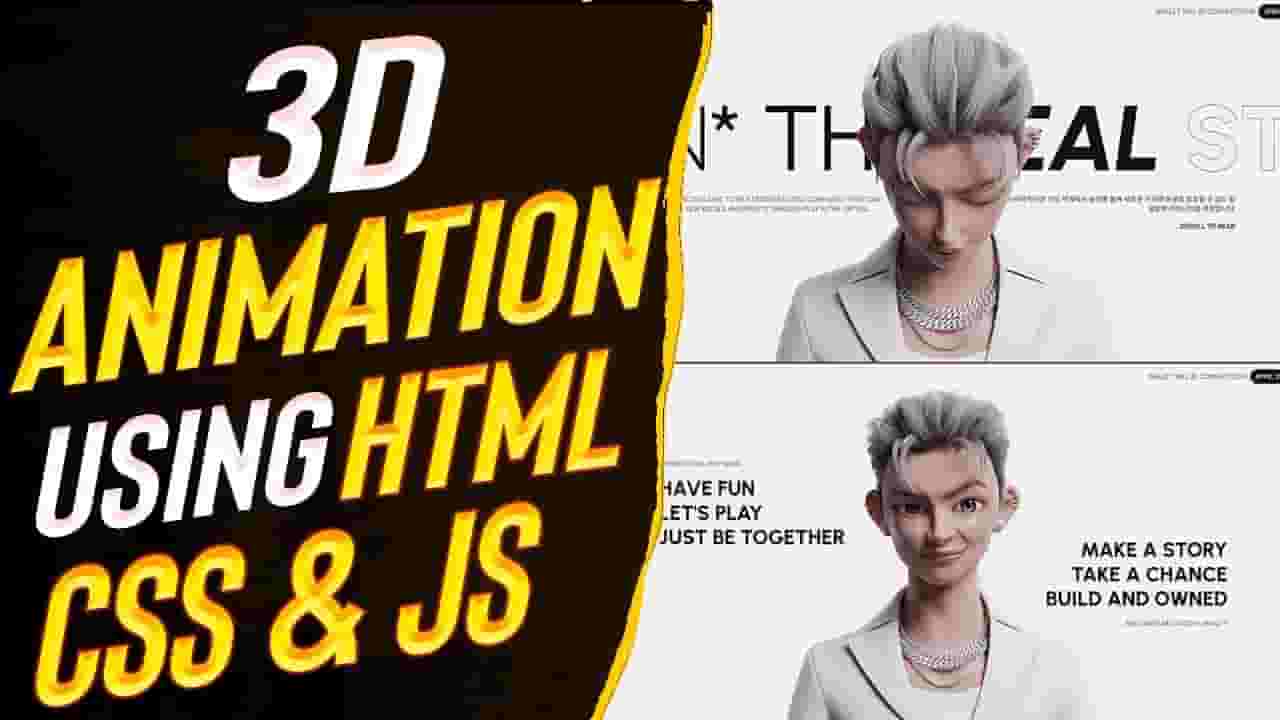



Create 3D Animations Using HTML, CSS & JS | Scrolling Animation Using Canvas
1,236,082
Socialcounts.Org
38,759
likes
998
comments
daily view 0
monthly view 0
Live Analytics
Comments 0
Create 3D Animations Using HTML, CSS & JS | Scrolling Animation Using Canvas Analytics Table
Income Estimates for Create 3D Animations Using HTML, CSS & JS | Scrolling Animation Using Canvas
Based on this YouTube video's total view count of 1.23M views and industry-standard rates, the estimated total earning is $865 - $2.47K through ad revenue. Historical data is not yet available to calculate daily, weekly, or monthly averages.
About Create 3D Animations Using HTML, CSS & JS | Scrolling Animation Using Canvas
Explore Create 3D Animations Using HTML, CSS & JS | Scrolling Animation Using Canvas with 1,236,082 views, 38,759 likes, and 998 comments. Experience the impact of this video content that has captured audience attention.
Canvas Code: https://github.com/aadilkhan08/CANVAS-CODE.git Source Code: https://github.com/aadilkhan08/CYBERFICTION-SOURCE-CODE.git Images Drive Link: https://drive.google.com/file/d/1jnONHZoRpWqguJdssUEX_WCIQPU9V0rz/view?usp=share_link Welcome to our YouTube tutorial on creating 3D animations using HTML, CSS, and JS! In this video, we'll show you how to create a unique and engaging scrolling animation using the power of canvas. You'll be amazed at the incredible 3D animations you can create with just a few lines of code. Our tutorial will walk you through the step-by-step process of building a captivating animation that features a Korean guy moving and making various facial expressions as you scroll the screen. We'll start by setting up the HTML structure and CSS styling to create the canvas element that will serve as our animation stage. Then, we'll dive into the JavaScript code, where we'll use various techniques to manipulate the canvas and create the 3D effect. You'll learn how to use JavaScript to control the movement, rotation, and facial expressions of the Korean guy, making him come to life on the screen. We'll also show you how to utilize CSS animations to add smooth transitions and visual effects to enhance the overall animation. Whether you're a beginner or an experienced web developer, this tutorial is perfect for anyone interested in creating unique and interactive 3D animations using HTML, CSS, and JS. Join us as we unlock the creative possibilities of canvas and take your web animations to the next level! Don't forget to like, subscribe, and leave a comment to let us know what you think of this tutorial. Get ready to unleash your creativity and bring your web animations to life with this exciting 3D scrolling animation using canvas tutorial! Instuctor in this video: Aadil Khan Visit our website: https://sheryians.com/ Socials: Instagram: https://www.instagram.com/sheryians_coding_school/ Facebook: https://www.facebook.com/sheryians.community Telegram: https://t.me/sheryiansCommunity LinkedIn: https://www.linkedin.com/company/the-sheryians-coding-school/ Discord: https://discord.gg/Au3TquBarQ Peace ✌️
About YouTube Real-Time View Count
With SocialCounts.org’s view counter, track your YouTube video’s live view count and YouTube likes count in real time with fast, reliable updates.
Watch every YouTube video live view count rise with our real-time YouTube views tracker—built for accuracy and minimal delay.
Follow YouTube real time views as they happen, using our dedicated view counter for YouTube videos.
Get up-to-date live view count on YouTube and see real-time growth with SocialCounts.org’s smart tracking tools.
Embed Widget
Parameters:
fullscreen=true- Fullscreen countergraph=true- Live graph chartcounter=0/1/2- Select counter (0=likes, 1=views, 2=comments)
URL
Click to copy the embed URL to your clipboard