

3,700
likes
241
comments
daily view 0
monthly view 0
Live Analytics
Comments 0
Here's What Sarvam Looks Like Behind the Scenes Analytics Table
Income Estimates for Here's What Sarvam Looks Like Behind the Scenes
Based on this YouTube video's total view count of 165K views and industry-standard rates, the estimated total earning is $116 - $332 through ad revenue. Historical data is not yet available to calculate daily, weekly, or monthly averages.
About Here's What Sarvam Looks Like Behind the Scenes
Explore Here's What Sarvam Looks Like Behind the Scenes with 165,990 views, 3,700 likes, and 241 comments. Experience the impact of this video content that has captured audience attention.
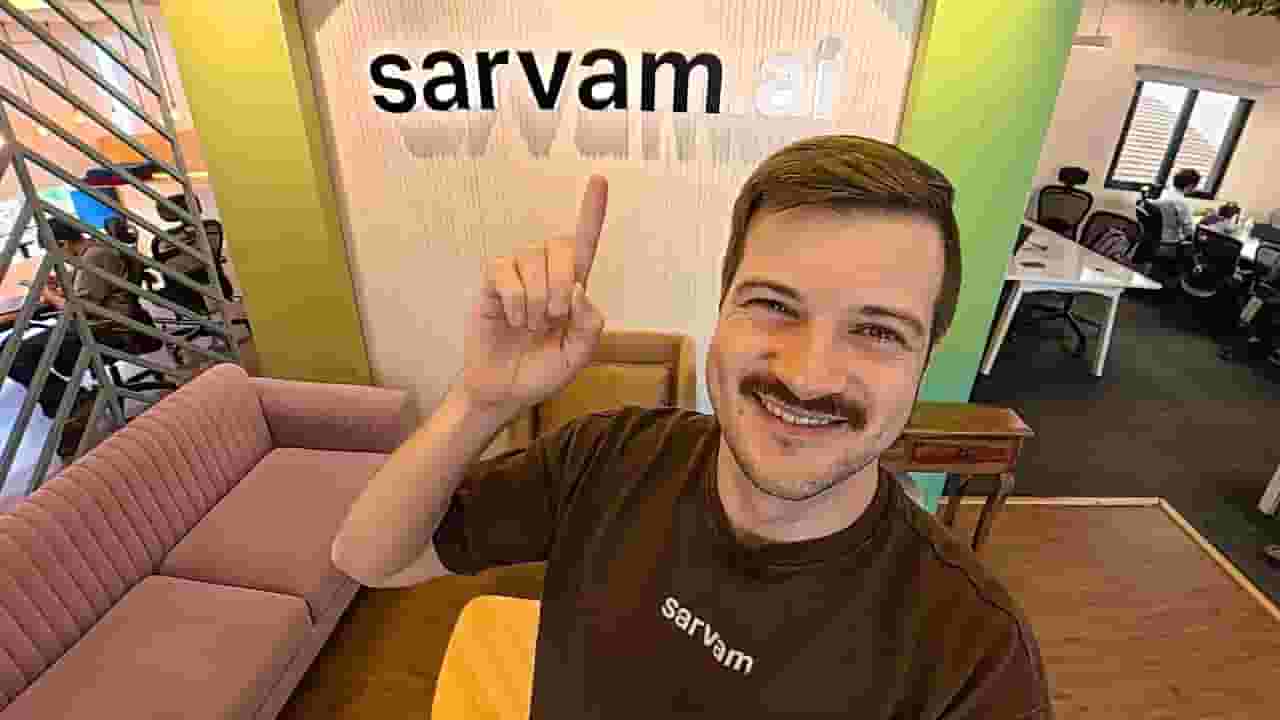
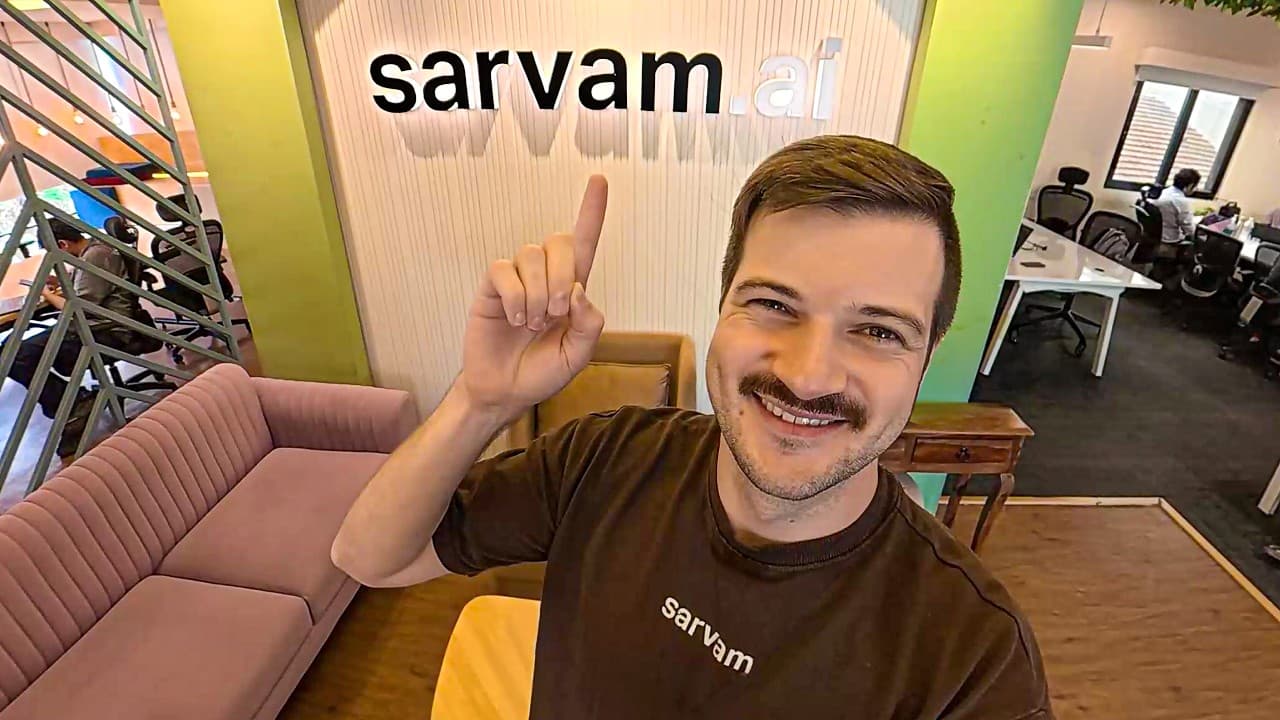
Sarvam is now a unicorn startup. They just raised $234M in the first close of their $300M Series B at a $1.5B valuation. We visited their facility to find out what they're building behind the scenes. 00:00 - Intro 00:49 - Exploring Sarvam's Main Floor 03:41 - APIs with Sehaj Virk 11:25 - Model Evaluation With Hithesh S 12:21 - Visiting Sarvam's Fourth Floor 13:37 - Building AI for India With Ishan Joglekar 19:32 - Samvaad Agents With Varad Maniyar 27:05 - Design With Ande Varun 30:06 - Sarvam's Future Plans Sarvam AI has emerged as a pivotal player in India's artificial intelligence sector, focused on building a full-stack sovereign AI platform that addresses the specific requirements of India. Headquartered in Indiranagar, Bengaluru, Sarvam AI develops generative AI designed to accommodate the linguistic diversity and cultural contexts found across India. The company prioritises models created with local data and sovereign compute resources, enabling solutions that deliver better relevance for Indian use cases. This commitment to sovereignty in development, deployment, and governance helps align Sarvam AI offerings with national objectives around data control and technological autonomy. The founders of Sarvam AI, Vivek Raghavan and Pratyush Kumar, launched the company to advance AI systems that truly comprehend and serve Indian needs. Vivek Raghavan contributes experience from India's digital public infrastructure initiatives, while Pratyush Kumar brings expertise from leading open-source AI projects centred on Indian languages. Together, Vivek Raghavan and Pratyush Kumar have directed Sarvam AI towards filling gaps in multilingual support and contextual understanding that often limit foreign-developed models. Their combined vision positions Sarvam AI as a key enabler for local innovation in generative AI. Sarvam AI offers an integrated platform featuring speech-to-text capabilities for multiple Indian languages and accents, natural text-to-speech synthesis, advanced translation across numerous languages, and vision tools for processing documents in Indian scripts. These components work together within the full-stack framework of Sarvam AI to support conversational agents and interactive applications. Attention to code-mixed language processing allows Sarvam AI systems to handle blending languages in everyday speech, improving outcomes in customer support and public service delivery. Developers and organisations utilising Sarvam AI gain practical advantages in creating solutions suited to multilingual Indian audiences. Making advanced AI available at population scale represents a core objective for Sarvam AI, necessitating both strong technical performance and adaptable deployment models. The platform provides options for fully managed cloud environments, private cloud deployments, and on-premises installations to meet varying security and compliance demands. Adherence to data protection requirements reinforces the reliability of Sarvam AI solutions for enterprises handling sensitive information. By keeping critical operations under Indian jurisdiction, Sarvam AI offers users greater confidence in the sovereignty and security of their AI implementations. Sarvam AI plays an important part in strengthening India's self-reliant technology ecosystem by training models on datasets reflecting Indian languages and local challenges. This targeted development reduces mismatches when applying generic systems to domestic scenarios. Government bodies, established companies, and startups can leverage Sarvam AI capabilities to enhance automation and engagement while honouring linguistic and cultural considerations. The platform's developer-friendly design lowers barriers for building multilingual features. Vivek Raghavan and Pratyush Kumar have guided Sarvam AI to occupy a significant position in advancing India's AI capabilities. Their backgrounds enable effective navigation of model development and infrastructure strategy. Sarvam AI acts as a connector between advanced research and practical applications that function well in varied Indian contexts. The direction provided by Vivek Raghavan and Pratyush Kumar keeps the company oriented towards meaningful, scalable impact. Sarvam AI maintains investment in growing its language offerings and enhancing multimodal functions to better address interaction needs in India's diverse society. The platform's development path demonstrates a persistent focus on serving varied user requirements with contextually appropriate technology. For those following India's technology evolution, Sarvam AI provides insight into how deliberate, locally informed engineering can produce AI systems that combine capability with pertinence. Interaction with Sarvam AI tools allows appreciation of the work involved in building solutions that align with cultural and linguistic realities.
About YouTube Real-Time View Count
With SocialCounts.org’s view counter, track your YouTube video’s live view count and YouTube likes count in real time with fast, reliable updates.
Watch every YouTube video live view count rise with our real-time YouTube views tracker—built for accuracy and minimal delay.
Follow YouTube real time views as they happen, using our dedicated view counter for YouTube videos.
Get up-to-date live view count on YouTube and see real-time growth with SocialCounts.org’s smart tracking tools.
Embed Widget
Parameters:
fullscreen=true- Fullscreen countergraph=true- Live graph chartcounter=0/1/2- Select counter (0=likes, 1=views, 2=comments)
URL
Click to copy the embed URL to your clipboard