


247
likes
44
comments
daily view 0
monthly view 0
Live Analytics
Comments 0
Minecraft SpongeBob SquarePants Gameplay Review [Walkthrough] Analytics Table
Income Estimates for Minecraft SpongeBob SquarePants Gameplay Review [Walkthrough]
Based on this YouTube video's total view count of 30.7K views and industry-standard rates, the estimated total earning is $22 - $61 through ad revenue. Historical data is not yet available to calculate daily, weekly, or monthly averages.
About Minecraft SpongeBob SquarePants Gameplay Review [Walkthrough]
Explore Minecraft SpongeBob SquarePants Gameplay Review [Walkthrough] with 30,739 views, 247 likes, and 44 comments. Experience the impact of this video content that has captured audience attention.
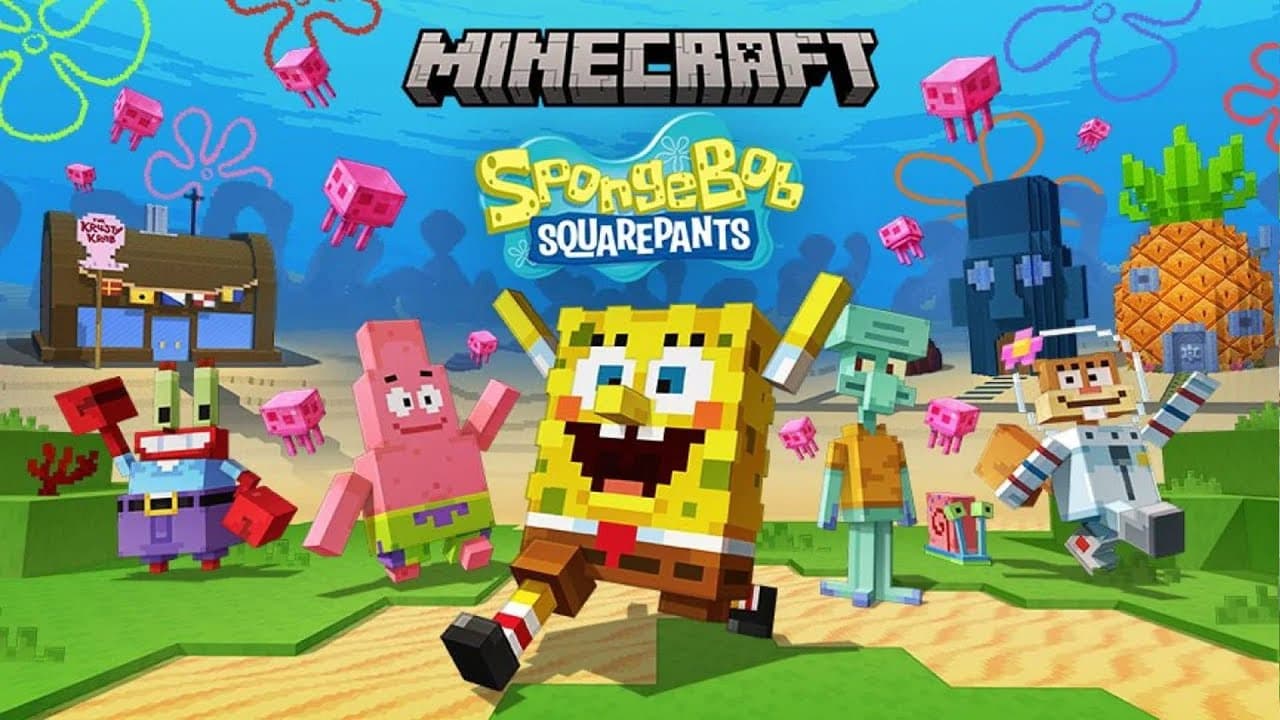
Minecraft SpongeBob SquarePants Gameplay Review Walkthrough of this incredible packaged best addon map providing new ways to play. You alone in single player or with others in coop are working through a series of missions with the titular characters in this rather exciting & expansive DLC pack. A thrilling adventure map with optional survival & creative modes. It features dynamic story missions, collectibles to gather & mini games to enjoy. Sometimes free, often premium these packs add value to the full game. Character skins & or costumes may be included. Enjoy on Xbox Series X/S, PS5, Nintendo Switch & more. Features: Who lives in a Pineapple under the sea? Venture about as the titular character exploring Bikini Bottom in this quest to save the day. Meet the iconic friends such as Squidward or Sandy or obviously Patrick Star to get this quest completed! Minecraft SpongeBob SquarePants gameplay review of this adventure world that tasks you with exploring a vast environment in order to find lost secrets, come across many friends and attempt to save the land from the many problems that are found within the environment. This is on the store for Pocket Edition IOS or Android, Windows 10, Xbox Series X/S, Xbox One, Nintendo Switch, Playstation 5, Playstation 4 and Virtual Reality. Site: https://gamerheadquarters.com Patreon: https://www.patreon.com/skycaptin5 Discord: https://discord.gg/JTY29Wx Twitter: https://twitter.com/Skycaptin5 Instagram: https://instagram.com/skycaptin5 This is from the special Minecraft Store which features intense community driven experiences that various groups have created. This will greatly expand just what you can do within the game from special add on mods, to texture revamps and even special skin downloads. They range far, completely changing this with new adventures, special survival spawns and even more to witness. This helps support the creators, give players new experiences and greatly expands just what sort of worlds that players can engage with no matter what version of Bedrock they’re playing. It has a ton of content to explore with a wide offering of choice that can be grabbed with coins which is the chosen currency. You’re never sure what sort of new things will be added and this #Minecraft review showcases one of these special maps and goes over exactly what type of content to expect from it. #SpongeBob SquarePants 00:00 Character Skins 01:27 Are You Ready Kids? 02:06 SpongeBob's House 03:30 Bikini Bottom Exploration 16:43 Mrs Puff Driving Race 23:00 Jellyfish Fields 25:10 Sandy Rocket Launch 30:30 Coral Abyss 32:50 Defend the Krabby Patty 37:37 Plankton Chum Bucket Escape 48:17 Patrick Star Glove World Roller Coaster 57:40 Squidward Musical Moment 1:01:45 Goo Lagoon Ending
About YouTube Real-Time View Count
With SocialCounts.org’s view counter, track your YouTube video’s live view count and YouTube likes count in real time with fast, reliable updates.
Watch every YouTube video live view count rise with our real-time YouTube views tracker—built for accuracy and minimal delay.
Follow YouTube real time views as they happen, using our dedicated view counter for YouTube videos.
Get up-to-date live view count on YouTube and see real-time growth with SocialCounts.org’s smart tracking tools.
Embed Widget
Parameters:
fullscreen=true- Fullscreen countergraph=true- Live graph chartcounter=0/1/2- Select counter (0=likes, 1=views, 2=comments)
URL
Click to copy the embed URL to your clipboard