

48,085
likes
3,135
comments
daily view 0
monthly view 0
Live Analytics
Comments 0
AI Learns to Park - Deep Reinforcement Learning Analytics Table
Income Estimates for AI Learns to Park - Deep Reinforcement Learning
Based on this YouTube video's total view count of 3.10M views and industry-standard rates, the estimated total earning is $2.17K - $6.21K through ad revenue. Historical data is not yet available to calculate daily, weekly, or monthly averages.
About AI Learns to Park - Deep Reinforcement Learning
Explore AI Learns to Park - Deep Reinforcement Learning with 3,107,561 views, 48,085 likes, and 3,135 comments. Experience the impact of this video content that has captured audience attention.
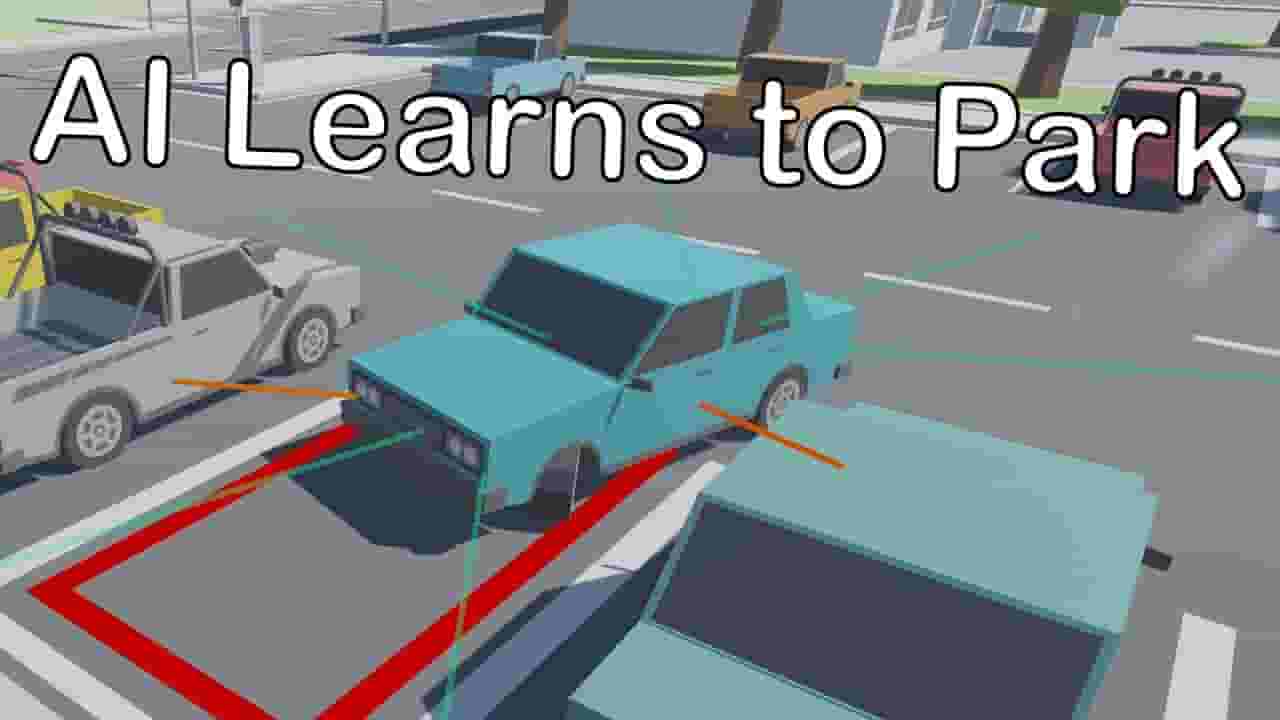
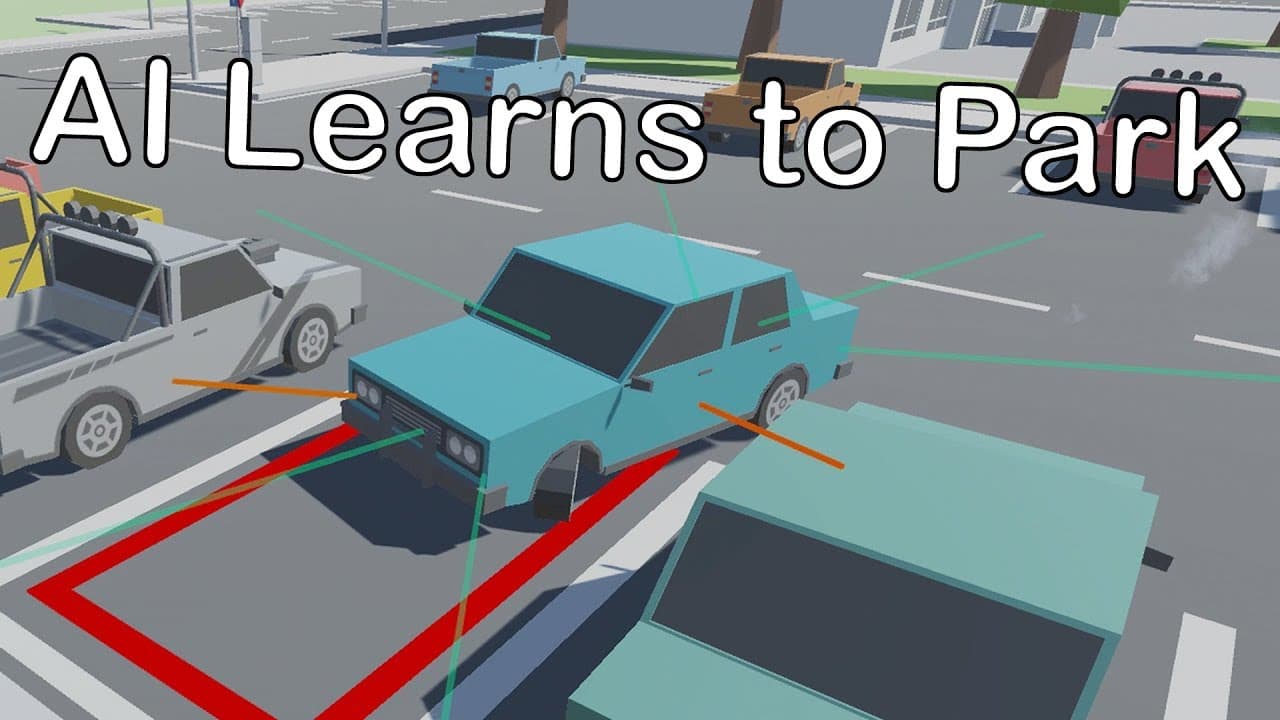
An AI learns to park a car in a parking lot in a 3D physics simulation. The simulation was implemented using Unity's ML-Agents framework (https://unity3d.com/machine-learning). The AI consists of a deep Neural Network with 3 hidden layers of 128 neurons each. It is trained with the Proximal Policy Optimization (PPO) algorithm, which is a Reinforcement Learning approach. Basically, the input of the Neural Network are the readings of eight depth sensors, the car's current speed and position, as well as its relative position to the target. The outputs of the Neural Network are interpreted as engine force, braking force and turning force. These outputs can be seen at the top right corner of the zoomed out camera shots. The AI starts off with random behaviour, i.e. the Neural Network is initialized with random weights. It then gradually learns to solve the task by reacting to environment feedback accordingly. The environment tells the AI whether it is doing good or bad with positive or negative reward signals. In this project, the AI is rewarded with small positive signals for getting closer to the parking spot, which is outlined in red, and gets a larger reward when it actually reaches the parking spot and stops there. The final reward for reaching the parking spot is dependent on how parallel the car stops in relation to the actual parking position. If the car stops in a 90° angle to the actual parking direction for instance, the AI will only be rewarded a very small amount, relative to the amount it would get for stopping completely parallel to the actual direction. The AI is penalized with a negative reward signal, when it either drives further away from the parking spot or if it crashes into any obstacles. The training process shown in this video took about 23 hours on a computer with an i5 (7th or 8th gen) and a GTX 1070 with 100x simulation speed. Subscribe for more content like this: https://www.youtube.com/channel/UC_eerU4SleeptEbD2AA_nDw?sub_confirmation=1 Follow me on Twitter for more frequent updates on my projects: https://twitter.com/SamuelArzt Also check out my other videos related to this Project: Two AI fight for the same Parking Spot: https://www.youtube.com/watch?v=CqYKhbyHFtA Neural Networks Explained in a Minute: https://www.youtube.com/watch?v=rEDzUT3ymw4 Cars learn to maneuver Parcour with Genetic Algorithm: https://www.youtube.com/watch?v=Aut32pR5PQA Start Music: "Sunday" by Otis McDonald Music from Bensound.com: Timelapse Music: "The Elevator Bossa Nova" Comedic Background: "Jazz Comedy" Outro: "All That" #ArtificialIntelligence #MachineLearning #ReinforcementLearning #AI #NeuralNetworks
About YouTube Real-Time View Count
With SocialCounts.org’s view counter, track your YouTube video’s live view count and YouTube likes count in real time with fast, reliable updates.
Watch every YouTube video live view count rise with our real-time YouTube views tracker—built for accuracy and minimal delay.
Follow YouTube real time views as they happen, using our dedicated view counter for YouTube videos.
Get up-to-date live view count on YouTube and see real-time growth with SocialCounts.org’s smart tracking tools.
Embed Widget
Parameters:
fullscreen=true- Fullscreen countergraph=true- Live graph chartcounter=0/1/2- Select counter (0=likes, 1=views, 2=comments)
URL
Click to copy the embed URL to your clipboard