

482,208
likes
9,404
comments
daily view 0
monthly view 0
Live Analytics
Comments 0
15 Amazing Shortcuts You Aren't Using Analytics Table
Income Estimates for 15 Amazing Shortcuts You Aren't Using
Based on this YouTube video's total view count of 29.6M views and industry-standard rates, the estimated total earning is $20.7K - $59.3K through ad revenue. Historical data is not yet available to calculate daily, weekly, or monthly averages.
About 15 Amazing Shortcuts You Aren't Using
Explore 15 Amazing Shortcuts You Aren't Using with 29,651,193 views, 482,208 likes, and 9,404 comments. Experience the impact of this video content that has captured audience attention.
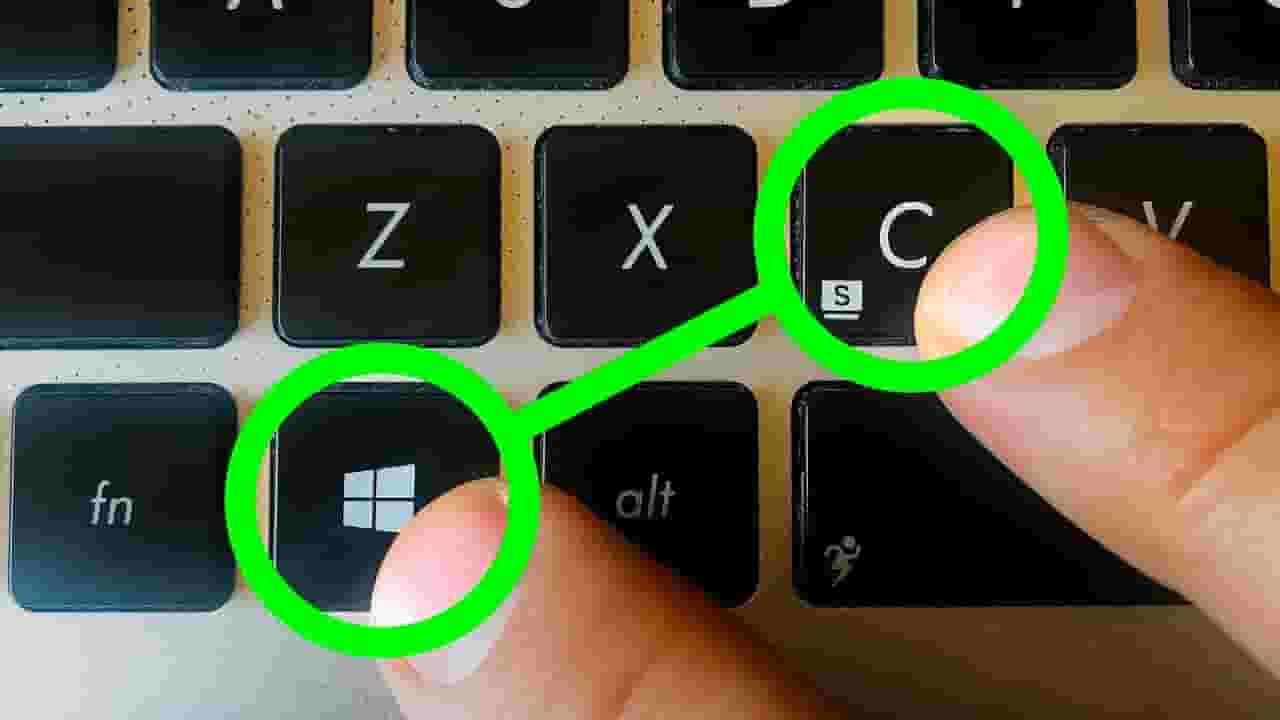
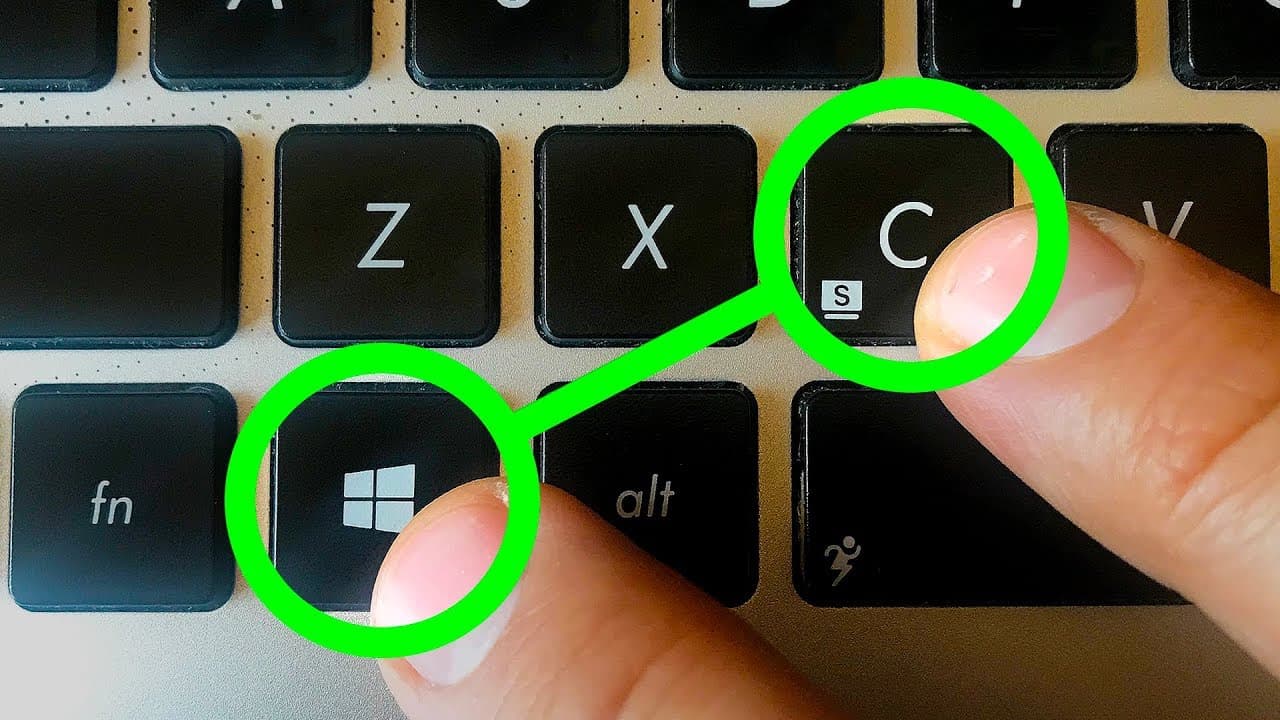
If you wanna be a power user, you shouldn't deny the usefulness of hotkeys. They improve your everyday work and give an absolute boost in your productivity. These hotkey combinations will certainly come in handy for every Windows and OS X user! Other videos you might like: 15 Ways to Search Google 96% of People Don’t Know About https://www.youtube.com/watch?v=erZ3IyBCXdY& 12 Signs Your Computer Has Been Hacked https://www.youtube.com/watch?v=I6XFaUT2RfU 15 Amazing Phone Functions You Had No Idea Existed https://www.youtube.com/watch?v=NZgf1VsbsO4 #shortcuts #computercodes #secretcodes TIMESTAMPS: Create a virtual desktop 0:46 Switch between virtual desktops 1:24 Return to the desktop from apps 2:15 Open an app from the taskbar 3:04 Split-screen between two apps 3:50 Switch apps 4:24 Program management and troubleshooting 5:27 Open File Explorer 6:17 Use the Magnifier 6:48 Take screenshots 7:41 Use Action Center 8:24 Access the Settings 9:02 Talk to Cortana or Siri 9:22 Use the Windows Game Bar 10:02 Lock down your PC 11:20 Music by Epidemic Sound https://www.epidemicsound.com/ SUMMARY: - Press the Windows key + Ctrl + D or Control + Up if you use a Mac. It’ll switch to a new fresh desktop. - Push the Windows key + Ctrl or the Control key on a Mac. Now you can switch between all the virtual desktops you’ve made by using the left and right arrow keys. - If you have too many apps open and you need to use another one hidden behind all those windows on your desktop, you can minimize all of them at once by pushing the Windows key + M. - If you want much faster access to your most used apps, consider keeping them on your taskbar. It’ll speed up your workflow even more if you use the following combination: the Windows key + a number key from 1 to 9. - Open one app that you need for your work and press the Windows key + left arrow. Then, open another app and click the Windows key + right arrow. Now, two windows are sharing your screen! - Pressing Ctrl + Alt + Tab will show you all the apps currently running on your PC. - To avoid restarting your device and losing all your progress, try using the following combo: Ctrl + Shift + Esc or Command + Option + Escape if you’re working on a Mac. - Pressing the Windows key + E opens the file manager window on your PC. For Mac users, this is your Finder app. - The Windows key combined with the + or - key will open the magnifier app, which allows you to zoom in and out wherever you point your cursor. - Use the Windows key + Print Screen to take a screenshot and immediately save it in the Image folder on your hard drive. - To open Bluetooth, simultaneously press the Windows key + A. For Mac users, your Notification Center is always a click away in the top right-hand corner. - If you need more tweaking or access to more advanced parameters of your PC, you can have it all! Use the Windows key + I to do just that. - To open Cortana on Windows in listening mode, press the Windows key + C. And to summon Siri on Mac OS, hold Command and Space together. “Hey, Siri!” - If you suddenly need to step away from the computer but you don’t want anyone meddling in your stuff, you can quickly lock your user profile. Simply push the Windows key + L or Shift + Command + Q on a Mac. Subscribe to Bright Side : https://goo.gl/rQTJZz ---------------------------------------------------------------------------------------- Our Social Media: Facebook: https://www.facebook.com/brightside/ Instagram: https://www.instagram.com/brightgram/ 5-Minute Crafts Youtube: https://www.goo.gl/8JVmuC Photos: https://www.depositphotos.com East News ---------------------------------------------------------------------------------------- For more videos and articles visit: http://www.brightside.me/
About YouTube Real-Time View Count
With SocialCounts.org’s view counter, track your YouTube video’s live view count and YouTube likes count in real time with fast, reliable updates.
Watch every YouTube video live view count rise with our real-time YouTube views tracker—built for accuracy and minimal delay.
Follow YouTube real time views as they happen, using our dedicated view counter for YouTube videos.
Get up-to-date live view count on YouTube and see real-time growth with SocialCounts.org’s smart tracking tools.
Embed Widget
Parameters:
fullscreen=true- Fullscreen countergraph=true- Live graph chartcounter=0/1/2- Select counter (0=likes, 1=views, 2=comments)
URL
Click to copy the embed URL to your clipboard