

Build a Real-Time IoT Vehicle Tracking System with ESP32 & GP-02 | Live GPS Dashboard
11,790
Socialcounts.Org
269
likes
4
comments
daily view 0
monthly view 0
Live Analytics
Comments 0
Build a Real-Time IoT Vehicle Tracking System with ESP32 & GP-02 | Live GPS Dashboard Analytics Table
Income Estimates for Build a Real-Time IoT Vehicle Tracking System with ESP32 & GP-02 | Live GPS Dashboard
Based on this YouTube video's total view count of 11.7K views and industry-standard rates, the estimated total earning is $8 - $24 through ad revenue. Historical data is not yet available to calculate daily, weekly, or monthly averages.
About Build a Real-Time IoT Vehicle Tracking System with ESP32 & GP-02 | Live GPS Dashboard
Explore Build a Real-Time IoT Vehicle Tracking System with ESP32 & GP-02 | Live GPS Dashboard with 11,790 views, 269 likes, and 4 comments. Experience the impact of this video content that has captured audience attention.
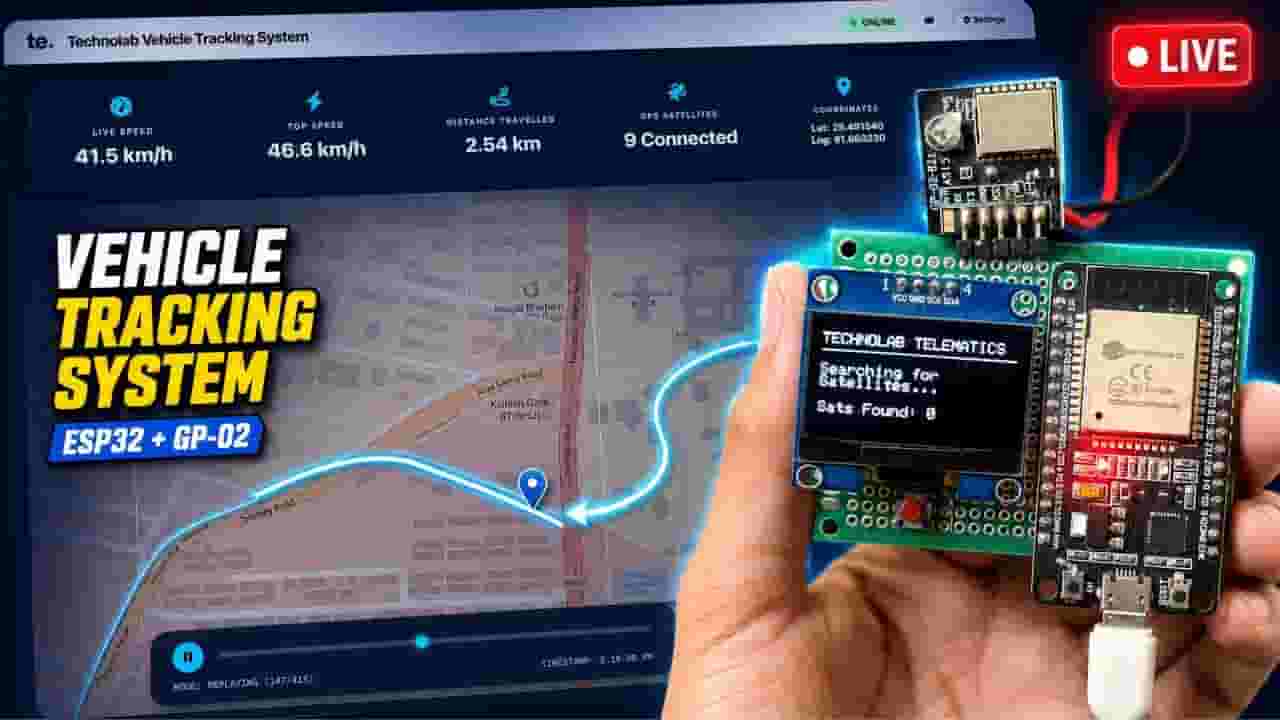
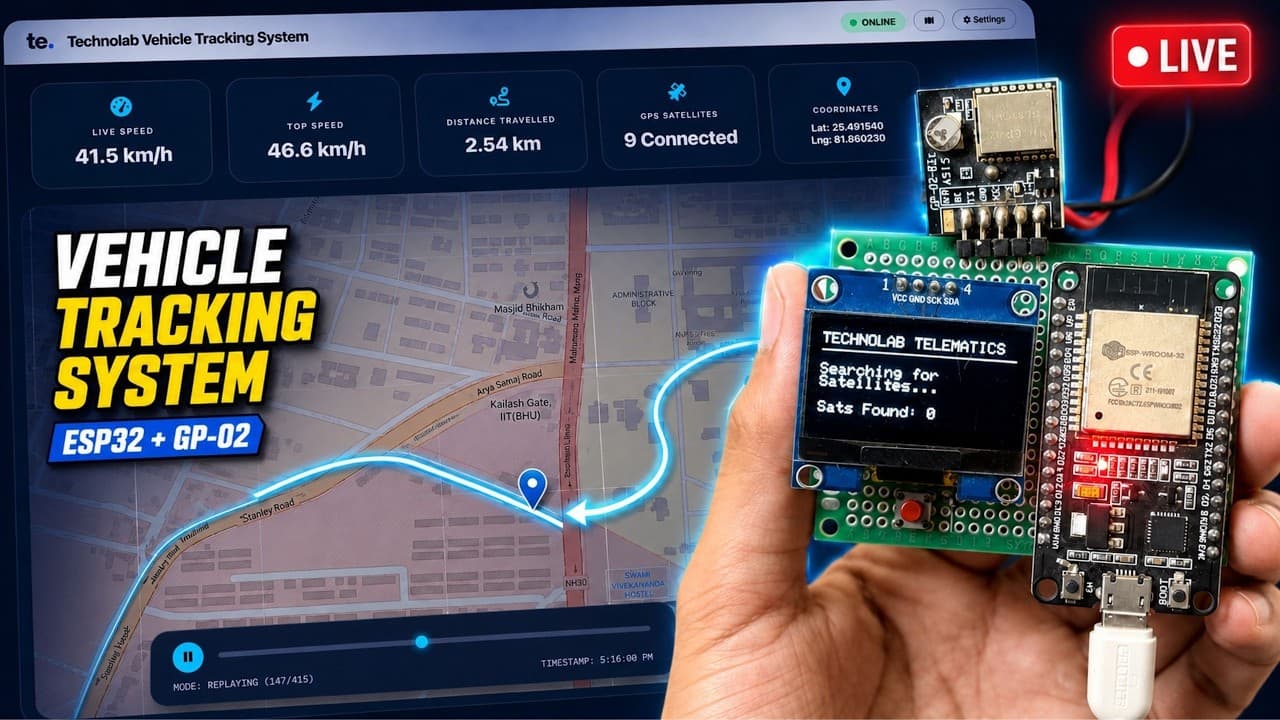
### 🔗 *Sponsored by Altium Student Lab* Join *Altium Student Lab* and get *free access* to professional PCB design tools, certification, and learning resources! 👉 (https://www.altium.com/in/yt/technolabcreation) ________________________________________________________________________________________ Build a complete *Real-Time IoT Vehicle Tracking System using ESP32, Ai-Thinker GP-02 GNSS Module, Firebase and a live web dashboard*! 🚗📍 In this step-by-step tutorial, you will learn how to track a vehicle’s *live location, current speed, total distance travelled, satellite count and complete route history*. The GP-02 GNSS module receives positioning data from satellites and sends it to the ESP32 through UART communication. The ESP32 displays the live information on a 1.3-inch SH1106 OLED and simultaneously uploads it to Firebase Realtime Database over Wi-Fi. We will also build a responsive web dashboard using HTML, CSS and JavaScript. The dashboard displays the vehicle’s current position on an interactive Leaflet map, calculates the travelled distance and stores previous coordinates for historical route replay. The ESP32 firmware also includes a smart speed dead-zone filter that reduces false movement readings caused by normal GNSS drift while the vehicle is stationary. Finally, we will deploy the dashboard on Hostinger and test the complete system outdoors. ### 🔗 Sponsored by Altium Student Lab Join *Altium Student Lab* and get *free access* to professional PCB design tools, certification and learning resources! 👉 https://www.altium.com/in/yt/technolabcreation 🔥 KEY FEATURES ✅ Real-time vehicle location tracking ✅ Live speed monitoring ✅ Total distance travelled ✅ Complete route-history recording ✅ Historical journey replay with a timeline slider ✅ GPS drift-reduction filter ✅ Live satellite count and coordinates ✅ SH1106 OLED status display ✅ Firebase Realtime Database integration ✅ Interactive Leaflet web map ✅ Modern glassmorphism web dashboard ✅ Separate map and database reset controls ✅ Hostinger deployment ✅ Practical outdoor vehicle testing 🔩 COMPONENTS REQUIRED • ESP32 Development Board • Ai-Thinker GP-02 GNSS Module • 1.3-inch SH1106 I²C OLED Display • Breadboard and jumper wires • USB cable • Wi-Fi network or mobile hotspot • Power supply or power bank 📚 REQUIRED ARDUINO LIBRARIES • TinyGPS++ by Mikal Hart • FirebaseESP32 by Mobizt • Adafruit GFX Library • Adafruit SH110X Library 💻 TECHNOLOGIES USED • ESP32 and Arduino IDE • Firebase Realtime Database • HTML5, CSS and JavaScript • Leaflet Maps • Browser localStorage • Hostinger Web Hosting ⚙️ HOW IT WORKS 1. The GP-02 module receives positioning information from GNSS satellites. 2. NMEA data is transferred to the ESP32 through UART. 3. TinyGPS++ decodes the latitude, longitude, speed and satellite information. 4. Live data is displayed on the SH1106 OLED. 5. The ESP32 uploads the tracking data to Firebase through Wi-Fi. 6. The web dashboard reads the latest information and updates the live map. 7. Previous coordinates are stored for route history and journey replay. 8. The total distance is calculated using consecutive GNSS coordinates. 📌 SOURCE CODE & PROJECT LINKS 👉 Source Code/Circuit Diagram: [https://github.com/technolabelectronics/IoT-GPS-Vehicle-Tracking-System-using-ESP32.-Live-Location-Speed-Distance-travelled-Route-History] 👉 Live Dashboard: [https://technolabelectronics.com/tracking/] 👉 Technolab Electronics Website: [https://technolabelectronics.com/] 🔐 IMPORTANT Use your own Wi-Fi and Firebase project credentials. Secure your Firebase database using proper Authentication and Realtime Database Security Rules. Never publish Wi-Fi passwords, legacy database secrets or other private credentials. If you found this tutorial helpful, please *LIKE, SHARE and SUBSCRIBE to Technolab Creation* for more ESP32, Arduino, IoT, PCB design and full-stack engineering projects. 🔔 Leave your questions and project ideas in the comments! 💬 #ESP32 #GP02 #GNSS #GPSTracker #VehicleTracking #IoT #Firebase #LiveLocation #RouteHistory #Arduino #LeafletJS #WebDevelopment #EmbeddedSystems #Altium #AltiumStudentLab #TechnolabCreation
About YouTube Real-Time View Count
With SocialCounts.org’s view counter, track your YouTube video’s live view count and YouTube likes count in real time with fast, reliable updates.
Watch every YouTube video live view count rise with our real-time YouTube views tracker—built for accuracy and minimal delay.
Follow YouTube real time views as they happen, using our dedicated view counter for YouTube videos.
Get up-to-date live view count on YouTube and see real-time growth with SocialCounts.org’s smart tracking tools.
Embed Widget
Parameters:
fullscreen=true- Fullscreen countergraph=true- Live graph chartcounter=0/1/2- Select counter (0=likes, 1=views, 2=comments)
URL
Click to copy the embed URL to your clipboard