

5,101
likes
112
comments
daily view 0
monthly view 0
Live Analytics
Comments 0
How to pair Roku® Streaming Stick® 4K Remote Analytics Table
Income Estimates for How to pair Roku® Streaming Stick® 4K Remote
Based on this YouTube video's total view count of 626K views and industry-standard rates, the estimated total earning is $439 - $1.25K through ad revenue. Historical data is not yet available to calculate daily, weekly, or monthly averages.
About How to pair Roku® Streaming Stick® 4K Remote
Explore How to pair Roku® Streaming Stick® 4K Remote with 626,752 views, 5,101 likes, and 112 comments. Experience the impact of this video content that has captured audience attention.
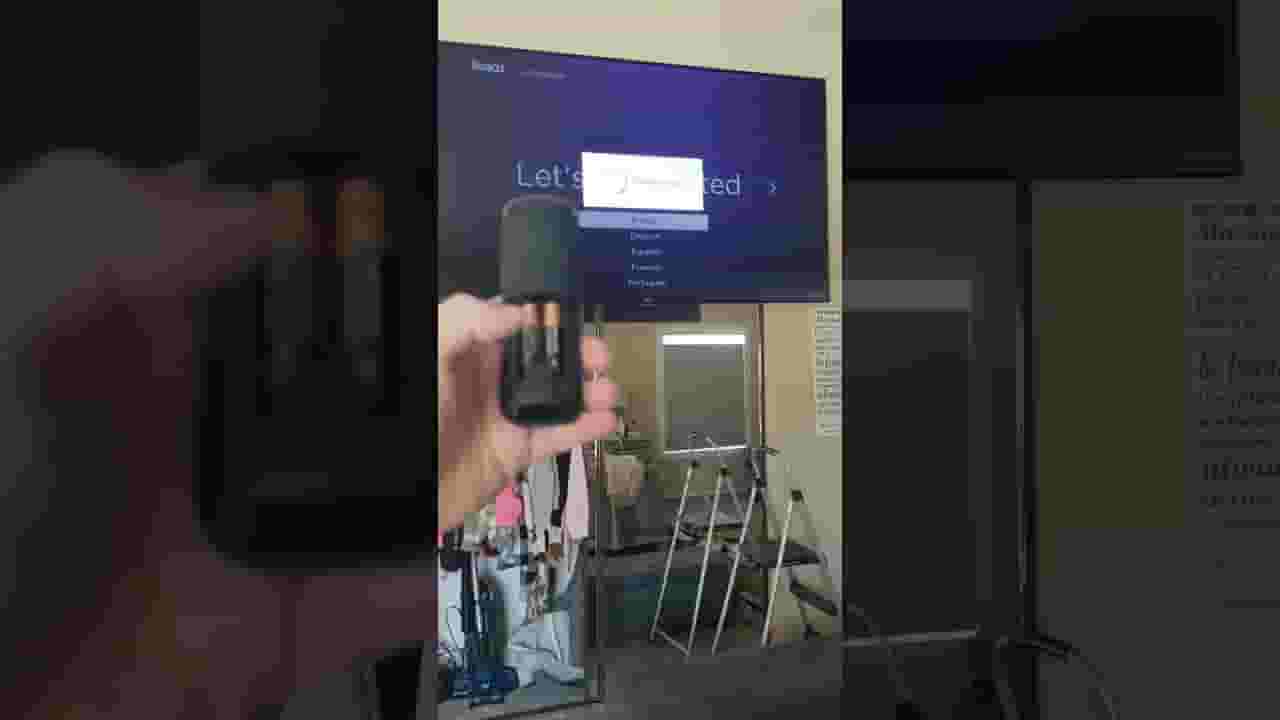
Re-pair your voice remote to your streaming device Put your streaming device in pairing mode: Remove the power cable from your streaming device Wait at least 5 seconds Re-connect the power cable Wait for your streaming device to power on, and the Home screen to appear on your TV screen Within 30 seconds of seeing the Home screen on your TV screen, put your voice remote into pairing mode Put your voice remote in pairing mode: Remove the battery cover on the back of your voice remote Remove both batteries from the battery compartment Wait 5 seconds and then reinsert the batteries If your remote has a pairing button, press and hold the pairing button for 5 seconds, or until you see the status light begin to flash. If your remote does not have a pairing button, press and hold both the Home home button on Roku remote button and Back back button on Roku remote button for 5 seconds, or until you see the status light begin to flash. If the status light does not flash, try replacing the batteries. Wait for 30 seconds while the remote establishes a connection with your streaming device. Once you streaming device and remote are connected, the pairing dialog will appear on your TV screen. Replace your remote batteries Remove the battery cover on the back of your remote Remove both batteries from the battery compartment Replace the batteries with a new matching pair and test again
About YouTube Real-Time View Count
With SocialCounts.org’s view counter, track your YouTube video’s live view count and YouTube likes count in real time with fast, reliable updates.
Watch every YouTube video live view count rise with our real-time YouTube views tracker—built for accuracy and minimal delay.
Follow YouTube real time views as they happen, using our dedicated view counter for YouTube videos.
Get up-to-date live view count on YouTube and see real-time growth with SocialCounts.org’s smart tracking tools.
Embed Widget
Parameters:
fullscreen=true- Fullscreen countergraph=true- Live graph chartcounter=0/1/2- Select counter (0=likes, 1=views, 2=comments)
URL
Click to copy the embed URL to your clipboard