

2,550
likes
121
comments
daily view 0
monthly view 0
Live Analytics
Comments 0
Blender 3D Fix all mesh problems | artefacts (engl version) Analytics Table
Income Estimates for Blender 3D Fix all mesh problems | artefacts (engl version)
Based on this YouTube video's total view count of 131K views and industry-standard rates, the estimated total earning is $92 - $262 through ad revenue. Historical data is not yet available to calculate daily, weekly, or monthly averages.
About Blender 3D Fix all mesh problems | artefacts (engl version)
Explore Blender 3D Fix all mesh problems | artefacts (engl version) with 131,163 views, 2,550 likes, and 121 comments. Experience the impact of this video content that has captured audience attention.
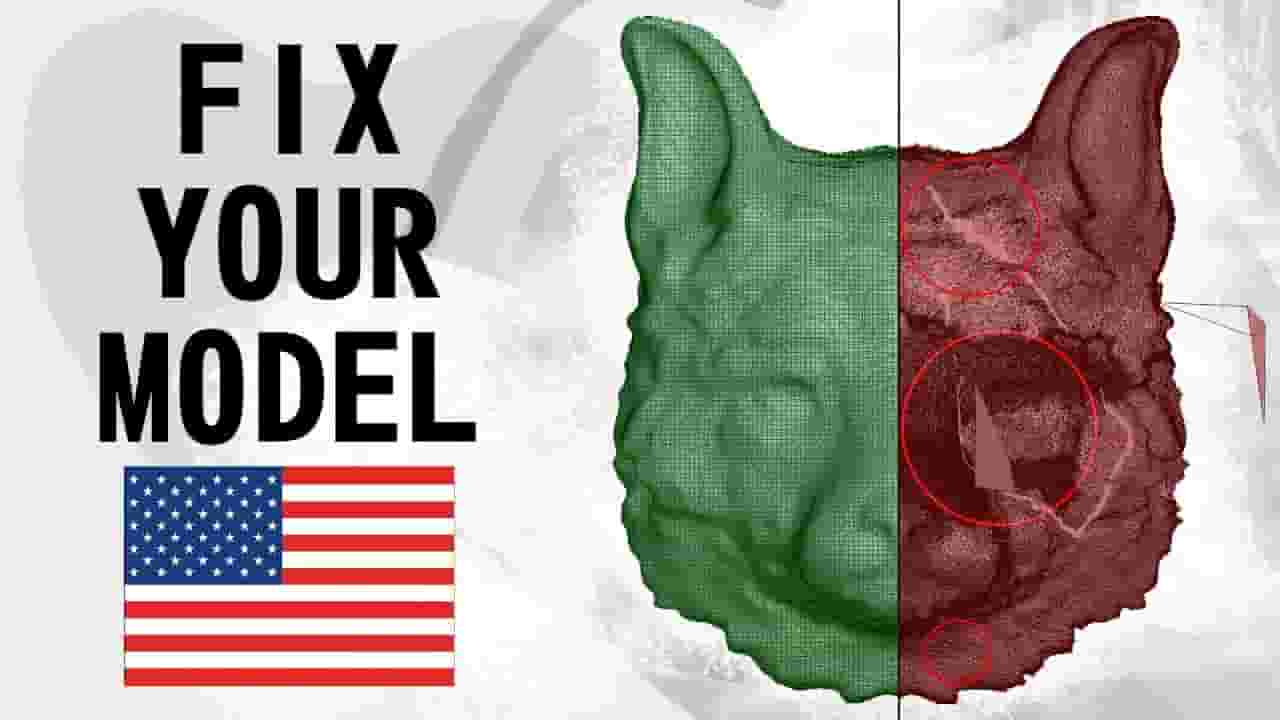
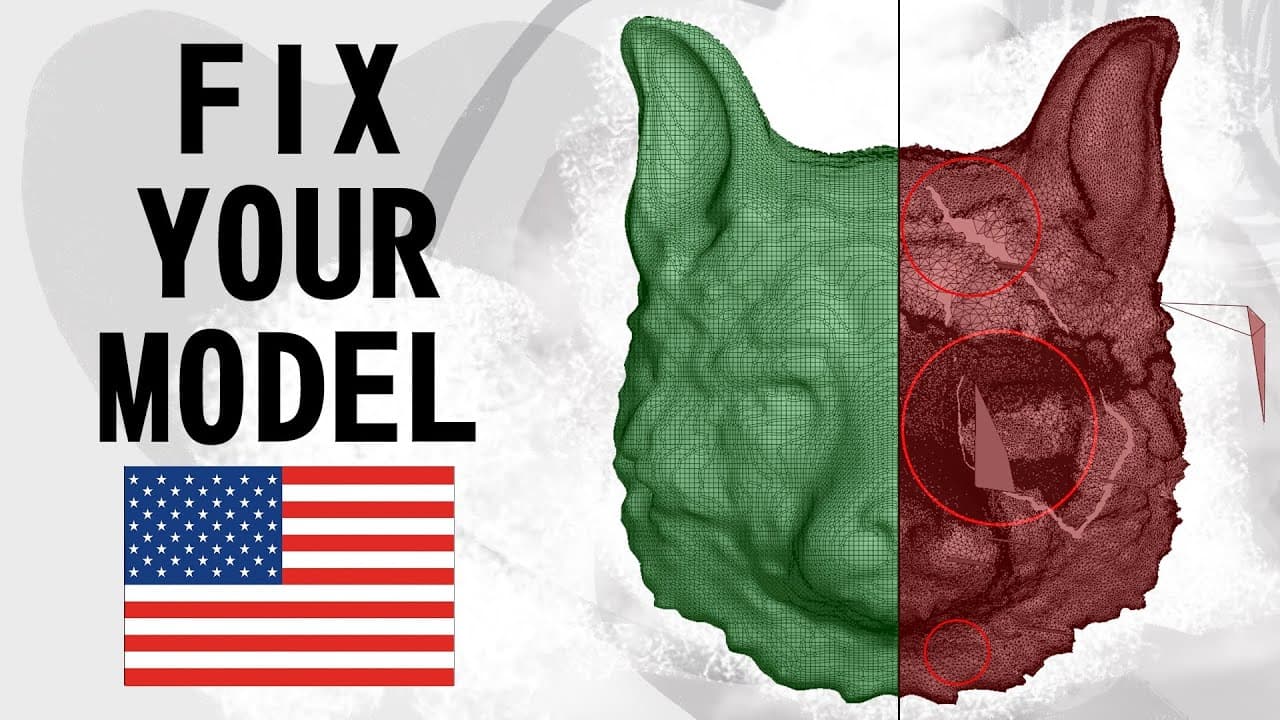
Hello everyone! My name is Riant. In this video I will show you how to fix problems with your mesh using new method that I combined using my knowledge of blender. Let’s look at this model. Special for this video I take mesh with more problems, that we change using my method. 1) bad holes in mesh. 2) uncorrected normals 3) inside polygons 4) vertices and polygons that fly in space. 5) terrible topology, that we can't use later 6) double vertices and polygons As you can see, we have a lot of artefacts with mesh. How we can change this ? First of all, use blender 2.81 or more.. Than, select problem object, duplicate him and rename first mesh to "original", second to "changed". Let's hide original object using "H" key or eye button in outliner. Then, we select duplicated fox face and add remesh modifier with new type of mode "voxel". Change standard value to another number. Don't use value higher than 0.1, because you will lost all details. Use values from 0.06 or 0.099. For this model I used 0.08 value. Apply modifier. Fox looked better, but we lost all details. Special for this we use sub surface modifier with lvl 1 for division and add shrinkwrap with "original" model for target. Apply all modifiers. We have better model with all details from original mesh. Go in sculpt mode and smooth back side. in place of holes use smooth brush. Whao! Well done! Reuse two last operation or leave as is. If you have problem with your project, or model please write in comment and share link at your google disk, we will help you. If you need this model, go in link under description, download and fix it with my video. Thank you for watching! Peace! ___ Links: ⇨ https://drive.google.com/drive/folders/1APHubnE2ViM-3JiXclxKtFc6fAw1_Vrt?usp=sharing ⇨ https://cloud.mail.ru/public/2gE2/3rhhBY5mC/ ___ ⇨background music: Into It - Kwon ___ ⇨e-mail: [email protected] ⇨[email protected]
About YouTube Real-Time View Count
With SocialCounts.org’s view counter, track your YouTube video’s live view count and YouTube likes count in real time with fast, reliable updates.
Watch every YouTube video live view count rise with our real-time YouTube views tracker—built for accuracy and minimal delay.
Follow YouTube real time views as they happen, using our dedicated view counter for YouTube videos.
Get up-to-date live view count on YouTube and see real-time growth with SocialCounts.org’s smart tracking tools.
Embed Widget
Parameters:
fullscreen=true- Fullscreen countergraph=true- Live graph chartcounter=0/1/2- Select counter (0=likes, 1=views, 2=comments)
URL
Click to copy the embed URL to your clipboard