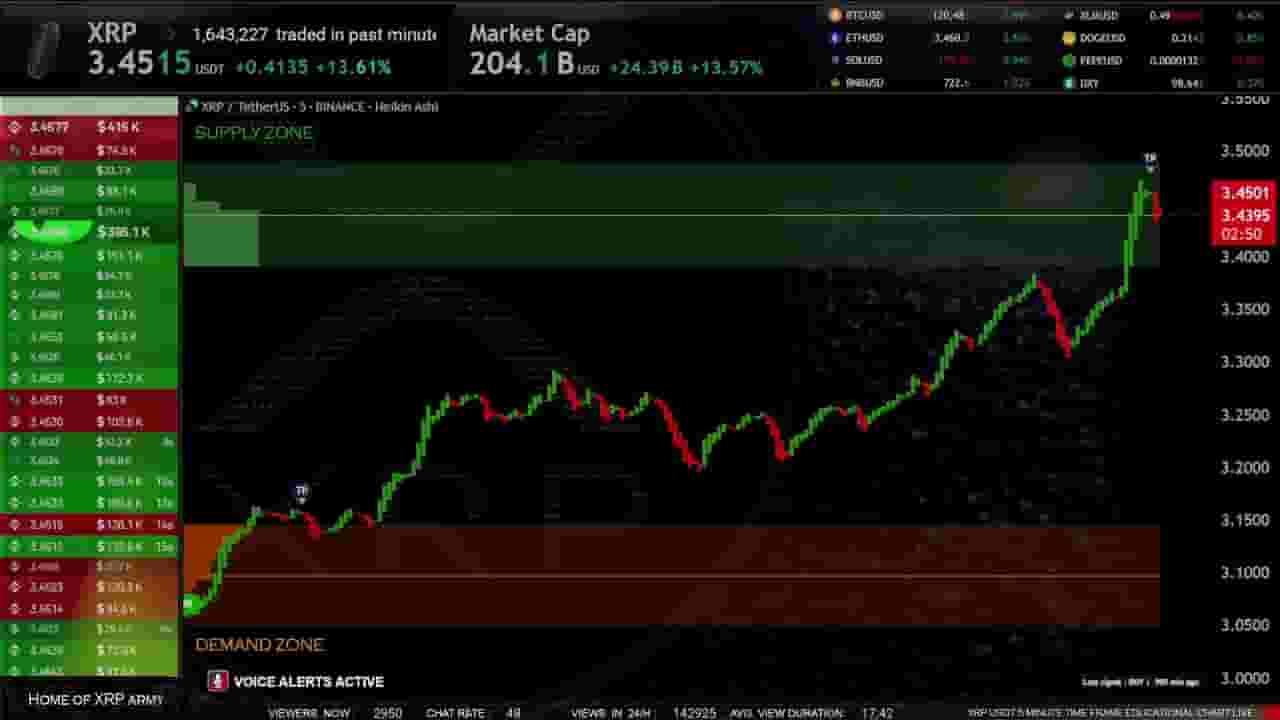
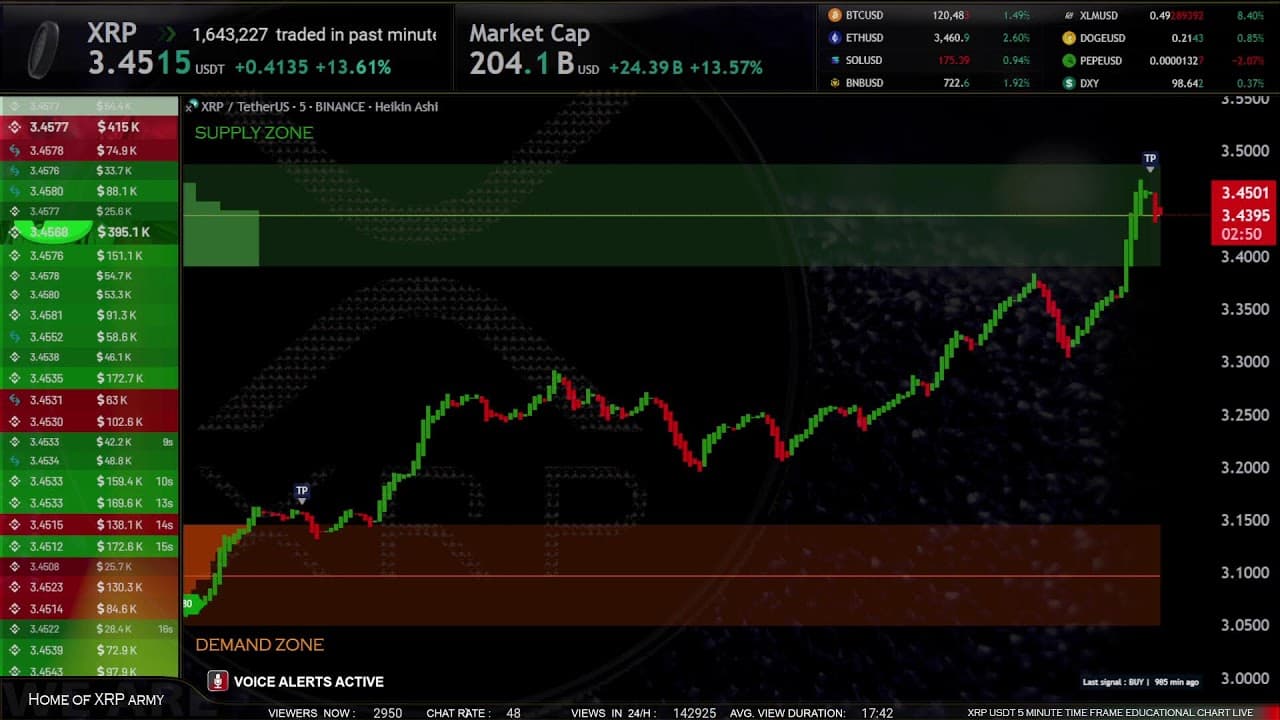


XRP Live Trading Signals XRPUSDT Best Trading Crypto Strategy ( Supply and Demand zones )
19,137,600
Socialcounts.Org
22,104
likes
93
comments
daily view 0
monthly view 0
Live Analytics
Comments 0
XRP Live Trading Signals XRPUSDT Best Trading Crypto Strategy ( Supply and Demand zones ) Analytics Table
Income Estimates for XRP Live Trading Signals XRPUSDT Best Trading Crypto Strategy ( Supply and Demand zones )
Based on this YouTube video's total view count of 19.1M views and industry-standard rates, the estimated total earning is $13.3K - $38.2K through ad revenue. Historical data is not yet available to calculate daily, weekly, or monthly averages.
About XRP Live Trading Signals XRPUSDT Best Trading Crypto Strategy ( Supply and Demand zones )
Explore XRP Live Trading Signals XRPUSDT Best Trading Crypto Strategy ( Supply and Demand zones ) with 19,137,600 views, 22,104 likes, and 93 comments. Experience the impact of this video content that has captured audience attention.
THIS STREAM MOVED TO NEW LOW LATENCY SERVER HERE : https://youtube.com/live/fjgDFwW23v0?feature=share 🔹 This is the archived version of our legendary XRP Live Stream 🔹 Broadcast continuously for 2 years and 1 month, this stream reached over 19,200,000 views and became one of the most-watched XRP live charts on YouTube. It was watched daily by thousands of traders from all over the world — day and night — offering real-time signals, market sentiment, and live XRP price movements. 📺 Stream ended on 17.07.2025 due to a platform refresh. ✅ A new, improved version is now LIVE in low-latency mode: 👉 🔴 NEW XRP LIVE STREAM HERE: https://youtube.com/live/fjgDFwW23v0?feature=share 🛠️ HOW TO CORRECTLY UNDERSTAND SUPPLY AND DEMAND ZONES : 1, Identify supply and demand zones: Green rectangles represent supply zone. Orange rectangles represent demand zone. 2, Enter a potential trade in demand or supply zones: When the price enters an orange zone (demand), check if your indicator generates a BUY SIGNAL, which could be a potential signal to buy. When the price enters a green zone (supply), check if your indicator generates a SELL SIGNAL, which could be a potential signal to sell. 3, Enter only with confirmation from supply and demand zones: Before entering a trade, confirm that the BUY SIGNAL or SELL SIGNAL aligns with the current supply or demand zone. The signal is stronger when it is closer to the zone, and it's recommended to use signals that are directly within the zones. This provides a more robust confirmation of the potential trade setup. 4, Risk management. Determine the amount of risk for each trade and adhere to risk management principles. ALWAYS Set a stop-loss to minimize losses. 5, Experiment on a demo account: Learn and Experiment with it on a demo accounts do not use real money to better understand its behavior. 6, Watch for potential divergences: Monitor situations where the price enters a supply or demand zone, but the indicator does not provide a corresponding signal. This may indicate a potential divergence and requires caution. 7, Monitor macroeconomic events: Stay informed about macroeconomic events that could impact the market, as such events may influence the effectiveness of the indicator. 🚩SIGNAL CONFIRMATION RULE: Market conditions change every second. It is crucial to wait for the signal candle to close to confirm the validity of the signal. Patience is key, as the signal may disappear if not confirmed by the closing of the candle. Sucess rate here is between 72-81% on last 1000 trades, many times Signals are not correct or late, use them with demo or paper accounts only ! GUIDE ON HOW TO UNDERSTAND SIGNALS and ZONES in our LIVE STREAMS is here: 🌎https://youtu.be/Snnk4nnTa7U 🔴🟢🟡🔵 Explanation of the colors in the order book YELLOW indicates the liquidation of a long position (a trade that used leverage and was liquidated) BLUE indicates the liquidation of a short position (a trade that used leverage and was liquidated) CHART DATA SOURCE : TRADINGVIEW www.tradingview.com BOOK MAP SOURCE : THE KINGFISHER https://thekingfisher.io ⚠️ Disclaimer: We would like to emphasize that the information provided in our live stream, including the live trading chart with indicators, is strictly for educational purposes only and should not be construed as financial advice. It is crucial to conduct your own research and consult with a licensed financial professional before making any financial decisions, ❕ We are YouTubers, we dont trade on youtube ❕ We don't take risks or gamble here ! ❕ Everything you see here is created with the goal of teaching and educating. ❕ BE RESPONSIBLE TO YOUR SELF ❕ WE ARE NOT ENGAGING IN TRADING ON YOUTUBE ! ❕ WE DO NOT OFFER ANY FINANCIAL OR MONEY RISK SERVICES. Transparency and Disclosure: I want to be clear that I have no financial relationships, affiliations, or sponsorships with any companies or institutions mentioned in this live stream. My analysis is unbiased and based on independent research. Remember to conduct your own research, as trading involves risks. _____________________________________________________________________________ 🌍 CHANNEL WEB SITE : www.forexeducation.live 🌍 Twitter X : https://twitter.com/Ic3WND 🌍 Linked in : https://www.linkedin.com/groups/14315510/ 🌍 Mix : https://mix.com/cryptosignals222 🌍 Facebook Group : https://www.facebook.com/groups/633116828811137 🌍 Blogger : https://www.blogger.com/blog/posts/4096702608603406119 🌍 Rdddit : https://www.reddit.com/user/Hazel_SO/ 🌍 email : [email protected] WE ARE BIG FAN OF TRADERS REALITY : https://www.youtube.com/@TradersReality
About YouTube Real-Time View Count
With SocialCounts.org’s view counter, track your YouTube video’s live view count and YouTube likes count in real time with fast, reliable updates.
Watch every YouTube video live view count rise with our real-time YouTube views tracker—built for accuracy and minimal delay.
Follow YouTube real time views as they happen, using our dedicated view counter for YouTube videos.
Get up-to-date live view count on YouTube and see real-time growth with SocialCounts.org’s smart tracking tools.
Embed Widget
Parameters:
fullscreen=true- Fullscreen countergraph=true- Live graph chartcounter=0/1/2- Select counter (0=likes, 1=views, 2=comments)
URL
Click to copy the embed URL to your clipboard