

0
likes
21
comments
daily view 0
monthly view 0
Live Analytics
Comments 0
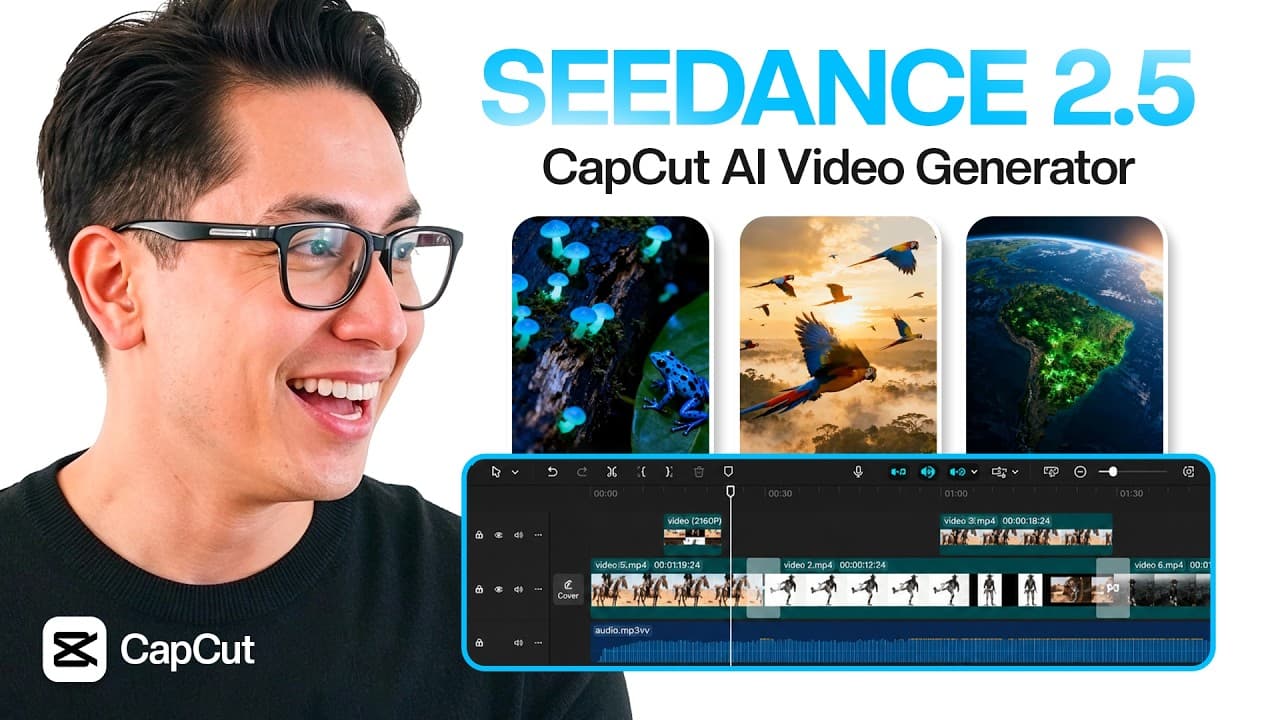
CapCut: The Easiest Way to Create AI Marketing Videos! | Seedance 2.5 Analytics Table
Income Estimates for CapCut: The Easiest Way to Create AI Marketing Videos! | Seedance 2.5
Based on this YouTube video's total view count of 16.4K views and industry-standard rates, the estimated total earning is $12 - $33 through ad revenue. Historical data is not yet available to calculate daily, weekly, or monthly averages.
About CapCut: The Easiest Way to Create AI Marketing Videos! | Seedance 2.5
Explore CapCut: The Easiest Way to Create AI Marketing Videos! | Seedance 2.5 with 16,471 views, 0 likes, and 21 comments. Experience the impact of this video content that has captured audience attention.
Check out CapCut PC AI Video Generator here: https://bit.ly/4wuLpzD Learn how to create cinematic marketing assets with Seedance 2.5, AI image generation, and CapCut PC multi-track editing. What if you could build an entire product campaign without filming a single shot? In this video, I show how to use CapCut PC as an AI Video Generator workflow for creating product marketing videos, social media ads, and campaign assets. We start with AI-generated visuals, turn them into cinematic videos, and then polish everything inside CapCut PC using a multi-track editing workflow. I also cover why Seedance 2.5 is important for creators, marketers, and editors. With upgrades like longer video generation and more multimodal reference assets, Seedance 2.5 makes CapCut even more useful for storytelling, product ads, marketing workflows, and AI video creation. ⏱️ TIMESTAMPS 00:00 CapCut PC AI Video Generator Workflow 00:35 Seedance 2.5 Coming to CapCut 01:05 Why CapCut PC Helps AI Video Creation 01:31 AI Image Generation in CapCut PC 01:56 GPT Image 2.0 Product Visuals 02:17 Seedance AI Video Generator Test 02:45 Creating Cinematic Marketing Videos 03:11 CapCut PC Multi-Track Editing 03:48 Final Product Ad Result 04:15 Batch Marketing Assets Workflow 04:46 CapCut PC + Seedance 2.5 Recap 05:09 Final Thoughts on CapCut AI Video Generator 🚀 What You'll Learn ✅ CapCut PC ✅ CapCut AI Video Generator ✅ Seedance 2.5 ✅ AI Video Generator ✅ AI Video Editor ✅ GPT Image 2.0 ✅ AI Marketing Videos ✅ Product Ad Workflow ✅ Multi-Track Editing ✅ Marketing Assets ✅ AI Video Creation ✅ CapCut PC Tutorial One of the biggest advantages of this CapCut PC workflow is that you do not need to keep switching between different apps for image generation, video generation, and editing. You can generate visuals, animate them, organize clips, add music, captions, overlays, and build a complete final video in one place. For this tutorial, I create a premium smartwatch product campaign. First, I generate product visuals using AI image tools inside CapCut PC. Then I turn those visuals into cinematic videos using Seedance. After that, I bring everything into the CapCut PC timeline and use multi-track editing to build a polished marketing video. The PC workflow is especially useful for creators who need to create more than one asset from the same campaign. Instead of making one AI clip, you can create multiple image concepts, generate several video variations, and edit them into product ads, social media creatives, YouTube Shorts, TikTok videos, and promotional content. Seedance 2.5 makes this workflow even more interesting for AI creators. With longer generation options and more reference control, Seedance 2.5 can help creators build stronger storytelling videos, product campaigns, and marketing assets directly inside CapCut PC. This is useful for creators, marketers, editors, eCommerce sellers, agencies, and anyone who wants to create AI videos faster while still having proper editing control. Like the video, subscribe for more AI tools, and try the CapCut PC AI Video Generator using the link above. #Seedance25 #AIVideoGenerator #AIVideo #AIVideoEditor #CapCutPC #CapCut #AIMarketing #AIContentCreation For business inquiries, collaborations, or partnerships, feel free to reach out at: 📩 [email protected] #AITools #Productivity #AIApps #SecondBrain #Automation
About YouTube Real-Time View Count
With SocialCounts.org’s view counter, track your YouTube video’s live view count and YouTube likes count in real time with fast, reliable updates.
Watch every YouTube video live view count rise with our real-time YouTube views tracker—built for accuracy and minimal delay.
Follow YouTube real time views as they happen, using our dedicated view counter for YouTube videos.
Get up-to-date live view count on YouTube and see real-time growth with SocialCounts.org’s smart tracking tools.
Embed Widget
Parameters:
fullscreen=true- Fullscreen countergraph=true- Live graph chartcounter=0/1/2- Select counter (0=likes, 1=views, 2=comments)
URL
Click to copy the embed URL to your clipboard