


164
likes
3
comments
daily view 0
monthly view 0
Live Analytics
Comments 0
Is MX Master 4 the Perfect Mouse for Designers? Let's Find Out! Analytics Table
Income Estimates for Is MX Master 4 the Perfect Mouse for Designers? Let's Find Out!
Based on this YouTube video's total view count of 13.8K views and industry-standard rates, the estimated total earning is $10 - $28 through ad revenue. Historical data is not yet available to calculate daily, weekly, or monthly averages.
About Is MX Master 4 the Perfect Mouse for Designers? Let's Find Out!
Explore Is MX Master 4 the Perfect Mouse for Designers? Let's Find Out! with 13,880 views, 164 likes, and 3 comments. Experience the impact of this video content that has captured audience attention.
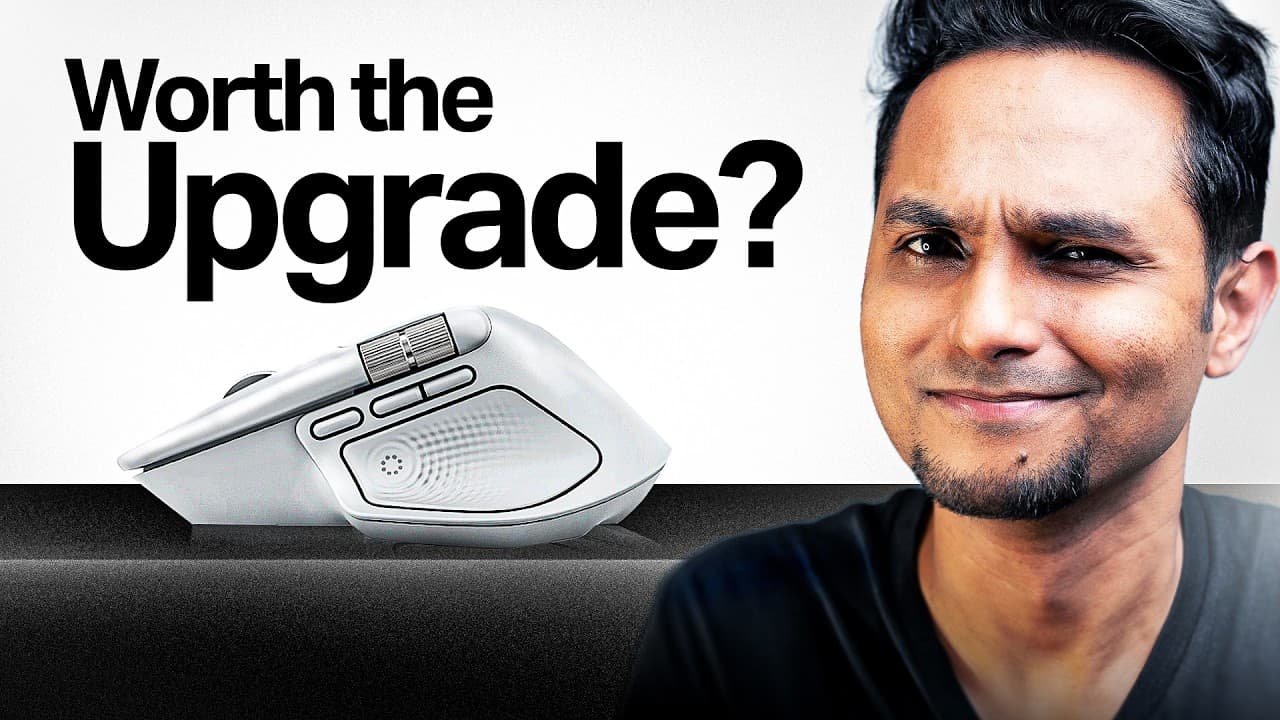
Try Logitech MX Master 4: https://www.amazon.in/stores/page/CBC98DD3-7A93-453A-A424-2CDFE0116AEE?channel=vm_mxamb_yt_feb As designers, we don't just use tools; we analyze them. Every curve, button placement, and micro-interaction is a decision with purpose. The Logitech MX Master 4 isn't just a mouse; it's a productivity system built on dozens of intentional design trade-offs. In thisvideo, I decode the MX Master 4 like a design case study, breaking down four core problems it solves for creative professionals: - Ergonomic design - Customizable workflow buttons - Precision vs speed balance - Multi-device ecosystem This isn't a typical tech review listing specs. It's an honest analysis of design decisions, trade-offs, and real-world usability for designers, video editors, and 3D artists who live inside creative software. I also cover the limitations, like the right-handed-only design that excludes left-handed users, because opinionated design always has trade-offs. Whether you're considering the MX Master 4 for your setup or just want to study how great products are designed, this breakdown shows you how to read objects like a designer. Full disclosure: Logitech sponsored this video, but every critique and insight is genuine. For more information, visit Logitech's YouTube Channel: https://www.youtube.com/logitech Share your thoughts in the comments below! 📩 CHAPTERS: 00:00 - Intro 01:08 - Feature 1 02:31 - Feature 2 04:51 - Feature 3 06:02 - Feature 4 07:21 - Is it Worth It? 08:49 - Outro Join my community: https://nas.io/sapta Join my Instagram broadcast channel to never miss an update: https://ig.me/j/AbadG67M--mvwepf/ Get on a call with me: https://topmate.io/sapta Buy me a coffee: https://www.buymeacoffee.com/saptarshipr ----------------------------------------------- 😃 ABOUT ME This is Saptarshi (a.k.a. Sapta), an engineer turned self-taught Product Designer based out of Bangalore, India. I have worked with some of the very well known startups of India and learned anything and everything that is needed to create amazing experiences for the users. I'm also an active speaker, teacher and community builder, and have delivered over 60 talks, workshops and webinars on design. In this channel, I post videos with tips, strategies, tutorials and general gyaan to scale your career in Design. If you are into it, you may want to subscribe and hit the bell icon to that you don't miss out :) ----------------------------------------------- 📲 SOCIALS Instagram: https://www.instagram.com/saptarshiux/ Twitter: https://twitter.com/saptarshipr Dribbble: https://dribbble.com/saptarshipr LinkedIn: https://www.linkedin.com/in/saptarshipr/ Medium: https://medium.com/@saptarshipr ----------------------------------------------- 💻 📷 🎤 MY GEAR My Desk: https://bengaluru.featherlitestore.com/product/motorized-height-adjustable-table/ Sony A7iv: https://amzn.to/3KQZ0LM (Primary camera) Samyang 24-70mm F2.8 lens: https://amzn.to/3qDYHx0 Sony a6300: https://amzn.to/3gIx0v1 (Secondary Camera) Sigma 16mm F1.4 lens: https://amzn.to/38DFPRR Sony 50mm F1.8 lens: https://amzn.to/3rufcaB Samson G-Track Pro condenser mic: https://amzn.to/37Rixsw Rode Wireless Go 2 : https://amzn.to/3KQXBU0 Boya Lavalier Mic: https://amzn.to/2M0MZI7 Godox SL60w light : https://amzn.to/3HgSU3O Godox SB-UE 80cm softbox : https://amzn.to/3GdNq8h DIGITEK DTR 500 BH (60 Inch) Tripod: https://amzn.to/39d1m48 ----------------------------------------------- 🎶 MUSIC The jingles and the background score is composed by Sargam Prakash, an awesome designer and musician. Do check out his channel. Sargam Prakash: https://www.youtube.com/user/sargampr ----------------------------------------------- 🌟 TAGS [mx master 4 review,logitech mx master 4,best mouse for designers,mx master 4 for figma,ergonomic mouse design,designer productivity tools,mx master 4 vs mx master 3,mx master 4 unboxing,haptic feedback mouse,multi device mouse,photoshop mouse setup,premiere pro mouse,figma productivity tools,creative professional mouse,mouse design analysis,logitech mx review,ergonomic workspace setup,designer desk setup,logi options plus tutorial,sapta,saptarshi prakash] ----------------------------------------------- 🌟 HASHTAGS #MXMaster4 #Logitech #DesignerTools #designreview
About YouTube Real-Time View Count
With SocialCounts.org’s view counter, track your YouTube video’s live view count and YouTube likes count in real time with fast, reliable updates.
Watch every YouTube video live view count rise with our real-time YouTube views tracker—built for accuracy and minimal delay.
Follow YouTube real time views as they happen, using our dedicated view counter for YouTube videos.
Get up-to-date live view count on YouTube and see real-time growth with SocialCounts.org’s smart tracking tools.
Embed Widget
Parameters:
fullscreen=true- Fullscreen countergraph=true- Live graph chartcounter=0/1/2- Select counter (0=likes, 1=views, 2=comments)
URL
Click to copy the embed URL to your clipboard