

Live Analytics
Comments 0
Mission USB Power Cable Review Analytics Table
Income Estimates for Mission USB Power Cable Review
Based on this YouTube video's total view count of 28.3K views and industry-standard rates, the estimated total earning is $20 - $57 through ad revenue. Historical data is not yet available to calculate daily, weekly, or monthly averages.
About Mission USB Power Cable Review
Explore Mission USB Power Cable Review with 28,343 views, 325 likes, and 68 comments. Experience the impact of this video content that has captured audience attention.
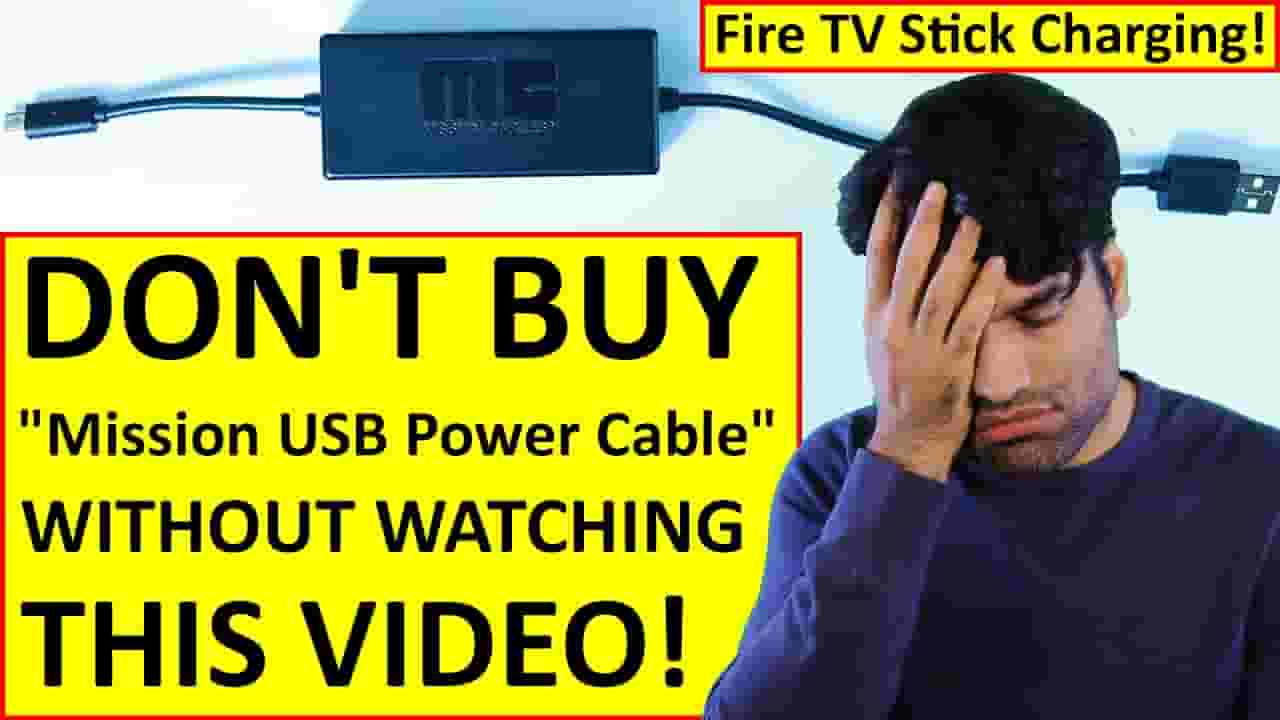
Mission USB Power Cable is great device only if it could work exactly in the same way as a Power Adapter. But unfortunately, it doesn't. Continue watching to learn why. IMPORTANT - Watch till the end so that you won't miss out very important information It's recommended to charge Mission USB for at least 10 minutes using any USB port prior to connecting it your TV! Once you learn how it works, then you could understand whether you could replace your power adapter with Mission USB Power Cable. Most TV USB ports can supply up to 5 volts at 500 milli amps of voltage and electric current. On the other hand, Fire TV Stick power adapter takes between 100 to 240 Volts depending where you live and provides an output of 5.25 volts @ 1 amp. So, roughly a total of 5 Watts Power. But, Mission USB takes the available 5 volts @ 500 mA from the TV's USB port and gives out 5 V @ 1.8 A to the Fire TV. In order words, Mission USB takes 2.5 W power and gives out 9 W power. Big question, how come Mission USB can give 6 W more power output than what it gets as input! The trick is that it has got a battery to store energy. It's battery capacity is 2000 mAh @ 3.6 V. The problem is that when the TV is OFF, the USB port doesn't give any energy to the Mission USB in order to store in its battery. When the TV and the fire stick are ON, then the fire stick is consuming more energy than the USB port can give! Therefore, the fire stick is always under powered because the battery never gets the opportunity to store the excess energy and give it back when needed. The only time that Mission USB could store energy to its battery is when you're not using the Fire stick while your is still TV ON. For example, you're watching cable or satellite TV. I personally only watch programs through fire stick. And finally it might work, if your TV has got a setting that allows its USB port to supply power while the TV itself is Turned OFF. So, now I'll explain the situations when it can become a big problem. When Fire TV stick is updating its system software, it will consume more power than usual. And if Mission USB Power isn't able to provide the required voltage and electric current, then it could cause Fire Stick to restart unexpectedly! All Fire TV models are programmed to do maintenance and background tasks while idle, and when they in sleep mode. However, if fire stick is not connected to power, then it won't be able to perform these task when it's in the sleep mode, therefore it would slow down Fire Stick's performance while carrying on these tasks when you're using the Fire TV. In addition, by using mission USB, the Fire TV homepage takes much longer to load. Also, I wasn't able to use Alexa to Turn ON the TV when connected using Mission USB. It's great if you could use your Fire TV Stick while charging through Mission USB Power Cable. However, because of all the above stated reasons, it's not a product that I would recommend. But, I'll recommend you to subscribe to support my channel. Also, please don't forget to watch my other videos here! If you any questions, please let me know in the comments below. If you have any questions, please let me know in the comments below 😊 👉 Amazon Fire TV Stick Tutorials - https://youtube.com/playlist?list=PL6oDA8S3RmtF58mA_X53Wun3BK1U0q6Fe 👉 How to install Amazon Fire Stick - https://youtu.be/9rBiSZA96dM 👉 Alexa Tutorials - https://youtube.com/playlist?list=PL6oDA8S3RmtHEN1rzC1-Bws7Z1Ts6Om9Q 👉 Amazon Fire Tablet Tutorials - https://youtube.com/playlist?list=PL6oDA8S3RmtG5Yodruhx8ZZBqfDOpuSrt 👉 Amazon Website Tutorials - https://youtube.com/playlist?list=PL6oDA8S3RmtFbsUyOgixY8CVgNtSiGJ0d 👉 Amazon Music Tutorials - https://youtube.com/playlist?list=PL6oDA8S3RmtFABfrOO0QAtcnlTyqY4zwV Introduction - 0:00 Unboxing - 0:15 Connecting to the Fire TV Stick - 0:33 How does Mission USB Power Cable Works - 1:04 Disadvantages of Mission USB Power - 3:39 Fire TV home page loading time comparison - 4:33 Using Alexa comparison - 5:07 Remote control distance comparison - 5:40 #BhupinderTube #amazon #tutorial #fireTV
About YouTube Real-Time View Count
With SocialCounts.org’s view counter, track your YouTube video’s live view count and YouTube likes count in real time with fast, reliable updates.
Watch every YouTube video live view count rise with our real-time YouTube views tracker—built for accuracy and minimal delay.
Follow YouTube real time views as they happen, using our dedicated view counter for YouTube videos.
Get up-to-date live view count on YouTube and see real-time growth with SocialCounts.org’s smart tracking tools.
Embed Widget
Parameters:
fullscreen=true- Fullscreen countergraph=true- Live graph chartcounter=0/1/2- Select counter (0=likes, 1=views, 2=comments)
URL
Click to copy the embed URL to your clipboard