

9,223
likes
341
comments
daily view 0
monthly view 0
Live Analytics
Comments 0
Your iPhone Already Has the Perfect Grocery List (Here's How) Analytics Table
Income Estimates for Your iPhone Already Has the Perfect Grocery List (Here's How)
Based on this YouTube video's total view count of 171K views and industry-standard rates, the estimated total earning is $120 - $342 through ad revenue. Historical data is not yet available to calculate daily, weekly, or monthly averages.
About Your iPhone Already Has the Perfect Grocery List (Here's How)
Explore Your iPhone Already Has the Perfect Grocery List (Here's How) with 171,228 views, 9,223 likes, and 341 comments. Experience the impact of this video content that has captured audience attention.
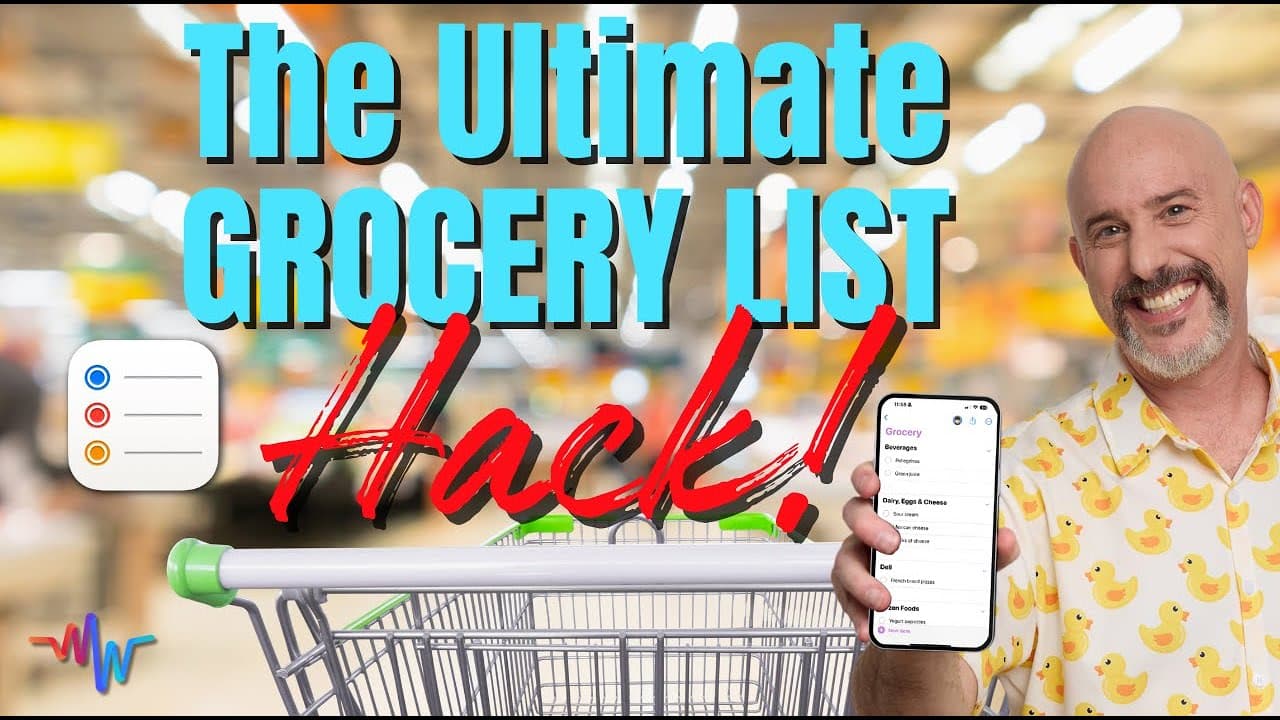
Love Cooking? Check out this video 👉 https://youtu.be/0AxrNlhRAFU 🛒 Let’s be honest—grocery shopping can be a mess. You forget items, double up on things you already have, or worse… get home and realize you still didn’t get the milk. I used to have my grocery list scattered across random notes, screenshots, texts from my partner, or just floating in my brain (not a great system 😅). But once I set up a smart, organized, and sharable grocery list using Apple’s Reminders app, everything changed. Hi, I’m Dylan Stewart, The MacWhisperer. In this video, I’ll show you how to create the perfect grocery list right on your iPhone, iPad, or Mac... a list that actually makes shopping easier, faster, and less stressful. And the best part? You already have the tools. You just need to use them a little differently. 📚 This is part of my ongoing series on using Apple tech to simplify everyday life, from tracking your reading list to organizing your favorite recipes: 📖 Create a Book Tracking List 👉 https://youtu.be/X8Yf-1_SMzc 👩🍳 Organize Your Recipes 👉https://youtu.be/0AxrNlhRAFU 🧠 What You’ll Learn in This Video: ✅ How to create a dedicated grocery list in the Reminders app ✅ How to add categories using Tags (like Produce, Dairy, Snacks, etc.) ✅ How to create a Smart List that automatically sorts your items ✅ How to share your list with a spouse, roommate, or kid ✅ Tips for using Siri to add items without typing a thing You’ll walk away with a grocery list that works across all your devices, keeps your shopping trips efficient, and makes life just a little simpler. ******************************************************************** ⏱️ Chapters [00:00] 🛒 Introduction: The Grocery List Dilemma [00:52] 📱 The Solution: Using the Reminders App [02:05] ✏️ Creating Your Grocery List [02:51] ➕ Adding Items to Your List [03:21] 🎙️ Using Dictation for Quick Entries [03:59] 📸 Adding Notes and Images [05:38] 📊 Organizing with Columns [07:42] 🏷️ Organizing with Hashtags [08:46] 🧠 Smart Grocery List Categorization [11:15] ✅ Show/Hide Completed Items [12:12] 🗣️ Using Siri for Hands-Free List Management [14:54] 👨👩👧👦 PowerTip: Sharing Your List ⸻ 💬 Got a favorite way to organize your grocery list? Want me to cover more everyday tech tips? Drop it in the comments—I’d love to hear from you. 👍 Like the video if it helped, and Subscribe for more ways to use Apple tools to make your life easier. 🔔 Tap the bell so you never miss a new video. ⸻ 📣 Want more personalized help? Join the MacWhisperer Academy (30 days free): 👉 https://www.themacwhisperer.com/tmw-30daysfree Support the channel: 💖 Send a Super Thanks or become a YouTube Member 🔗 https://www.youtube.com/channel/UCsoApqvjdsckFU5JgTM2_2A/join ⸻ 📱 Follow Me for More Everyday Tech Tips 📸 Instagram: @the_macwhisperer 🗣 Facebook: facebook.com/AmericasMacAuthority 👨💼 LinkedIn: linkedin.com/in/macwhisperer
About YouTube Real-Time View Count
With SocialCounts.org’s view counter, track your YouTube video’s live view count and YouTube likes count in real time with fast, reliable updates.
Watch every YouTube video live view count rise with our real-time YouTube views tracker—built for accuracy and minimal delay.
Follow YouTube real time views as they happen, using our dedicated view counter for YouTube videos.
Get up-to-date live view count on YouTube and see real-time growth with SocialCounts.org’s smart tracking tools.
Embed Widget
Parameters:
fullscreen=true- Fullscreen countergraph=true- Live graph chartcounter=0/1/2- Select counter (0=likes, 1=views, 2=comments)
URL
Click to copy the embed URL to your clipboard