


1,055
likes
312
comments
daily view 0
monthly view 0
Live Analytics
Comments 0
Fungsi Accelerometer di Setting GTA SA Android Analytics Table
Income Estimates for Fungsi Accelerometer di Setting GTA SA Android
Based on this YouTube video's total view count of 113K views and industry-standard rates, the estimated total earning is $79 - $227 through ad revenue. Historical data is not yet available to calculate daily, weekly, or monthly averages.
About Fungsi Accelerometer di Setting GTA SA Android
Explore Fungsi Accelerometer di Setting GTA SA Android with 113,288 views, 1,055 likes, and 312 comments. Experience the impact of this video content that has captured audience attention.
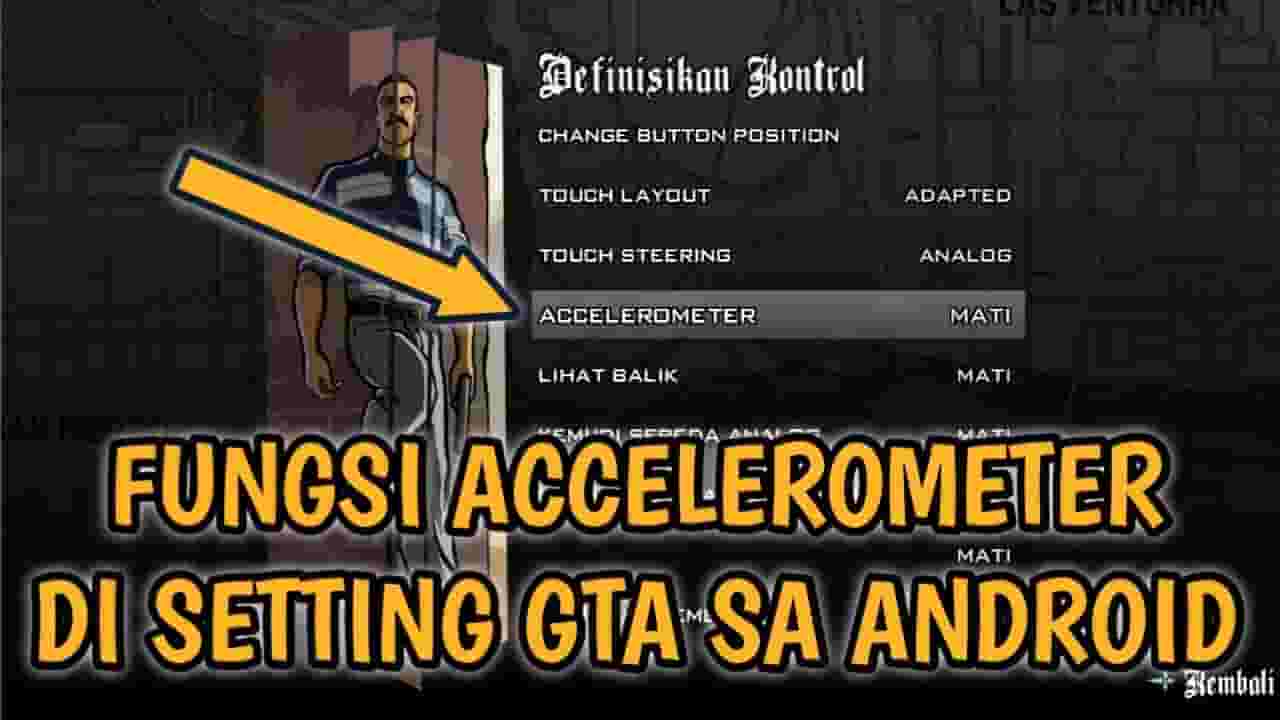
Halo semua kembali lagi di channel saya Di video kali ini saya akan memberikan sebuah video gabut yaitu Fungsi Accelerometer di Setting GTA SA ANDROID. mungkn kalian yang pertama kali bermain gta sa android pasti kalian binggung apa sih accelerometer dan apa fungsi nya untuk gta sa android. kaliam mau tau apa kegunaanya? Simak teruss!!! ✓Subscribe Gratis https://www.youtube.com/DanangSetiaji Tambahan Subsribe channel teman saya : https://www.youtube.com/channel/UCx9w03l6X8abOSud61OdfMQ DOWNLOAD GTA SA Android: https://youtu.be/TW2hwlOyAEw Ikuti juga : -Instagram saya: https://www.instagram.com/setan_danang Sebagai pemula saya mohon bantuan kalian untuk membantu saya dalam membangun channel saya agar terus berkembang. #dansjt #gtasaindo #gtasanandreas
About YouTube Real-Time View Count
With SocialCounts.org’s view counter, track your YouTube video’s live view count and YouTube likes count in real time with fast, reliable updates.
Watch every YouTube video live view count rise with our real-time YouTube views tracker—built for accuracy and minimal delay.
Follow YouTube real time views as they happen, using our dedicated view counter for YouTube videos.
Get up-to-date live view count on YouTube and see real-time growth with SocialCounts.org’s smart tracking tools.
Embed Widget
Parameters:
fullscreen=true- Fullscreen countergraph=true- Live graph chartcounter=0/1/2- Select counter (0=likes, 1=views, 2=comments)
URL
Click to copy the embed URL to your clipboard