

399
likes
18
comments
daily view 0
monthly view 0
Live Analytics
Comments 0
Creating a Deck of Playing Cards Start to Finish - The Old Tides Deck Analytics Table
Income Estimates for Creating a Deck of Playing Cards Start to Finish - The Old Tides Deck
Based on this YouTube video's total view count of 9.38K views and industry-standard rates, the estimated total earning is $7 - $19 through ad revenue. Historical data is not yet available to calculate daily, weekly, or monthly averages.
About Creating a Deck of Playing Cards Start to Finish - The Old Tides Deck
Explore Creating a Deck of Playing Cards Start to Finish - The Old Tides Deck with 9,388 views, 399 likes, and 18 comments. Experience the impact of this video content that has captured audience attention.
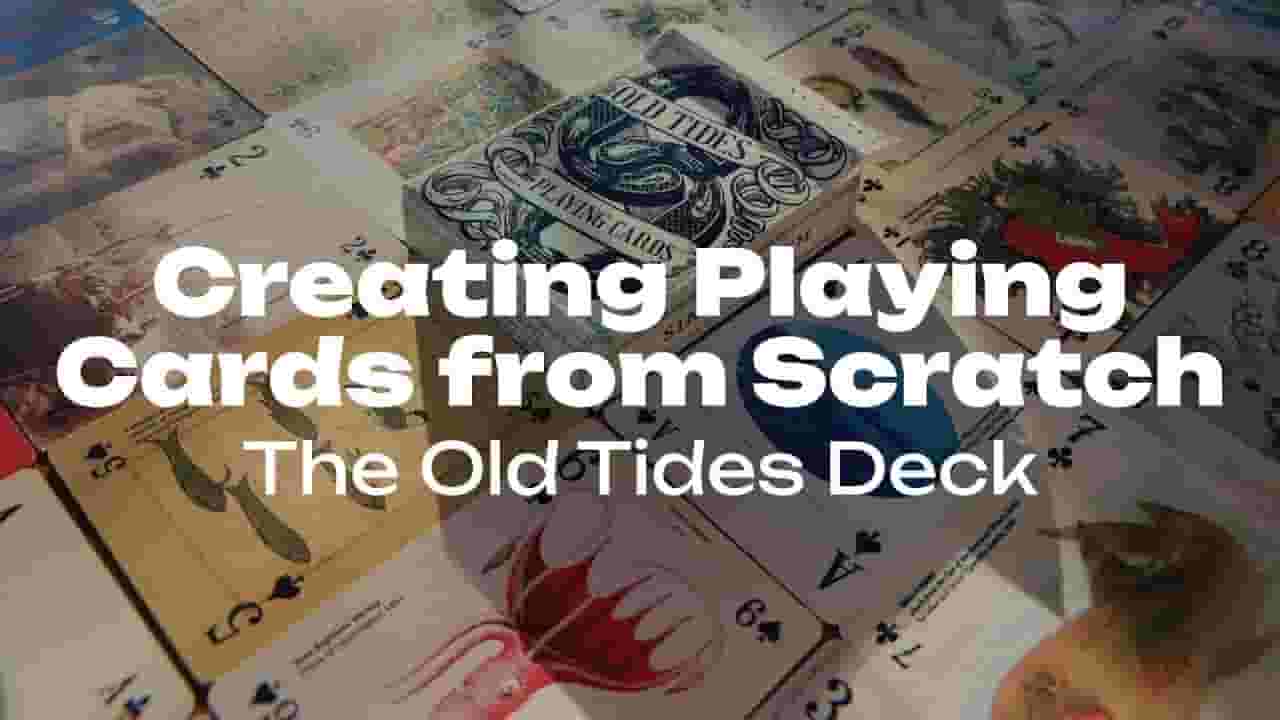
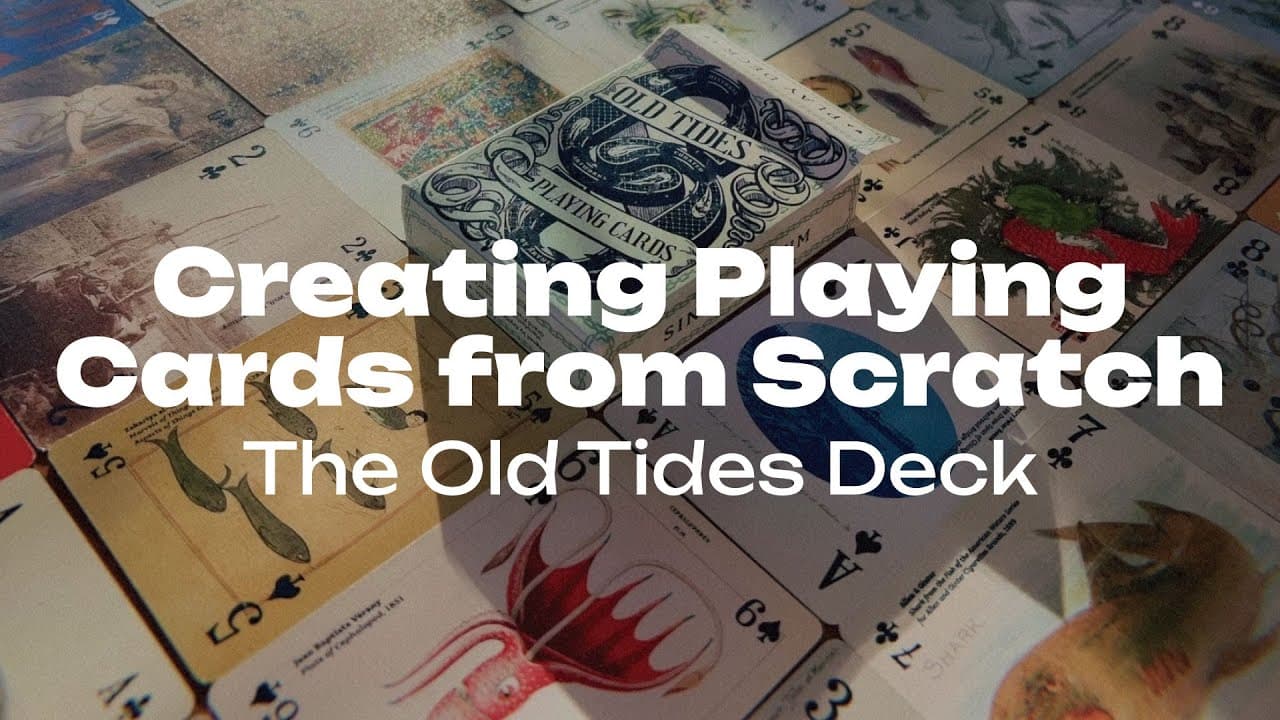
Collect the finished Old Tides Playing Cards HERE: https://www.arynlei.com/playing-cards In this video, I take you through the entire process of designing the Old Tides Playing Cards deck from scratch. What was meant to be a one-week design challenge turned into a two-week deep dive into digital artwork creation using Adobe Photoshop and Adobe Illustrator. You'll see how I brought this deck to life, step by step, from concept to final production, all while experimenting with techniques to make this deck truly unique. The Old Tides Playing Cards deck is centered around the theme of water, featuring 54 historic public domain artworks that explore the mysteries and mythology of water throughout history. Along the way, you voted on the deck's name and artwork choices, making this project a true collaboration with my community. This journey covers not only the card faces and tuck box design but also showcases my design process for both the card back and front, including the intricate details that make this deck one of a kind. 0:00 - Collecting Public Domain Images 1:18 - Formatting the Card Face Designs in Adobe Photoshop 2:24 - Placing Images in Adobe Illustrator Document 3:31 - Designing Pips (Suit Symbols) in Adobe Illustrator 4:50 - Refining Pips in Adobe Illustrator 5:59 - Playing Card Backs - Illustrating Water in Adobe Illustrator 7:03 - Playing Card Backs - Custom Pattern Brush Chains 8:17 - Packaging and Tuck Box Basics - What goes on each side? 9:23 - Designing a Playing Card Tuck Box in Adobe Illustrator 10:50 - Tuck Box Front Part 1 - Fishnet Pattern & Heralding Ribbons 12:09 - Tuck Box Front Part 2 - Illustrating Koi Fish, Type on a Path Tool 13:32 - Placing Text on Cards, Finalizing the Tuck Box 14:45 - Reviewing the 'Proof of Concept' Samples 16:11 - Reworking the Box Design with Adjustments 17:28 - Reviewing Final Production Samples and Quality Check 18:58 - Inventory Arrival & Uncut Decks Unboxing 19:50 - Unboxing the Finished Old Tides Deck 🌊 Public Domain Resources: Here are some of my favorite places to find public domain artwork: The Met’s Open Access Collection - https://www.metmuseum.org/art/collection/search?showOnly=openAccess The Rijksmuseum - https://www.rijksmuseum.nl/en/collection The New York Public Library Digital Collections - https://digitalcollections.nypl.org/ The Biodiversity Heritage Library - https://www.flickr.com/photos/biodivlibrary/ Old Book Illustrations - https://www.oldbookillustrations.com/ The National Gallery of Art - https://www.nga.gov/open-access-images.html NASA - https://images.nasa.gov/ The Library of Congress - https://www.loc.gov/free-to-use/ Got a theme idea for my next public domain deck? Drop your suggestions in the comments!
About YouTube Real-Time View Count
With SocialCounts.org’s view counter, track your YouTube video’s live view count and YouTube likes count in real time with fast, reliable updates.
Watch every YouTube video live view count rise with our real-time YouTube views tracker—built for accuracy and minimal delay.
Follow YouTube real time views as they happen, using our dedicated view counter for YouTube videos.
Get up-to-date live view count on YouTube and see real-time growth with SocialCounts.org’s smart tracking tools.
Embed Widget
Parameters:
fullscreen=true- Fullscreen countergraph=true- Live graph chartcounter=0/1/2- Select counter (0=likes, 1=views, 2=comments)
URL
Click to copy the embed URL to your clipboard