

142,886
likes
24,399
comments
daily view 0
monthly view 0
Live Analytics
Comments 0
How to Make an Origami Boomerang - Rob's World Analytics Table
Income Estimates for How to Make an Origami Boomerang - Rob's World
Based on this YouTube video's total view count of 25.3M views and industry-standard rates, the estimated total earning is $17.7K - $50.7K through ad revenue. Historical data is not yet available to calculate daily, weekly, or monthly averages.
About How to Make an Origami Boomerang - Rob's World
Explore How to Make an Origami Boomerang - Rob's World with 25,378,530 views, 142,886 likes, and 24,399 comments. Experience the impact of this video content that has captured audience attention.
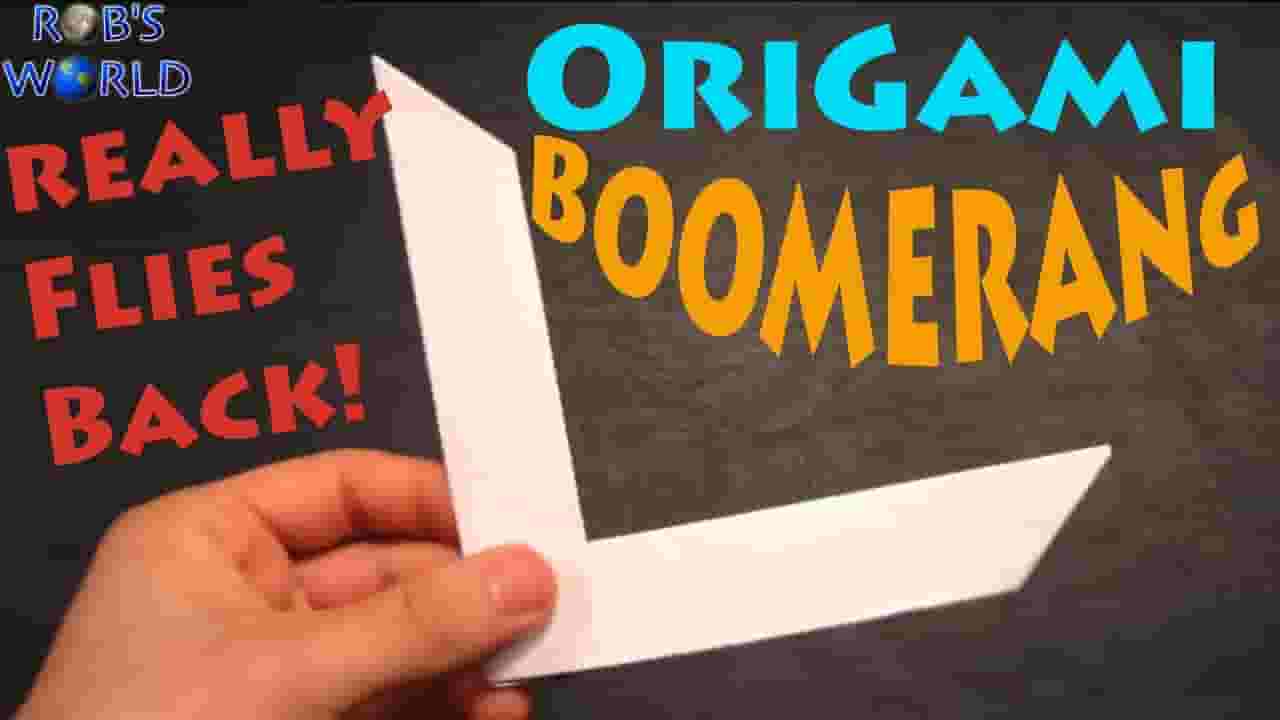
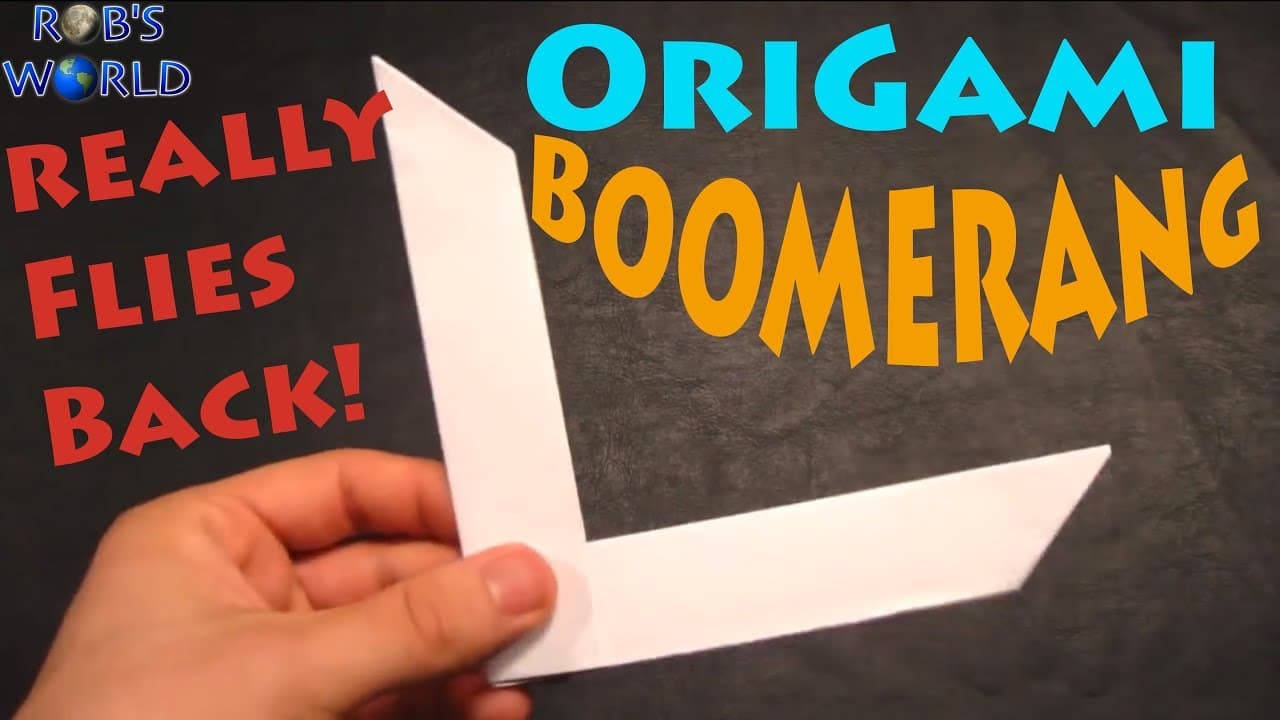
Like this Video? Check out my Fun Creations Playlist HERE: https://www.youtube.com/watch?v=Qi3xwubUr1E&list=PL4233A6440287E5CA Try the Mini Boomerang HERE: https://youtu.be/Mq3Vo-qW52g In this latest addition to my origami series, I will show you how to make a paper boomerang (Origami) by Anita Barbour* that really flies back!! To check out my throws, go to 1:02 (click here) in the video. I even show how you can throw TWO of them at the SAME TIME!!! :-) Have you made TWO of these?!! Then do the Super Boomerang NOW!! http://www.youtube.com/watch?v=aT2oZI1Vl64 FAQ: Is this just like a frisbee that you're throwing in such a way that it glides on air and comes back to you....How does this work exactly? A: You're somewhat right, this is obviously not a Wooden boomerang that has what is called an "air foil" design similar to an airplane to cause lift and/or drag, etc. However, this design does have 2 LEADING Edges (which slice the air) and 2 POCKETS (which catch the air), and as it rotates, it uses your throwing force to spin and lift but eventually slows down. Once at a height, it uses gravity to come back and slice the air. For any aeronautical engineers out there that can explain it better, please feel free to comment :-) Thanks! Q: I made it correctly, but why doesn't it fly?! A: You MUST throw it exactly as I show at 12:40 or you Origami Boomerang will NOT come back! Additionally, you want to create a lot of spin so let it roll off the tip of your pointer finger and try angling it up around 30-45 degrees in an area with a lot of space (preferably inside). In the thumbnail, I am actually holding the boomerang upside down (as I had just finished making it at that time) so do not attempt to throw it like that or it will go straight to the ground. This takes patience and practice and took me around 3 tries to get it to fly well. Now I can make it every time and it flies and comes back 100% of the time! Main Channel: http://YouTube.com/RobsWorld Instagram: http://www.Instagram.com/TheRobWorld Shirts: http://www.districtlines.com/Robs-World Facebook: http://www.facebook.com/TheRobWorld Twitter: http://www.twitter.com/TheRobWorld Instagram: http://www.instagram.com/TheRobWorld In this tutorial, I will explain how to turn a regular sheet of printer paper into an origami boomerang... well actually 2 origami boomerangs!! :-) You will need a simple Letter Sized sheet (8.5 x 11 inches) or an A4 size paper. No tape or anything else is required. I also explain at the end the way we must position the boomerang in order to throw it properly. If it falls to the ground check to see if: 1) It's upside down, refer to 12:40 for the proper way to position it before throwing--it does matter. 2) You may be angling it too far down, which can cause it to not come back all the way--try throwing it upwards at an angle. 3) It's made the correct way and looks just like mine. It takes a bit of practice, and make sure to spin it really fast. Check my "Super Boomerang" Video (Link above) for another demonstration of how it's thrown. This will keep you busy for hours and is fun for all ages. Once you show off your boomerang to friends, they are definitely going to want one! Please refer them to this video if you enjoy! Hope that everyone had a great break and got to spend time with the family. It has been a great year! Thanks for watching and don't forget to comment, rate, and subscribe to my videos. Thanks! -Rob **Origami Boomerang** Designed by Anita Barbour Inspired by Yoshino Unemoto Modified by Ryan Naccavato, Bennett Arnstein, Jim Cowling, and John Andrisan Online Instructions: Part 1 - http://www.giladorigami.com/swami/POP/boomerang1.gif Part 2 - http://www.giladorigami.com/swami/POP/boomerang2.gif #RobsWorld #FunCreations #Origami
About YouTube Real-Time View Count
With SocialCounts.org’s view counter, track your YouTube video’s live view count and YouTube likes count in real time with fast, reliable updates.
Watch every YouTube video live view count rise with our real-time YouTube views tracker—built for accuracy and minimal delay.
Follow YouTube real time views as they happen, using our dedicated view counter for YouTube videos.
Get up-to-date live view count on YouTube and see real-time growth with SocialCounts.org’s smart tracking tools.
Embed Widget
Parameters:
fullscreen=true- Fullscreen countergraph=true- Live graph chartcounter=0/1/2- Select counter (0=likes, 1=views, 2=comments)
URL
Click to copy the embed URL to your clipboard