

1,695
likes
230
comments
daily view 0
monthly view 0
Live Analytics
Comments 0
How to Add Custom Resolutions & Refresh Rates in Windows (CRU Tutorial 2025) Analytics Table
Income Estimates for How to Add Custom Resolutions & Refresh Rates in Windows (CRU Tutorial 2025)
Based on this YouTube video's total view count of 203K views and industry-standard rates, the estimated total earning is $142 - $407 through ad revenue. Historical data is not yet available to calculate daily, weekly, or monthly averages.
About How to Add Custom Resolutions & Refresh Rates in Windows (CRU Tutorial 2025)
Explore How to Add Custom Resolutions & Refresh Rates in Windows (CRU Tutorial 2025) with 203,377 views, 1,695 likes, and 230 comments. Experience the impact of this video content that has captured audience attention.
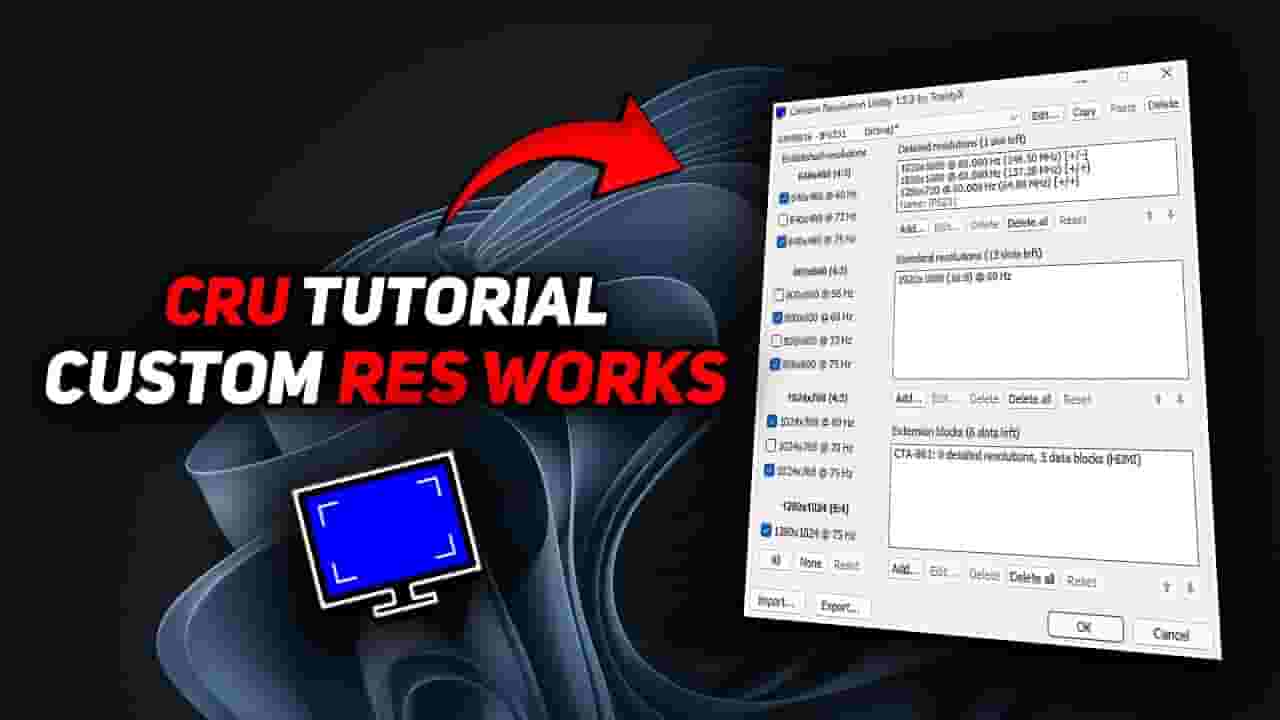
today I’m going to show you how to safely add custom screen resolutions and refresh rates using a free tool called CRU (Custom Resolution Utility). This method is perfect if your monitor supports 75Hz, 100Hz, or even 144Hz — but Windows or your GPU driver isn’t letting you set it. We'll go through everything step-by-step: Clean up conflicting settings Add new resolutions Safely test refresh rates Apply your changes without rebooting Use NVIDIA / AMD Control Panel to fine-tune scaling and color 📌 Important tips: Always use “Reduced” timing for best compatibility Avoid setting refresh rates your monitor doesn't support Use the Reset All button if something goes wrong
About YouTube Real-Time View Count
With SocialCounts.org’s view counter, track your YouTube video’s live view count and YouTube likes count in real time with fast, reliable updates.
Watch every YouTube video live view count rise with our real-time YouTube views tracker—built for accuracy and minimal delay.
Follow YouTube real time views as they happen, using our dedicated view counter for YouTube videos.
Get up-to-date live view count on YouTube and see real-time growth with SocialCounts.org’s smart tracking tools.
Embed Widget
Parameters:
fullscreen=true- Fullscreen countergraph=true- Live graph chartcounter=0/1/2- Select counter (0=likes, 1=views, 2=comments)
URL
Click to copy the embed URL to your clipboard