


7
likes
0
comments
daily view 0
monthly view 0
Live Analytics
Comments 0
How to draw an apple | How to draw an apple step by step | Drawing apple step by step for kids Analytics Table
Income Estimates for How to draw an apple | How to draw an apple step by step | Drawing apple step by step for kids
Based on this YouTube video's total view count of 52 views and industry-standard rates, the estimated total earning is $0 - $0 through ad revenue. Historical data is not yet available to calculate daily, weekly, or monthly averages.
About How to draw an apple | How to draw an apple step by step | Drawing apple step by step for kids
Explore How to draw an apple | How to draw an apple step by step | Drawing apple step by step for kids with 52 views, 7 likes, and 0 comments. Experience the impact of this video content that has captured audience attention.
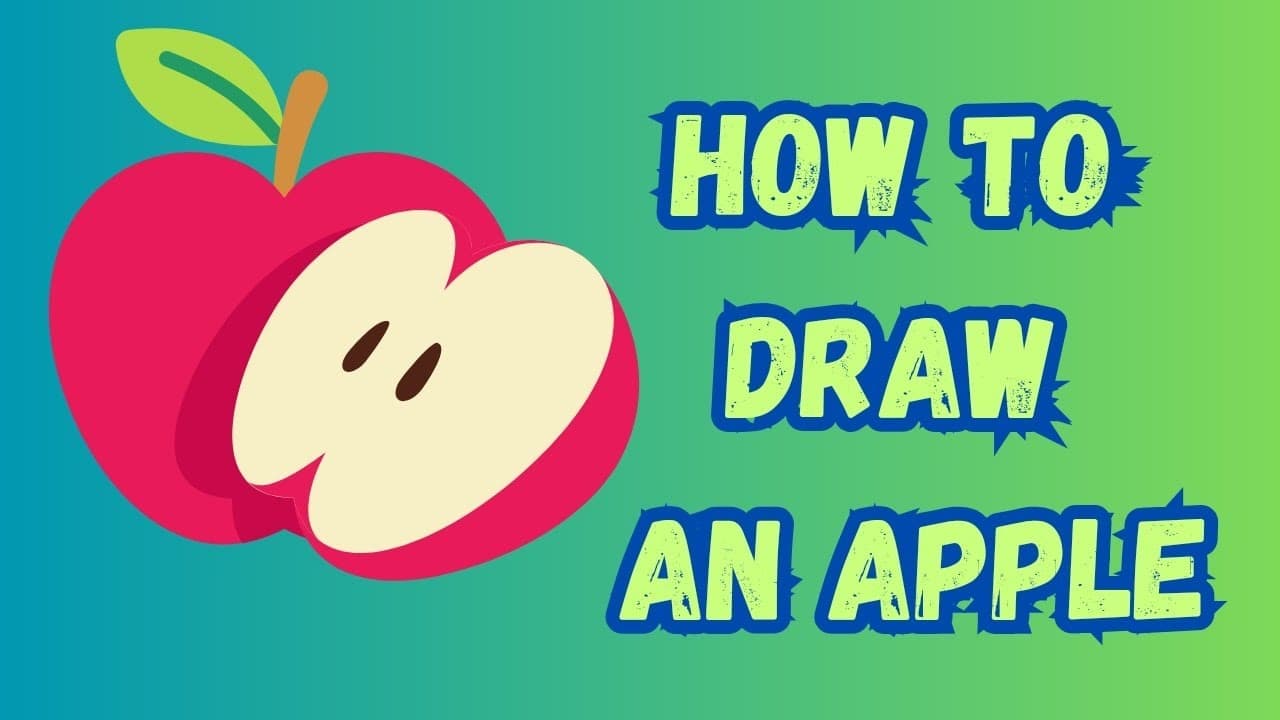
How to draw an apple | How to draw an apple step by step | Drawing apple step by step for kids Drawing an apple can be a fun and creative activity. Here's a simple step-by-step guide to help you draw an apple: Materials you'll need: Pencil Eraser Paper Colored pencils, markers, or crayons (optional) Step 1: Draw a Circle Begin by drawing a circle in the center of your paper. This will be the basic shape of your apple. It doesn't need to be a perfect circle; apples come in various shapes, so feel free to make it slightly oval if you prefer. Step 2: Add a Curved Line Near the top of the circle, add a slightly curved line. This will be the indentation where the stem of the apple will go. Step 3: Draw the Stem From the curved line you just drew, extend a short, thin line upwards. This will be the stem of the apple. Step 4: Draw the Calyx At the top of the stem, add a small star-like shape to represent the calyx, which is the cluster of sepals at the base of the apple's stem. Step 5: Create Shadows To give your apple a three-dimensional appearance, add shading. Shade the left side of the apple with a series of curved lines that follow the contour of the apple. Make the shading darker along the left side and lighter as you move toward the right. This creates the illusion of light falling on the apple from the right. Step 6: Add Details Draw a small, irregularly shaped oval or circle near the top of the apple. This represents a highlight, which is the reflection of light on the apple's surface. Step 7: Color Your Apple If you want to add color to your apple, use colored pencils, markers, or crayons. Apples are typically shades of red, but they can also be green, yellow, or a combination of colors. Shade the apple with your chosen color, leaving the highlight area white. Add some brown or green to the stem and calyx. Step 8: Refine and Erase Go over your lines, refining the shape and adding any additional details. Erase any unnecessary or stray lines to make your drawing clean and crisp. That's it! You've drawn an apple. Remember, practice makes perfect, so keep drawing to improve your skills. Feel free to experiment with different colors, shading techniques, and details to make your apple unique. Subscribe my channel if you like this video... Check out all of my drawing videos here: https://youtube.com/playlist?list=PLN3DQIi7pdGXWoz_prPY3F9Z077-6AgAv&si=0y67sK17wOUIAGU- #drawing #pencildrawing
About YouTube Real-Time View Count
With SocialCounts.org’s view counter, track your YouTube video’s live view count and YouTube likes count in real time with fast, reliable updates.
Watch every YouTube video live view count rise with our real-time YouTube views tracker—built for accuracy and minimal delay.
Follow YouTube real time views as they happen, using our dedicated view counter for YouTube videos.
Get up-to-date live view count on YouTube and see real-time growth with SocialCounts.org’s smart tracking tools.
Embed Widget
Parameters:
fullscreen=true- Fullscreen countergraph=true- Live graph chartcounter=0/1/2- Select counter (0=likes, 1=views, 2=comments)
URL
Click to copy the embed URL to your clipboard