


Live Analytics
Comments 0
Remixvideo tutorial | Quickstart Analytics Table
Income Estimates for Remixvideo tutorial | Quickstart
Based on this YouTube video's total view count of 23.7K views and industry-standard rates, the estimated total earning is $17 - $48 through ad revenue. Historical data is not yet available to calculate daily, weekly, or monthly averages.
About Remixvideo tutorial | Quickstart
Explore Remixvideo tutorial | Quickstart with 23,795 views, 128 likes, and 24 comments. Experience the impact of this video content that has captured audience attention.
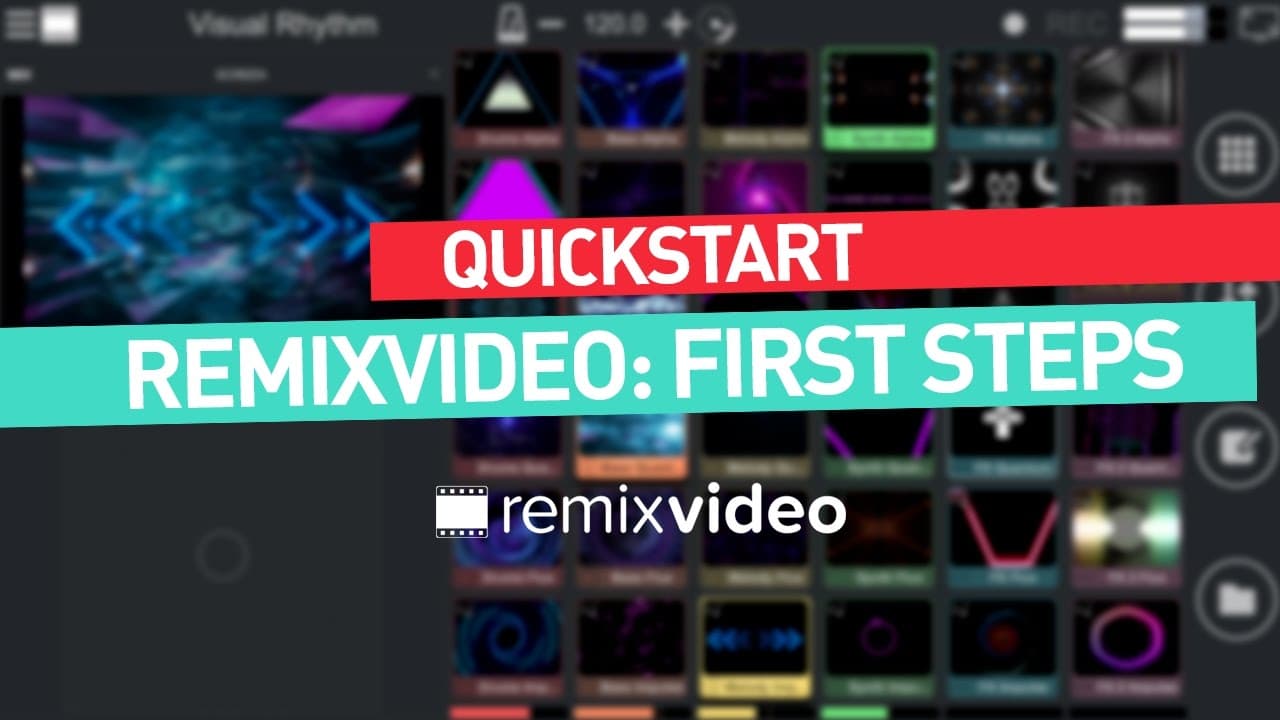
This tutorial will show you everything you need to know on how to use Remixvideo live! Enhance your live shows with Remixvideo, the intuitive video sampler. Download: http://itunes.apple.com/app/id1200409244 More info: http://www.mixvibes.com/remixvideo We will cover these topics : 00:11 What do I need to use Remixvideo live? 00:41 What can I use to control Remixvideo? 01:34 How do you set it all up? 02:21 How do you sync the DJ with the VJ? (Ableton Link) 03:08 How does Auto-Pilot work and how can I set it ? 03:57 How can I use my webcam? MAIN FEATURES // INTUITIVE AUDIOVISUAL PERFORMANCES • Play fully-synced video & audio samples on a grid of pads. • Tweak visuals instantly with video FX, blending modes and real-time editing. // SEAMLESS SYNC WITH MUSIC SOFTWARE • Ableton Link: play in sync on several devices running Link-enabled apps. • VST/AU plug-in: sync audio and MIDI inside any compatible music software. // PRO VIDEO CONTENT • Import video & audio samples: all main A/V formats & video codecs are supported. • Includes 72 video samples (in 404p, 720p & 1080p) & 36 synced HQ audio samples. FULL FEATURE LIST // AUDIOVISUAL SAMPLER • Play fully-synced video samples. • Link audio samples to video pads. • Modular grid: up to 8x8 pads. • 3 playmodes: loop, one-shot and gate. • Audio sample editor: quantize, gain, mute audio. • Video sample editor: hue, contrast, brightness, saturation, chroma key, position & scale. // COMPLETE VIDEO MIXING • 18 video FX. • 7 mixing modes. • Built-in mixer: audio & video faders, bi-filter knobs, EQs, mute & solo buttons. • Live BPM control: time stretch included. • Touch Bar editing shortcuts on the new MacBook Pro. • Auto-Pilot: automatically plays a sequence of pads. // PROFESSIONAL CONTENT • 72 royalty-free professional video samples (available in 404p, 720p & 1080p). • 36 royalty-free professional audio samples. • Generators: includes 12 lightweight and audio reactive video samples. • Overlays: includes 13 transparent background video samples. // VIDEO INPUT & IMPORT • Import your own video & audio samples onto the grid (100 seconds max) • Import your own images and logos onto the grid (jpeg, png & bmp) • Supports main AV formats & video codecs (avi, mjpeg, mov, mp4, mpeg…). • Compatible audio formats: MP3, M4A, WAV, AIFF, FLAC, OGG, AAC, WMA • Alpha layer: make a color transparent with chroma key or use HAP codecs. • Live video input: play webcam or camera input onto a pad. // VIDEO OUTPUT & EXPORT • Direct output to a secondary screen for live performance. • Picture control: video projection mapping & master video editor. • Video ratio editor. • Record your performance live in high-quality MP4 video. • Share your recordings via YouTube and Dailymotion. // HARDWARE COMPATIBILITY • MIDI Support: Novation Launchpad Mk2, Akai APC Mini & Livid Instrument Base 2. • MIDI Learn: quickly assign MIDI commands to any controller. // SOFTWARE COMPATIBILITY • VST/AU plug-in. • Ableton Link support. • Syphon support: share video output with third-party software. // REQUIREMENTS • 64-bit version. • 2.0 GHz Intel Core i5. • 4 GB RAM. // LINKS Website : www.mixvibes.com Youtube : www.youtube.com/mixvibes Facebook : www.facebook.com/mixvibes
About YouTube Real-Time View Count
With SocialCounts.org’s view counter, track your YouTube video’s live view count and YouTube likes count in real time with fast, reliable updates.
Watch every YouTube video live view count rise with our real-time YouTube views tracker—built for accuracy and minimal delay.
Follow YouTube real time views as they happen, using our dedicated view counter for YouTube videos.
Get up-to-date live view count on YouTube and see real-time growth with SocialCounts.org’s smart tracking tools.
Embed Widget
Parameters:
fullscreen=true- Fullscreen countergraph=true- Live graph chartcounter=0/1/2- Select counter (0=likes, 1=views, 2=comments)
URL
Click to copy the embed URL to your clipboard