

Live Analytics
Comments 0
Free up space on Samsung Galaxy Analytics Table
Income Estimates for Free up space on Samsung Galaxy
Based on this YouTube video's total view count of 1.03K views and industry-standard rates, the estimated total earning is $1 - $2 through ad revenue. Historical data is not yet available to calculate daily, weekly, or monthly averages.
About Free up space on Samsung Galaxy
Explore Free up space on Samsung Galaxy with 1,031 views, 6 likes, and 5 comments. Experience the impact of this video content that has captured audience attention.
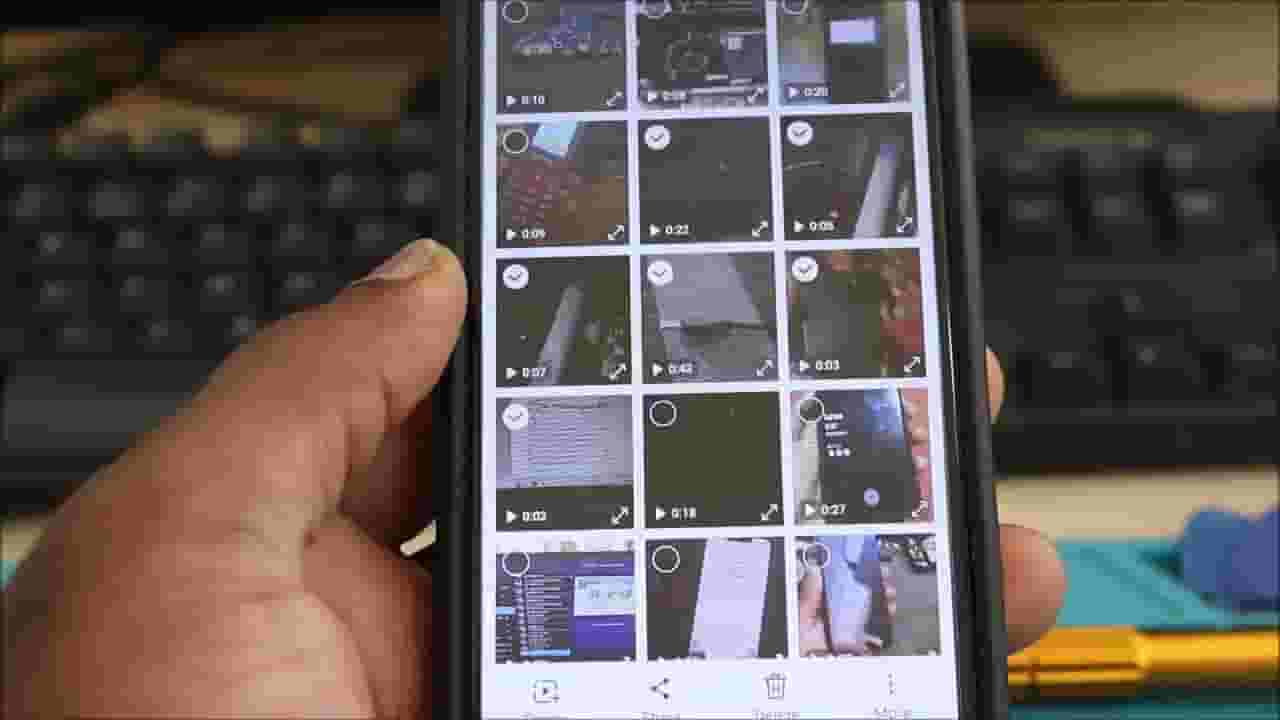
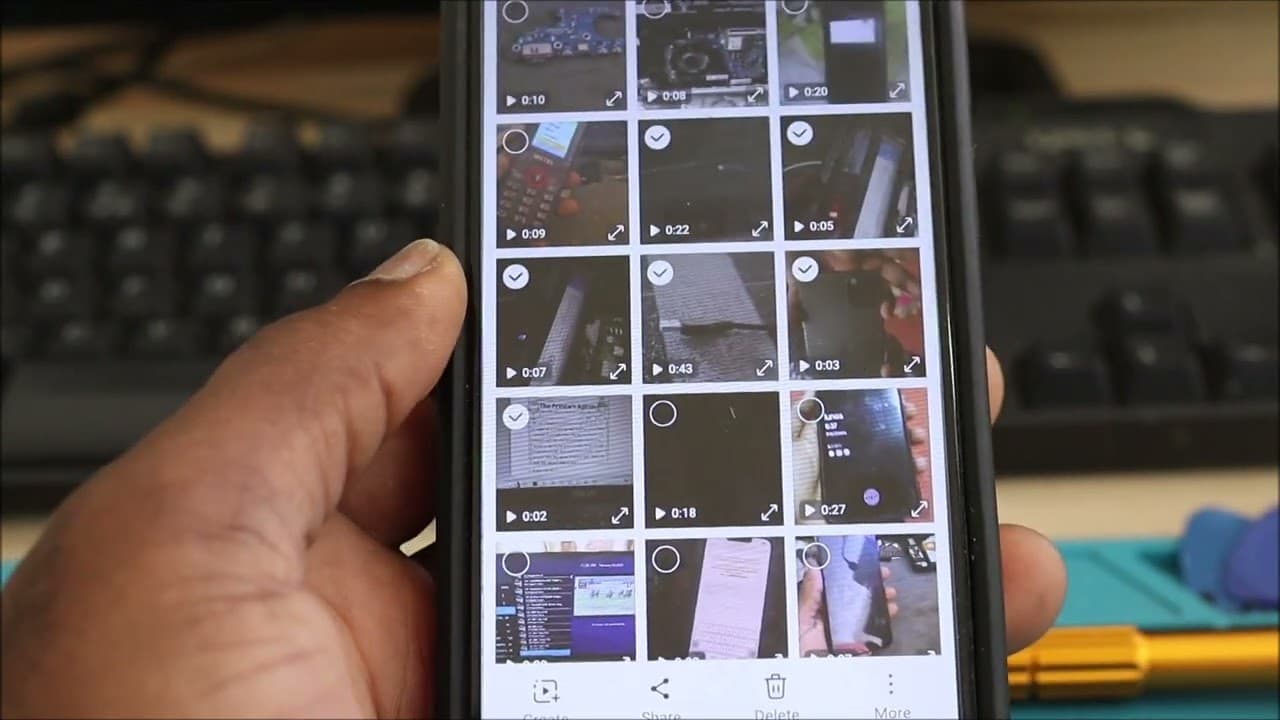
Subscribe Here https://goo.gl/Qp13Qn Main Camera Canon EOS R https://amzn.to/2VE1vLi Free up space on samsung galaxy To free up capacity on a Samsung gadget, you'll clear app caches and information, uninstall unused apps, erase downloaded records, and exchange records to a computer or SD card. Moreover, optimizing photographs, erasing ancient records, and purging the reuse container can too offer assistance. Here's a more point by point breakdown: 1. Check Capacity Utilization: Go to Settings Battery and gadget care Capacity. This will appear you how much space is utilized and by what sorts of records. 2. Clear App Caches and Information: Go to Settings Apps. Select the app you need to clear. Tap Capacity. Tap Clear cache to evacuate brief records. Tap Clear information to evacuate all app information, counting settings and spared data (utilize with caution). 3. Uninstall Unused Apps: Go to Settings Battery and gadget care Capacity. Seek for the Unused apps segment. Select the apps you need to uninstall and tap Uninstall. 4. Erase Downloaded Records: Open the My Records app. Go to Downloads or other pertinent organizers. Select the records you need to erase and tap Erase. 5. Exchange Records to a Computer or SD Card: Computer: Interface your phone to your computer and drag and drop records to a envelope on your computer. SD Card: In case your phone has an SD card space, you'll exchange records to it utilizing the My Records app. 6. Optimize Photographs: Go to Settings Battery and gadget care Capacity. Seek for Huge records or Copy records and erase them. You'll too utilize photo altering apps to optimize or compress pictures, lessening their estimate. 7. Purge Reuse Container: Go to Settings Battery and gadget care Capacity. Explore for the Reuse canister area. Purge the canister to forever erase the records. 8. Other Tips: Erase ancient records: Go through your records and erase any ancient reports, recordings, or other records you not require. Near lethargic apps: Go to Settings Apps and near any apps that are not reacting. Erase offline maps: In case you employ offline maps, delete them after you now not require them to free up space. By taking after these steps, you'll be able viably clear up capacity space on your Samsung gadget and make strides its execution. This video clarifies how to free up capacity space on your Samsung phone:
About YouTube Real-Time View Count
With SocialCounts.org’s view counter, track your YouTube video’s live view count and YouTube likes count in real time with fast, reliable updates.
Watch every YouTube video live view count rise with our real-time YouTube views tracker—built for accuracy and minimal delay.
Follow YouTube real time views as they happen, using our dedicated view counter for YouTube videos.
Get up-to-date live view count on YouTube and see real-time growth with SocialCounts.org’s smart tracking tools.
Embed Widget
Parameters:
fullscreen=true- Fullscreen countergraph=true- Live graph chartcounter=0/1/2- Select counter (0=likes, 1=views, 2=comments)
URL
Click to copy the embed URL to your clipboard