


265
likes
65
comments
daily view 0
monthly view 0
Live Analytics
Comments 0
How To Hide Subscribers On Youtube 2024 Analytics Table
Income Estimates for How To Hide Subscribers On Youtube 2024
Based on this YouTube video's total view count of 43.2K views and industry-standard rates, the estimated total earning is $30 - $87 through ad revenue. Historical data is not yet available to calculate daily, weekly, or monthly averages.
About How To Hide Subscribers On Youtube 2024
Explore How To Hide Subscribers On Youtube 2024 with 43,280 views, 265 likes, and 65 comments. Experience the impact of this video content that has captured audience attention.
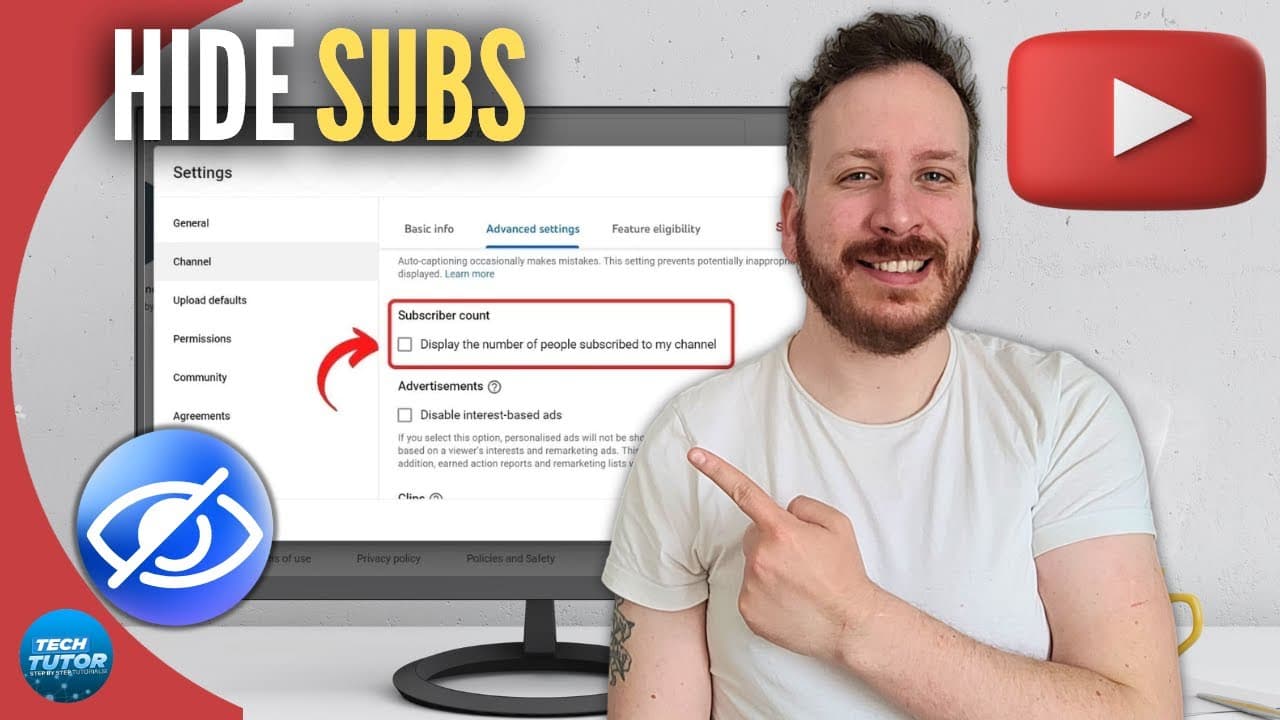
How To Hide Subscribers On Youtube 2024 In this tutorial, I will guide you through the process of hiding your subscriber count on YouTube in 2024. Whether you're a new creator looking to shield your channel's growth from public scrutiny or an established content creator seeking more privacy, this step-by-step tutorial will show you exactly how to do it. By the end of this video, you'll have the knowledge and tools to control who can view your subscriber count on YouTube. Don't let numbers dictate your success - take control of your channel's visibility and focus on creating great content. If you found this video helpful, don't forget to give it a thumbs up and subscribe to our channel! --------------------------------------------------------------------- 📣 Consider supporting the channel by making a small donation here 👉 https://ko-fi.com/techtutor ☕ --------------------------------------------------------------------- ✨Equipment I Use ✨ 💻 PC - https://amzn.to/3GHHYx3 📹 Camera - https://amzn.to/3iCteHG 🎙 Microphone - https://amzn.to/3XuyN9W 💻 Laptop - https://amzn.to/3ZBEWmk 💡 Lighting - https://amzn.to/3QzOTNf --------------------------------------------------------------------- ✨Recommended Software I use ✨ 📈 Grow Your Youtube Channel and Get more views with VidIQ - https://bit.ly/TechTutorVidIQ ✨Recommended VPN: ✨ Do you protect yourself online? 😇👉 Prices Start From Only $3.15/mo, plus you get a 7 day FREE TRIAL at https://bit.ly/7dayTRIAL 🔥 ✨ Join this channel to get access to perks: ✨ https://www.youtube.com/channel/UCf-fme5OpBdK85ZF4KeNpnA/join --------------------------------------------------------------------- Subscribe for Technology Tutorials, How To Tutorials, and Tech Tutorials. Inspired by How to Digital, Foxy Tech Tips, and Guiderealm. 🔥 Click here to subscribe: https://bit.ly/YoutubeChannelDt 🔥 Click here to subscribe: https://bit.ly/YoutubeChannelDt On Tech Tutor we will go through how to tutorials, technology tutorials, and tech tutorials. Stay tuned for the latest how to tutorials, technology tutorials, and tech tutorials. --------------------------------------------------------------------- For any business related enquiries please send an email to: [email protected] Thanks! #YouTubePrivacy #HideSubscribers #2024Tutorial #ContentCreators #YouTubeSuccess #PrivacyControl #SubscriberCount #YouTubeTips #VideoTutorial #OnlinePrivacy -------------------------------------------------------------------------- AFFILIATE DISCLAIMER: This description may contain affiliate links which helps support the channel and will pay me a small commission at no extra cost to you. I only recommend programs and equipment I have used so you can rest assured you will always be getting top quality recommendations!
About YouTube Real-Time View Count
With SocialCounts.org’s view counter, track your YouTube video’s live view count and YouTube likes count in real time with fast, reliable updates.
Watch every YouTube video live view count rise with our real-time YouTube views tracker—built for accuracy and minimal delay.
Follow YouTube real time views as they happen, using our dedicated view counter for YouTube videos.
Get up-to-date live view count on YouTube and see real-time growth with SocialCounts.org’s smart tracking tools.
Embed Widget
Parameters:
fullscreen=true- Fullscreen countergraph=true- Live graph chartcounter=0/1/2- Select counter (0=likes, 1=views, 2=comments)
URL
Click to copy the embed URL to your clipboard