

3
likes
1
comments
daily view 0
monthly view 0
Live Analytics
Comments 0
The #1 Time Clock and Scheduling App for Remote Employees 2025 Analytics Table
Income Estimates for The #1 Time Clock and Scheduling App for Remote Employees 2025
Based on this YouTube video's total view count of 168 views and industry-standard rates, the estimated total earning is $0 - $0 through ad revenue. Historical data is not yet available to calculate daily, weekly, or monthly averages.
About The #1 Time Clock and Scheduling App for Remote Employees 2025
Explore The #1 Time Clock and Scheduling App for Remote Employees 2025 with 168 views, 3 likes, and 1 comments. Experience the impact of this video content that has captured audience attention.
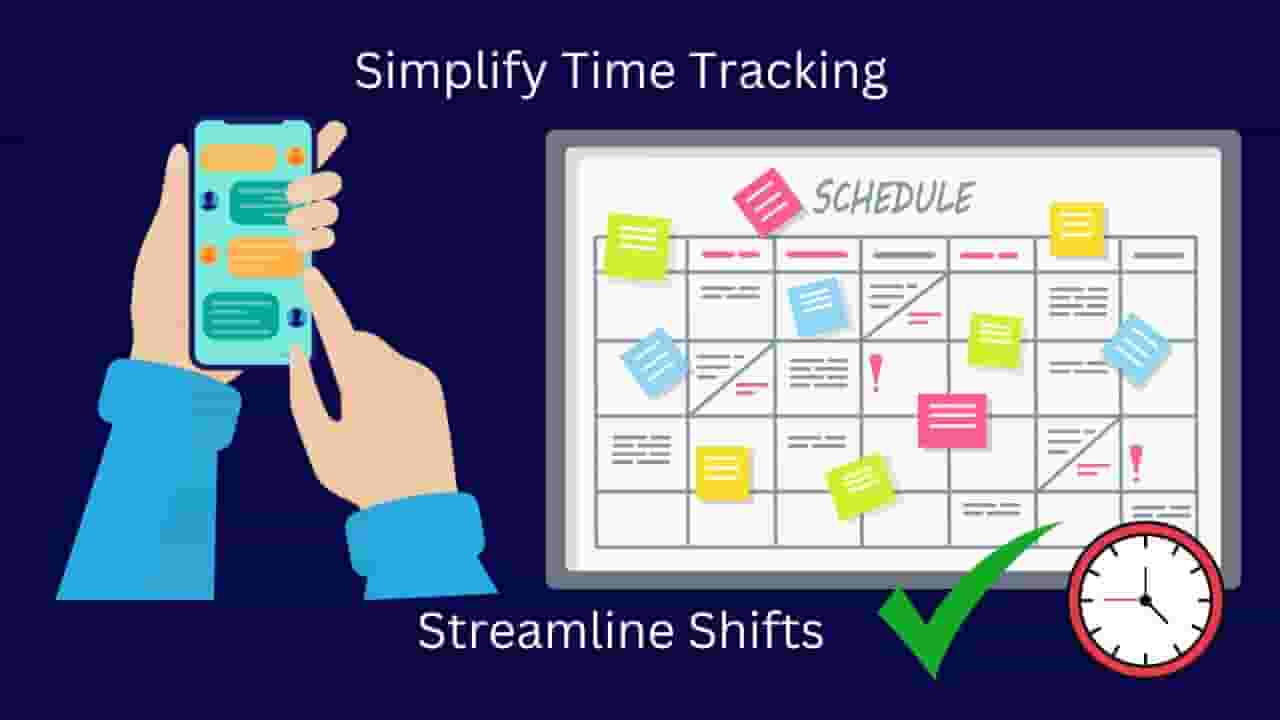
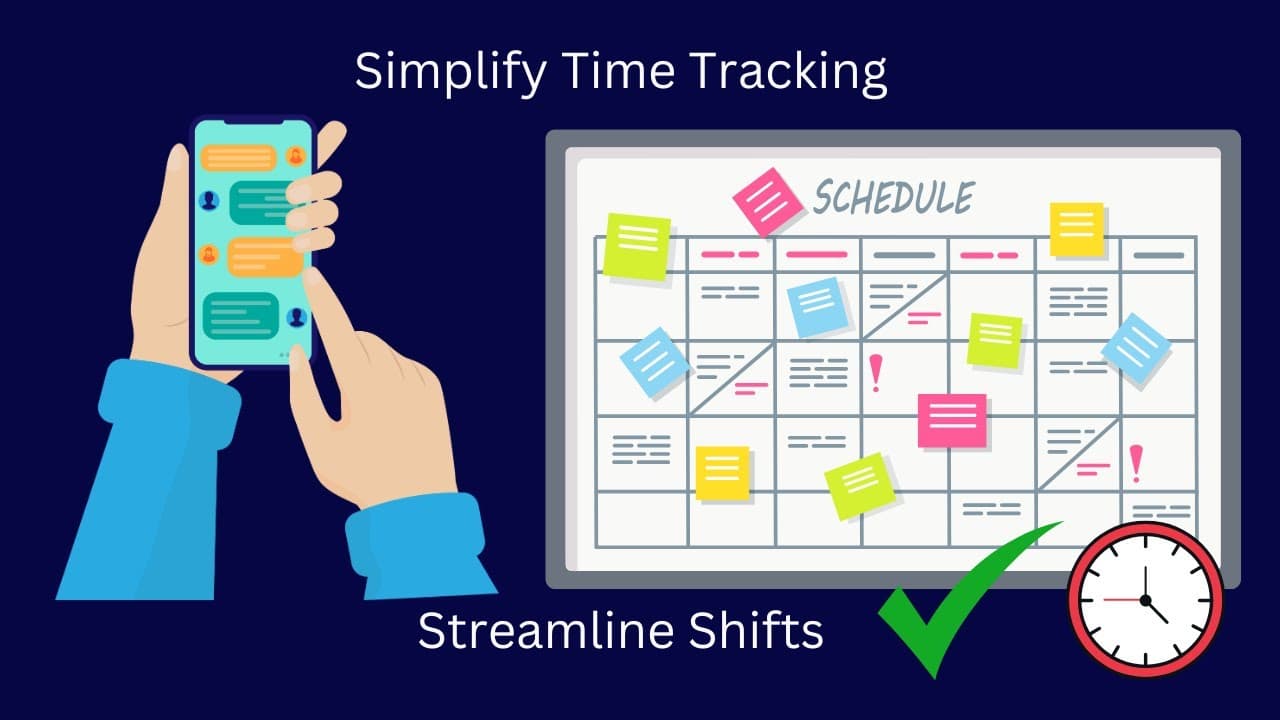
📢 Sponsored by Connecteam – The ultimate all-in-one solution for managing non-desk employees! In this video, I’ll walk you through Connecteam’s Time Clock & Shift Scheduling features, showing you how to: ✅ Track employee hours with an easy-to-use Time Clock ✅ Manage and adjust employee timesheets ✅ Automate shift scheduling and streamline workforce planning ✅ Integrate with payroll and export reports effortlessly Connecteam makes employee management simple, efficient, and mobile-friendly! 🔗 Sign up for free using my affiliate link: https://partners.connecteam.com/n1mrsm 📅 Try Connecteam free for 14 days—no credit card required! 💬 What do you think of Connecteam’s scheduling tools? Comment below! 🚀 Watch Part 2 here: https://youtu.be/bCUR4QWnmRM
About YouTube Real-Time View Count
With SocialCounts.org’s view counter, track your YouTube video’s live view count and YouTube likes count in real time with fast, reliable updates.
Watch every YouTube video live view count rise with our real-time YouTube views tracker—built for accuracy and minimal delay.
Follow YouTube real time views as they happen, using our dedicated view counter for YouTube videos.
Get up-to-date live view count on YouTube and see real-time growth with SocialCounts.org’s smart tracking tools.
Embed Widget
Parameters:
fullscreen=true- Fullscreen countergraph=true- Live graph chartcounter=0/1/2- Select counter (0=likes, 1=views, 2=comments)
URL
Click to copy the embed URL to your clipboard