

18,619
likes
1,224
comments
daily view 0
monthly view 0
Live Analytics
Comments 0
Google I/O 2025 keynote in 32 minutes Analytics Table
Income Estimates for Google I/O 2025 keynote in 32 minutes
Based on this YouTube video's total view count of 1.55M views and industry-standard rates, the estimated total earning is $1.09K - $3.11K through ad revenue. Historical data is not yet available to calculate daily, weekly, or monthly averages.
About Google I/O 2025 keynote in 32 minutes
Explore Google I/O 2025 keynote in 32 minutes with 1,555,603 views, 18,619 likes, and 1,224 comments. Experience the impact of this video content that has captured audience attention.
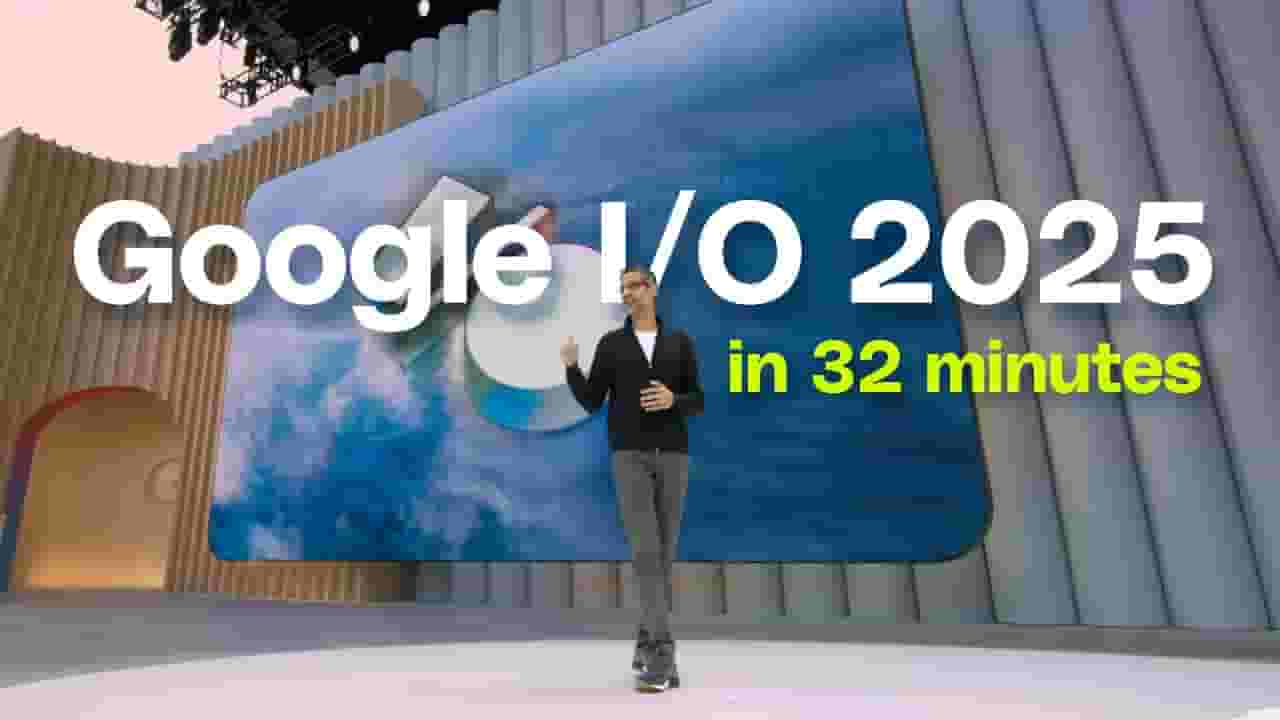
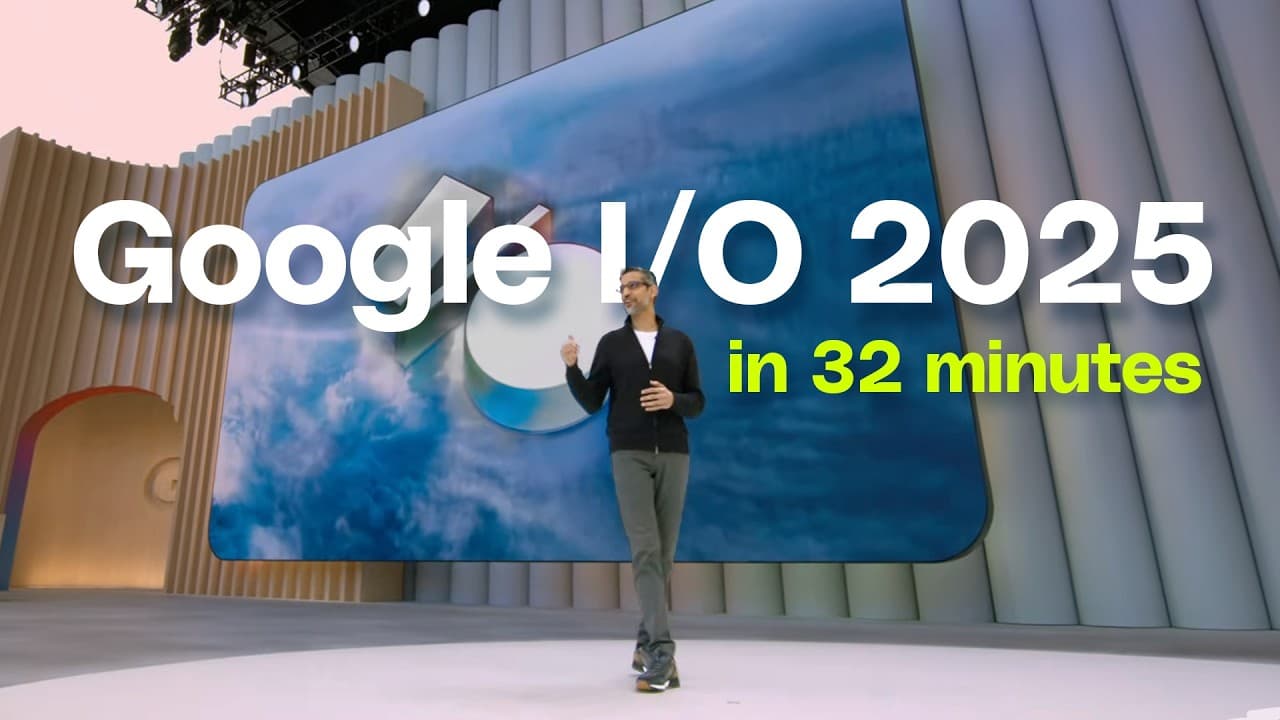
Google just wrapped up its big keynote at I/O 2025. As expected, it was full of AI-related announcements, ranging from updates across Google’s image and video generation models to new features in Search and Gmail. We got a look at Project Astra’s latest prototype that will complete tasks on your behalf, Gemini 2.5 Pro updates, a new AI filmmaking app called Flow, Project Starline is now Google Beam. Plus, a look at Xreal’s new Project Aura prototype. Here’s everything you missed. 0:00 Intro 0:10 Ironwood 0:26 Google Beam/Project Starline 1:06 Speech Translation in Google Meet 1:55 Project Astra/Gemini Live Demo 2:34 Project Mariner 3:12 Gemini is MCP Compatible 3:25 Agent Mode 4:11 Personal context 4:29 Personalized Smart Replies 5:28 Gemini 2.5 Flash 5:51 Text-to-speech updates 6:45 Security updates and Thought Summaries 7:13 Thinking Budgets 7:30 Gemini 2.5 Flash coding Demo 8:38 Jules coding assistant 8:59 Gemini Diffusion 9:30 Gemini 2.5 Pro Deep Think 10:11 Gemini 2.5 and Project Astra demo 10:55 Scientific AI research apps 11:40 AI Mode in Google Search 12:45 Deep Search and demo 13:57 Search Live 14:11 Visual shopping virtual try-on clothes demo 14:47 Agentic checkout 15:28 Gemini Live demo 16:00 Deep research 16:20 canvas 17:00 Imagen 4 18:00 Veo 3 19:00 Lyria 2 19:30 synthID 20:00 Aronofsky is using AI 20:48 Flow for creators 21:00 Flow video demo 22:30 Google AI pro and Ultra 23:30 Gemini is everywhere 24:25 Gemini on Headsets 25:12 Android XR 26:00 Android XR Live Demo 26:35 Dieter cameo 29:54 Live translation on Android XR 31:35 AI counter Subscribe: http://goo.gl/G5RXGs Like The Verge on Facebook: https://goo.gl/2P1aGc Follow on Twitter: https://goo.gl/XTWX61 Follow on Instagram: https://goo.gl/7ZeLvX Follow on TikTok: http://bit.ly/42VeCVU Watch The Vergecast on YouTube: https://bit.ly/40RFRkg The Vergecast Podcast: https://bit.ly/3WQDexZ Decoder with Nilay Patel: http://apple.co/3v29nDc More about our podcasts: https://www.theverge.com/podcasts Read More: http://www.theverge.com Community guidelines: http://bit.ly/2D0hlAv Wallpapers from The Verge: https://bit.ly/2xQXYJr Shop our Verge merch store here: https://bit.ly/4kPCmEc Subscribe to The Verge: https://bit.ly/3FT6n5S Subscribe to The Vergecast on YouTube, new episodes on Tuesday and Friday: https://bit.ly/3I6nJtz If you buy something from a Verge link, Vox Media may receive a commission without exerting any influence on editorial content. For more information about our ethics policy, visit: https://www.theverge.com/ethics-state...
About YouTube Real-Time View Count
With SocialCounts.org’s view counter, track your YouTube video’s live view count and YouTube likes count in real time with fast, reliable updates.
Watch every YouTube video live view count rise with our real-time YouTube views tracker—built for accuracy and minimal delay.
Follow YouTube real time views as they happen, using our dedicated view counter for YouTube videos.
Get up-to-date live view count on YouTube and see real-time growth with SocialCounts.org’s smart tracking tools.
Embed Widget
Parameters:
fullscreen=true- Fullscreen countergraph=true- Live graph chartcounter=0/1/2- Select counter (0=likes, 1=views, 2=comments)
URL
Click to copy the embed URL to your clipboard