

18,956
likes
354
comments
daily view 0
monthly view 0
Live Analytics
Comments 0
What is a UPS? (Uninterruptible Power Supply) Analytics Table
Income Estimates for What is a UPS? (Uninterruptible Power Supply)
Based on this YouTube video's total view count of 783K views and industry-standard rates, the estimated total earning is $549 - $1.56K through ad revenue. Historical data is not yet available to calculate daily, weekly, or monthly averages.
About What is a UPS? (Uninterruptible Power Supply)
Explore What is a UPS? (Uninterruptible Power Supply) with 783,909 views, 18,956 likes, and 354 comments. Experience the impact of this video content that has captured audience attention.
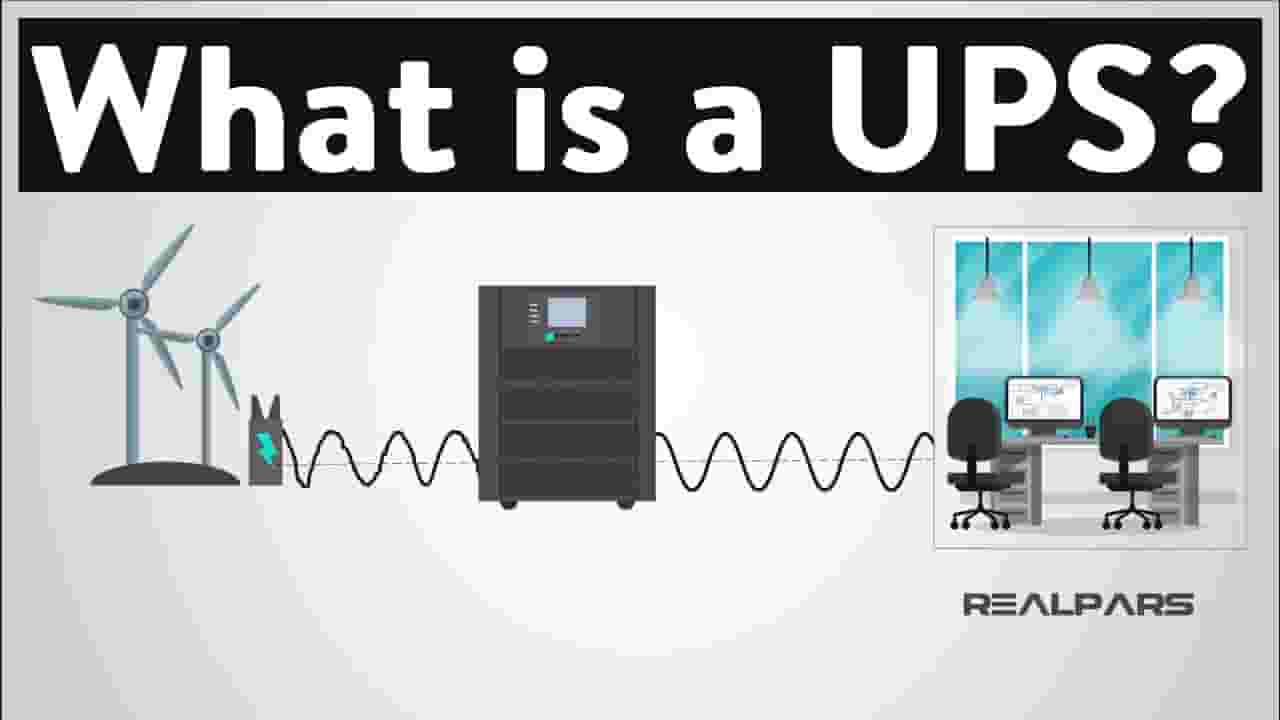
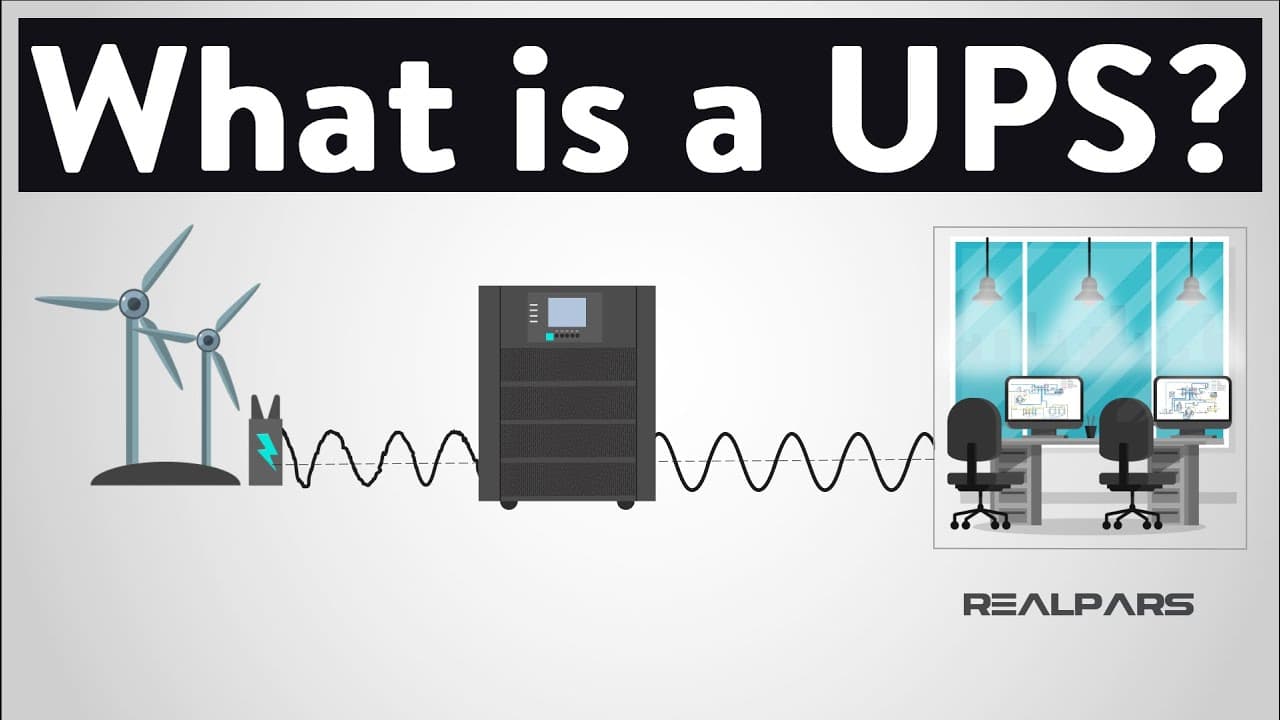
▶ Want to learn industrial automation? Go here: http://realpars.com ▶ Want to train your team in industrial automation? Go here: http://realpars.com/business ▶ Check out the full blog post over at https://realpars.com/uninterruptible-power-supply/ ============================= An Uninterruptible Power Supply is a device that is used to keep computers and equipment safe when there is a loss, or a significant reduction, in the primary power source. Once this is detected, the control is transfer over to the batteries, and via an inverter, the batteries DC voltage is converted into AC for the devices. In reality, it doesn’t have to be computers systems and equipment that are kept alive by UPS. It could be anything from a fish tank, to a foot massager! We aren’t just talking about plain power outages, lights off, TV off, everything, but we can sometimes get spikes in power where a sudden drop can assure our devices are momentarily powered off, or something known as a brown-out. The amount of time the UPS can sustain a system for can vary, but it allows the opportunity for the issue to be resolved, or at the very least, allows for the systems to be shut down in a controlled manner. Since a UPS is a system that uses batteries to power a system should the supply be compromised, we, of course, have batteries and a battery charger. Since the batteries use DC current and our incoming supply is AC current, we need to convert DC to AC using an inverter. A UPS provides second-level surge protection, but although it does provide some protection, it should usually be used alongside an adequate Surge Protection Device (SPD) to extend the life of the UPS as well as the attached equipment. Firstly, and the most common in smaller systems is the Standby or Offline UPS. The Standby UPS lays in wait for its time to spring into action, and once there is a power failure, it takes control. The Standby UPS tends to be the most cost-effective UPS available. Next up, we have the Line Interactive UPS. It is very similar to a Standby UPS but with the added ability to regulate voltage automatically. This means that it monitors the incoming supply and can help out if it detects that the voltage is a bit low, or a spike is causing it to go too high. It can add or subtract power in this way to make the output to our devices constant! This type of UPS is particularly useful for the brown-out situation we’ve already mentioned, or power spikes or surges. Now we have the Online Double Conversion UPS. This type of UPS is efficient as the primary source of power isn't the incoming supply, rather it is the battery power. So when we have a power outage, there is no transfer switch to close, meaning no time to switch that you can get with the other type of UPSs. When the incoming supply is ON, the batteries simply charge up. It is called a double-conversion because it converts the AC incoming supply to DC, and then the inverter converts it back to AC for the output. In general, it ensures a far higher degree of isolation of the load from the irregularities on the mains supply. These are the most common types of UPS available. Of course, there are other types that fit a particular form or function, but these tend to be for more specialist needs. ============================= Missed our most recent videos? Watch them here: https://realpars.com/fire-alarm-system/ https://realpars.com/ip-rating/ https://realpars.com/pid-tuning-parameters/ ============================= To stay up to date with our last videos and more lessons, make sure to subscribe to this YouTube channel: http://goo.gl/Y6DRiN ============================= TWEET THIS VIDEO https://ctt.ac/irfOp ============================= Like us on Facebook: https://www.facebook.com/therealpars/ Follow us on Twitter: https://twitter.com/realpars Follow us on LinkedIn https://www.linkedin.com/company/realpars Follow us on Instagram https://www.instagram.com/realparsdotcom/ #RealPars #ElectricalEngineering #UPS #UninterruptiblePowerSupply
About YouTube Real-Time View Count
With SocialCounts.org’s view counter, track your YouTube video’s live view count and YouTube likes count in real time with fast, reliable updates.
Watch every YouTube video live view count rise with our real-time YouTube views tracker—built for accuracy and minimal delay.
Follow YouTube real time views as they happen, using our dedicated view counter for YouTube videos.
Get up-to-date live view count on YouTube and see real-time growth with SocialCounts.org’s smart tracking tools.
Embed Widget
Parameters:
fullscreen=true- Fullscreen countergraph=true- Live graph chartcounter=0/1/2- Select counter (0=likes, 1=views, 2=comments)
URL
Click to copy the embed URL to your clipboard