


10,369
likes
1,152
comments
daily view 0
monthly view 0
Live Analytics
Comments 0
Troubleshoot A Dead Computer PC No Power - Easily Fix A Dead PC Analytics Table
Income Estimates for Troubleshoot A Dead Computer PC No Power - Easily Fix A Dead PC
Based on this YouTube video's total view count of 1.20M views and industry-standard rates, the estimated total earning is $847 - $2.42K through ad revenue. Historical data is not yet available to calculate daily, weekly, or monthly averages.
About Troubleshoot A Dead Computer PC No Power - Easily Fix A Dead PC
Explore Troubleshoot A Dead Computer PC No Power - Easily Fix A Dead PC with 1,209,386 views, 10,369 likes, and 1,152 comments. Experience the impact of this video content that has captured audience attention.
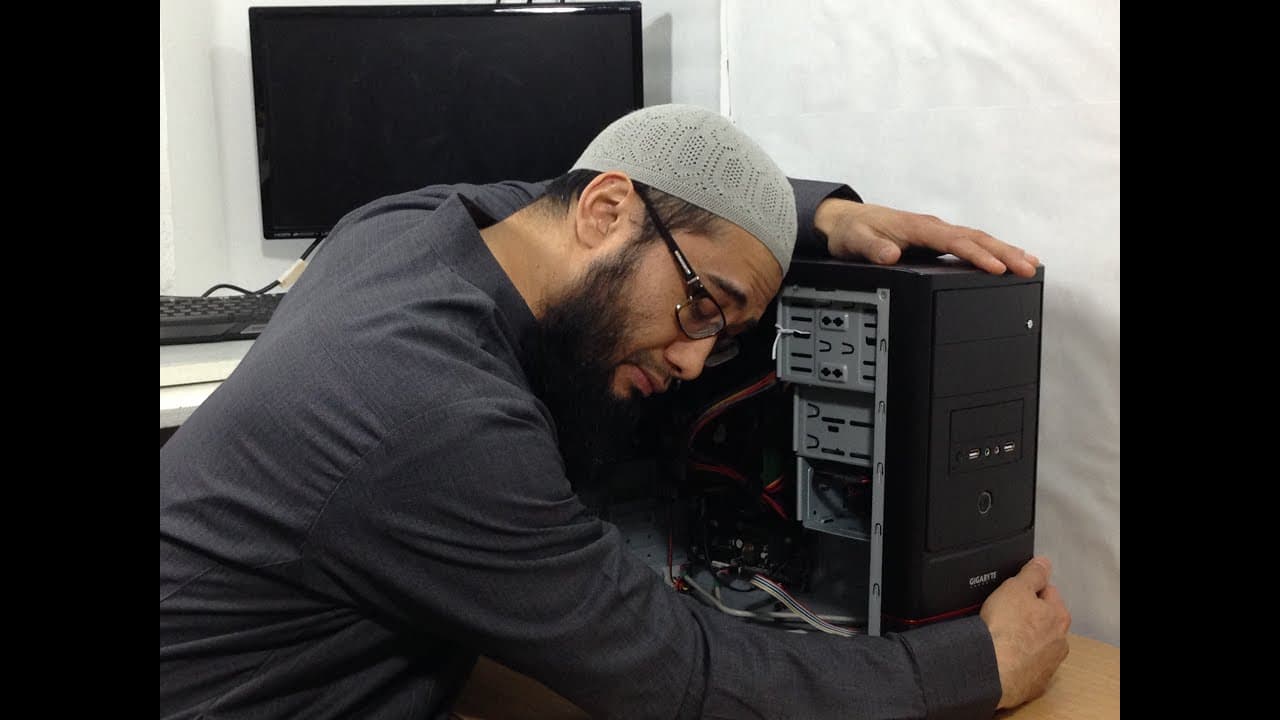
To troubleshoot a dead computer pc with no power, you must first start to check the electrical components coming into the PC like the main power plug and AC power cord. You should also check the front power button. If not fixed, then check the power supply unit (SMPS). In this tutorial I show you how to do all of that from basic to medium troubleshooting. Disclaimer. Any electronics or electrical repair come with associated risk of damage to self, others, and equipment. This tutorial is a guideline only for educational purpose, so do at your own risk. If in doubt consult a professional computer technician. This video is only one possible way of troubleshooting and fixing a computer. I have created a dedicated series to help troubleshoot all 10 main components of a computer in a logical structure, click the link. Troubleshoot A Computer Series Playlist | Computer Not Turning On | PC Turns On But No Display On Monitor https://www.youtube.com/watch?v=Wkcx-x9gjkg&list=PLDmnHbxxv3ncrDmkkt4oVJTEIBIy9pvRN I have also created a dedicated facebook group to help troubleshoot computer/laptop issues. If you post your question there with some pictures or even better a short video footage you will get a better response from the community. https://www.facebook.com/groups/healmytech/ Time Stamps: 00:00 - 01:36 Unnecessary waking up and coffee intro 01:37 Start of topic of the diagnosis and repair In this video tutorial I will show you the diagnostics tests to do when a computer won’t turn on. You should follow a logical troubleshooting eliminating process. It starts with verifying the wall socket plug is working correctly. Next, check the power cord coming from the wall socket into the power supply. You can do this by either using a multi-meter such as the following: Mastech Ac/Dc Auto/Manual Range Digital Multimeter, Ms8268, Green, Black &17.90 Buy from Amazon (Affiliate link) https://www.amazon.co.uk/gp/product/B000JQ4O2U/ref=as_li_tl?ie=UTF8&camp=1634&creative=6738&creativeASIN=B000JQ4O2U&linkCode=as2&tag=httpwwwyo0949-21 Alternatively you can plug the power cord into another device to test. For this video the last test is the power supply. This can be tested in two ways. Firstly grab a different known working power supply and install into the desktop and test for operation. If you cannot find a different PSU, then disconnect the 20+4 pin and the 4 cpu pins from the motherboard as well as any other power cables. Use athin metal wire such as a paper clip and bend into a U shape. With the power supply switched off and unplugged, insert one end of the pin metal into a green slot and the other end into any black slot. Do not touch the pin further, plug in the power cord into the PSU and turn the switch on, if the fan spins then the power supply is working. Please note at this stage that this test will only confirm power coming into the PSU and not correct voltage; i.e the PSU may still be damaged and not properly power the desktop. Troubleshoot Series Intro | Desktop Pc Computer Not Turning On No Display | How A Computer Works https://www.youtube.com/watch?v=Wkcx-x9gjkg Troubleshoot Series Part 1 | Desktop Pc Computer Not Turning On No Display | Computer Case Issueshttps://www.youtube.com/edit?o=U&video_id=_2vBc7_fOY8 07:37 How To Test A Power Supply Unit (PSU) With A Digital Multimeter | Advanced Troubleshooting https://www.youtube.com/edit?o=U&video_id=Tr70VyoACPgAffiliate Product Links: Canon EOS 1300D UK: http://amzn.to/2h8SZvw Canon EOS 1300D US: http://amzn.to/2xplQW1 Boya BY M1 Lavalier Microphone UK: http://amzn.to/2xHslo4 Boya BY M1 Lavalier Microphone US: http://amzn.to/2y4Ydze Zoom H1 Recorder UK: http://amzn.to/2w14L0W Zoom H1 Recorder US: http://amzn.to/2xGyqkB HealMyTech Custom Amazon Affiliate Links: UK Amazon Affiliate link: http://www.amazon.co.uk/?tag=healmytech-21 US Amazon Affiliate link: http://www.amazon.com/?tag=healmytech-20 Subscribe to my channel: HealMyTech http://www.youtube.com/c/healmypc99 Connect with me: Email: [email protected] Twitter: @healmytech Facebook: https://www.facebook.com/Healmytech-1739142406338235/ Thanks for watching!
About YouTube Real-Time View Count
With SocialCounts.org’s view counter, track your YouTube video’s live view count and YouTube likes count in real time with fast, reliable updates.
Watch every YouTube video live view count rise with our real-time YouTube views tracker—built for accuracy and minimal delay.
Follow YouTube real time views as they happen, using our dedicated view counter for YouTube videos.
Get up-to-date live view count on YouTube and see real-time growth with SocialCounts.org’s smart tracking tools.
Embed Widget
Parameters:
fullscreen=true- Fullscreen countergraph=true- Live graph chartcounter=0/1/2- Select counter (0=likes, 1=views, 2=comments)
URL
Click to copy the embed URL to your clipboard