


5,887
likes
923
comments
daily view 0
monthly view 0
Live Analytics
Comments 0
FIX A COMPUTER THAT WON'T POWER ON Analytics Table
Income Estimates for FIX A COMPUTER THAT WON'T POWER ON
Based on this YouTube video's total view count of 830K views and industry-standard rates, the estimated total earning is $582 - $1.66K through ad revenue. Historical data is not yet available to calculate daily, weekly, or monthly averages.
About FIX A COMPUTER THAT WON'T POWER ON
Explore FIX A COMPUTER THAT WON'T POWER ON with 830,796 views, 5,887 likes, and 923 comments. Experience the impact of this video content that has captured audience attention.
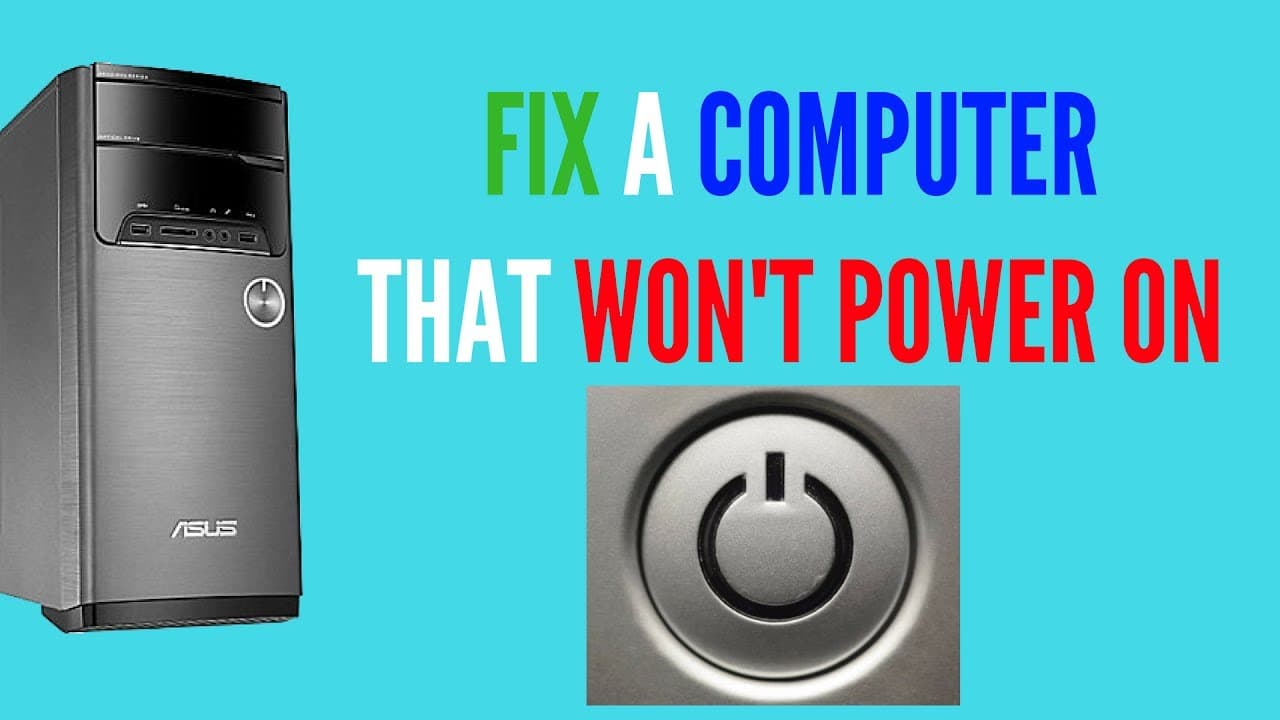
FIX A COMPUTER THAT WON'T POWER ON PC not booting up or turning on? is the computer dead? well in this video we will go through some basic steps you can take to try and fix your computer. No computer problem is the same and to a non-tech savvy person fixing or repair a computer can be a bit daunting. Just follow these basic steps and you should be able to diagnose your own computer problem. There are many reasons why a PC won't won't turn on but it you follow this video you should have a working computer or found a solution to the computer problem that you're having. First off keep it simple and cheap. 1. Check for burning smell inside the computer or PSU (power supply) and check for any blown caps. 2. Do you have any spinning fans? or attempting to spin? 3. Do you have any lights on the motherboard? or any activity from the computer? 4. Check for any loose cables or components and make sure they are fully inserted. (make sure you are getting power to the motherboard.) 5. Try removing the CMOS battery for 30 mins and then put it back in. Or replace the CMOS battery with a new RC2032 battery. You can also remove the power cable and CMOS battery and hold the power button on to deplete the power from the computer. Hold for 30 seconds) 6. Check the power cable on another computer or better still if you have another cable try that on the dead computer. Replace if faulty. 7. Any beeping sounds coming from the computer? 8. Remove any unnecessary cable like CDROM drive and try and power on the computer. 9. Check the power button or bypass the power button on the PC case. 10. Check PSU with power supply test if you don't want to buy a new one right away. If you have a spare PSU use that for testing. Replace PSU if needed. (You can jumper the green and black wires with a paper clip to see if it powers on.) 11. Check ram sticks one at a time and see if it boots or turns on. 12. If you have a black screen and the computer is on it could be a GPU graphics card issue. 13. CPU or Motherboard issue. how do you which one it is? well unless you have a test bench setup with that socket motherboard to test the CPU you will never know. Most of the time it's the motherboard that's failed. But at this stage, you need to decide to buy or build a new computer or replace the motherboard to test the CPU. I know when you brought your £1500 or $2000 computer 8 years ago you think it's still worth that today but it's not worth £100 today. Time to make some decisions on what you want to do. Remember testing a dead computer yourself can be a costly venture and a computer tech should have all the right tools and parts to save you money in the long run. I am sure I have missed some bits out but it's hard to think of them when your filming. Why not join our forum for a chat. http://www.briteccomputers.co.uk/forum
About YouTube Real-Time View Count
With SocialCounts.org’s view counter, track your YouTube video’s live view count and YouTube likes count in real time with fast, reliable updates.
Watch every YouTube video live view count rise with our real-time YouTube views tracker—built for accuracy and minimal delay.
Follow YouTube real time views as they happen, using our dedicated view counter for YouTube videos.
Get up-to-date live view count on YouTube and see real-time growth with SocialCounts.org’s smart tracking tools.
Embed Widget
Parameters:
fullscreen=true- Fullscreen countergraph=true- Live graph chartcounter=0/1/2- Select counter (0=likes, 1=views, 2=comments)
URL
Click to copy the embed URL to your clipboard