

55,258
likes
1,404
comments
daily view 0
monthly view 0
Live Analytics
Comments 0
Is My iPhone Listening To Me? YES - Turn These OFF Analytics Table
Income Estimates for Is My iPhone Listening To Me? YES - Turn These OFF
Based on this YouTube video's total view count of 1.91M views and industry-standard rates, the estimated total earning is $1.33K - $3.82K through ad revenue. Historical data is not yet available to calculate daily, weekly, or monthly averages.
About Is My iPhone Listening To Me? YES - Turn These OFF
Explore Is My iPhone Listening To Me? YES - Turn These OFF with 1,910,049 views, 55,258 likes, and 1,404 comments. Experience the impact of this video content that has captured audience attention.
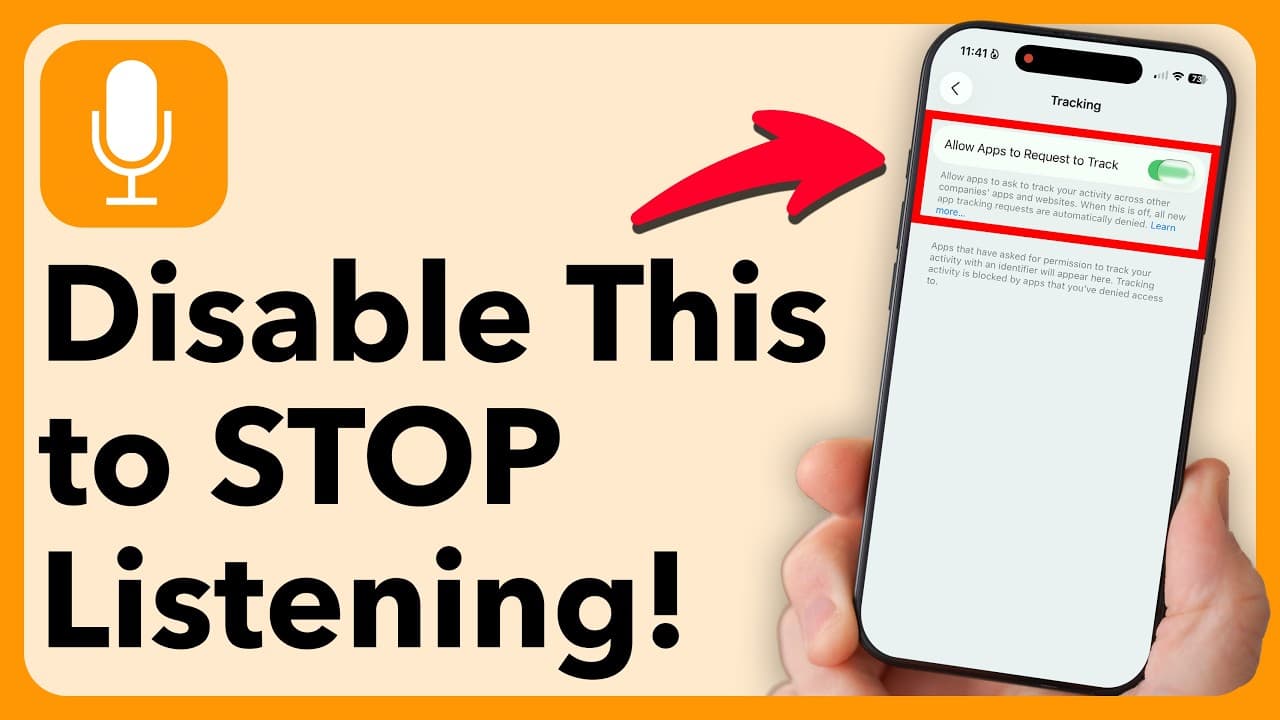
Is my iPhone Listening To Me? The short answer is both yes and no, but I'm showing you the crucial settings you need to turn off right now to stop being tracked on your iPhone and reclaim your privacy. I've been there—talking about buying a new TV and suddenly seeing a flood of ads for it, or checking flight prices and seeing hotel ads pop up. This often isn't your microphone secretly recording every word; it's a sophisticated network of apps, analytics, and trackers finding out your personal information to sell you ads. These trillion-dollar companies don't always need audio when they have so many other ways to monitor your activity. My goal is to walk you through the many instances where your phone is sending out data—from location services to app-specific permissions—so you can decide exactly how much information you want to share. Why You Want to Stop iPhone Tracking & Listening I believe everyone should take steps to control their digital footprint. By disabling these settings, you: • Protect Your Data: Prevent audio recordings (like those from Siri dictation and optional handwashing features) from being sent to Apple. • Limit Ad Targeting: Stop apps like Facebook and Amazon from tracking your activity across different websites and apps just to serve you "better" ads. • Control Location: Restrict when and how apps, as well as your iPhone's system services, can track your exact significant locations and travel routes. • Reclaim Privacy: Put up a strong wall between your personal life and the companies constantly collecting data on how you use your phone. FAQ Q: Is my phone secretly recording my private conversations? A: While your iPhone is listening for the "Hey Siri" trigger phrase, most random ad pop-ups are a result of cross-site tracking, location data, or having your search activity shared, rather than constant background eavesdropping. Q: If I turn all these settings off, will my phone stop working? A: Not at all. Most of the settings are for analytics, improvements, and ad tracking. For essential functions like navigation, I recommend using the 'While Using the App' location permission instead of 'Never'. Q: Does adjusting settings in Facebook/Meta and Amazon actually help? A: Yes. These apps are huge culprits for tracking your activity outside of their own platform via ad partners. Adjusting their ad preferences helps to silo your activity. Pros and Cons of Maximizing iPhone Privacy Pros • Increased Privacy: Significantly limits the amount of data Apple, Meta, and others collect from you. • Reduced Tracking: Stops apps from sharing your browsing and usage activity across different services. • Location Control: You decide which apps and system services know where you are and when. Cons • Less Convenience: Features like 'Hey Siri' and some 'Improvement' analytics will be unavailable or less effective. • Generic Ads: You will see less "relevant" advertising (if you prefer personalized ads). • Potentially Reduced App Functionality: Some apps may require location access to function correctly (mitigated by 'While Using the App' setting). If you want to reduce the tracking and stop wondering, Is My iPhone Listening To Me?, watch to see all the different places you need to check! #iPhonePrivacy #DigitalPrivacy #StopTracking #TurnTheseOff #AppleSettings #Cybersecurity #iPhoneHacks #PrivacySettings #AppleTips ------------ My name is Trevor Nace and I've been making tech tutorials for years, focusing on helping you solve your "how to" problems on iPhone, Android, iPad, Mac, and PC. So whether you're on a phone or computer and you run into an issue, I hope this video helped you. If you're still having trouble, leave a comment down below for me or go to my channel page and send me an email directly. I look forward to hearing from you!
About YouTube Real-Time View Count
With SocialCounts.org’s view counter, track your YouTube video’s live view count and YouTube likes count in real time with fast, reliable updates.
Watch every YouTube video live view count rise with our real-time YouTube views tracker—built for accuracy and minimal delay.
Follow YouTube real time views as they happen, using our dedicated view counter for YouTube videos.
Get up-to-date live view count on YouTube and see real-time growth with SocialCounts.org’s smart tracking tools.
Embed Widget
Parameters:
fullscreen=true- Fullscreen countergraph=true- Live graph chartcounter=0/1/2- Select counter (0=likes, 1=views, 2=comments)
URL
Click to copy the embed URL to your clipboard