


2,853
likes
80
comments
daily view 0
monthly view 0
Live Analytics
Comments 0
What is a blog? A simple explanation (for beginners) Analytics Table
Income Estimates for What is a blog? A simple explanation (for beginners)
Based on this YouTube video's total view count of 159K views and industry-standard rates, the estimated total earning is $112 - $319 through ad revenue. Historical data is not yet available to calculate daily, weekly, or monthly averages.
About What is a blog? A simple explanation (for beginners)
Explore What is a blog? A simple explanation (for beginners) with 159,685 views, 2,853 likes, and 80 comments. Experience the impact of this video content that has captured audience attention.
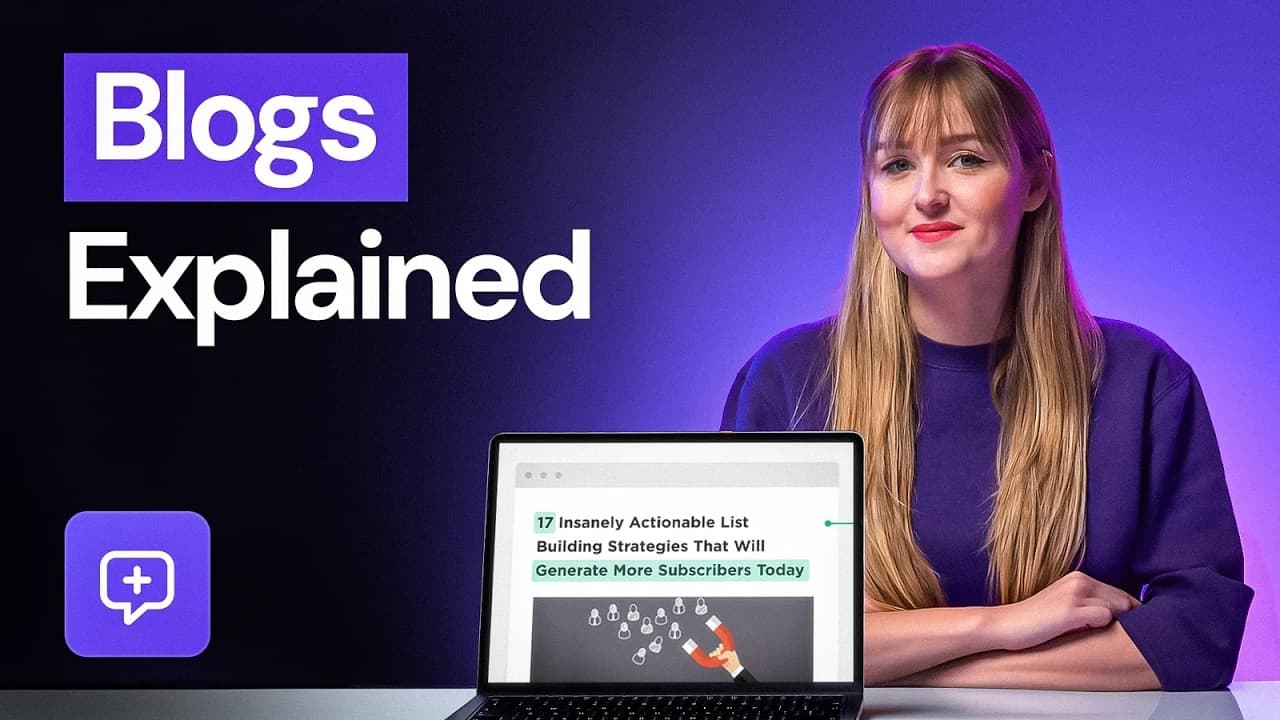
Find out what is a blog by watching this video. Create your own blog with Hostinger web hosting 👉 https://bit.ly/3LX4vXt 💥 Use the discount code HA10 to get 10% OFF! There's very little chance that you’ve never heard the term blog, but not everyone understands what it is. In this video, you’ll learn what is a blog, the different types of blogging, and various elements to consider to start blogging. ____________________________________________ ___________________________________________ 📌 Handy links What Is a Blog? Definition, Blog Types, and Benefits Explained: https://www.hostinger.com/tutorials/what-is-a-blog ____________________________________________ ⭐ Follow Us ⭐ Twitter: https://twitter.com/Hostinger Facebook: https://www.facebook.com/Hostinger/ Hostinger Tutorials: https://www.hostinger.com/tutorials Subscribe to our channel: https://www.youtube.com/c/HostingerAcademy?sub_confirmation=1 ____________________________________________ 🕒 Timestamps 00:00 - Intro 00:27 - Difference between a blog and a website 01:17 - What blogs are used for 02:03 - Types of blogs 03:03 - Before you create a blog 04:35 - Outro ___________________________________________ 🟣 What Is a Blog? A blog is an online journal that provides regularly-updated content in reverse chronological order – the newest content appears first. Most blogs have a comment section on each post for readers to engage with bloggers and between themselves. When discussing what is a blog, sometimes people use the terms blog and website interchangeably, but they’re not the same. So, in this video, we explain the difference between the two. 🟣 Common Types of Blogs 👉 Personal blogs 👉 Niche blogs 👉 Company or business blogs 👉 Affiliate blogs 🟣 Elements to Create a Successful Blog 👉 Write high-quality content that demonstrates expertise, authoritativeness, and trustworthiness. 👉 Create inviting headlines that tell visitors what the content is about, but do not use clickbait titles. 👉 Update your blog regularly. Try to create new content at least three times a week to increase your traffic and site rankings. 👉 Make sure your blog has an excellent user interface and user experience. A blog should be easy to navigate and mobile-friendly. 👉 On business blogs, add a call-to-action button to help convert casual readers into high-quality leads. Blogging is a great way for both individuals and businesses to grow their online presence or make money online. ________________________________________ ▶ Want to see more awesome tutorials like this one in the future? Consider subscribing 😁 https://www.youtube.com/c/HostingerAcademy?sub_confirmation=1 ____________________________________________ Thank you for watching! Let us know in the comments below if you have any questions. Good luck on your online journey. 🚀 #WhatisaBlog #Blogging #HostingerAcademy
About YouTube Real-Time View Count
With SocialCounts.org’s view counter, track your YouTube video’s live view count and YouTube likes count in real time with fast, reliable updates.
Watch every YouTube video live view count rise with our real-time YouTube views tracker—built for accuracy and minimal delay.
Follow YouTube real time views as they happen, using our dedicated view counter for YouTube videos.
Get up-to-date live view count on YouTube and see real-time growth with SocialCounts.org’s smart tracking tools.
Embed Widget
Parameters:
fullscreen=true- Fullscreen countergraph=true- Live graph chartcounter=0/1/2- Select counter (0=likes, 1=views, 2=comments)
URL
Click to copy the embed URL to your clipboard