

8
likes
3
comments
daily view 0
monthly view 0
Live Analytics
Comments 0
Run Ready-Made ComfyUI Workflows Instantly Analytics Table
Income Estimates for Run Ready-Made ComfyUI Workflows Instantly
Based on this YouTube video's total view count of 34.7K views and industry-standard rates, the estimated total earning is $24 - $70 through ad revenue. Historical data is not yet available to calculate daily, weekly, or monthly averages.
About Run Ready-Made ComfyUI Workflows Instantly
Explore Run Ready-Made ComfyUI Workflows Instantly with 34,782 views, 8 likes, and 3 comments. Experience the impact of this video content that has captured audience attention.
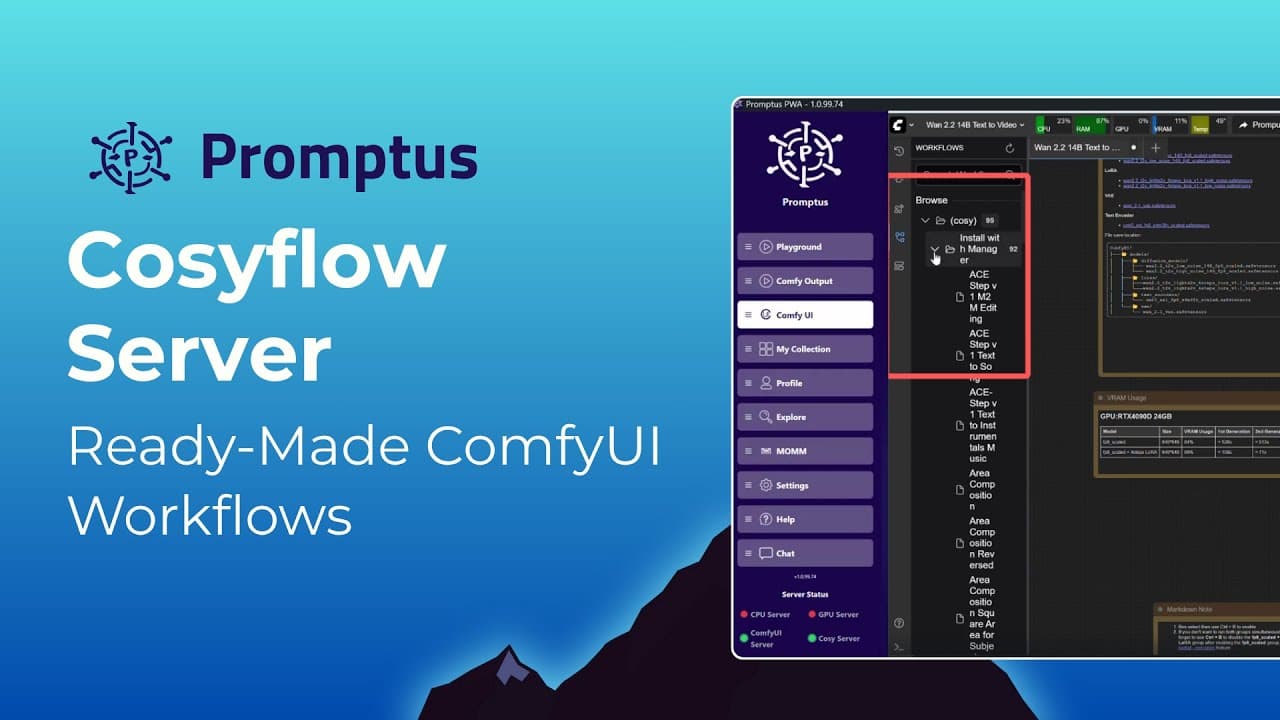
Tired of missing nodes and setup errors in ComfyUI? CosyFlow is your shortcut to ready-made ComfyUI workflows — no dependencies, no manual wiring, no frustration. In this video, we’ll show you exactly how to install and use the CosyFlow Server inside Promptus Manager — the easiest way to create AI videos, images, and lip-sync animations locally or online. ✨ CosyFlow automates everything: ✅ Ready built workflows for text-to-video, image-to-image, outpainting, and more ✅ Instantly appears in your Promptus Playground and ComfyUI Canvas ✅ Works with your local GPU or online using Promptus cloud compute credits ✅ No missing nodes. No setup headaches. Just click and create. 👉 What you’ll learn in this video: 0:00 — Intro: What is CosyFlow 0:20 — How to install the CosyFlow Server in Promptus 1:00 — Downloading workflows like WAN 2.2 Text-to-Video 1:40 — Using CosyFlows in Promptus Playground and ComfyUI 2:10 — How input fields adapt dynamically for each workflow 2:45 — Why CosyFlow changes the game for ComfyUI creators 💡 Want to explore all available CosyFlows? Visit our full directory at https://www.promptus.ai/comfyui-workflows You’ll find every AI workflow organized by model type — video, image, 3D, and more. 🧠 Recommended next video: 👉 How to Install and Use ComfyUI in Promptus — learn how to customize your own AI workflows. https://www.youtube.com/watch?v=iifmTkN7LOg&t=50s 📦 Minimum Recommended GPU: NVIDIA RTX series with at least 8GB VRAM for local generations. Don’t have a GPU? You can still use Promptus Cloud Credits to run any CosyFlow instantly. https://www.promptus.ai/blog/2025-gpu-guide-for-comfyui ComfyUI, ComfyUI tutorial, ComfyUI workflows, ComfyUI setup, CosyFlow, Promptus Manager, AI text to video, AI image generation, AI workflows, WAN 2.2, stable diffusion, AI lip sync, outpainting, AI tools 2025, local AI generation, no dependencies, missing nodes fix, AI video generator, how to install ComfyUI, Promptus tutorial, AI creative tools #comfyui #promptus #comfyuipromptus #comfyuitutorial #comfyuistablediffusion
About YouTube Real-Time View Count
With SocialCounts.org’s view counter, track your YouTube video’s live view count and YouTube likes count in real time with fast, reliable updates.
Watch every YouTube video live view count rise with our real-time YouTube views tracker—built for accuracy and minimal delay.
Follow YouTube real time views as they happen, using our dedicated view counter for YouTube videos.
Get up-to-date live view count on YouTube and see real-time growth with SocialCounts.org’s smart tracking tools.
Embed Widget
Parameters:
fullscreen=true- Fullscreen countergraph=true- Live graph chartcounter=0/1/2- Select counter (0=likes, 1=views, 2=comments)
URL
Click to copy the embed URL to your clipboard