


1
likes
0
comments
daily view 0
monthly view 0
Live Analytics
Comments 0
Complete Guide: How to Set Up Your K-Cup Brewer | Step-by-Step Tutorial Analytics Table
Income Estimates for Complete Guide: How to Set Up Your K-Cup Brewer | Step-by-Step Tutorial
Based on this YouTube video's total view count of 12 views and industry-standard rates, the estimated total earning is $0 - $0 through ad revenue. Historical data is not yet available to calculate daily, weekly, or monthly averages.
About Complete Guide: How to Set Up Your K-Cup Brewer | Step-by-Step Tutorial
Explore Complete Guide: How to Set Up Your K-Cup Brewer | Step-by-Step Tutorial with 12 views, 1 likes, and 0 comments. Experience the impact of this video content that has captured audience attention.
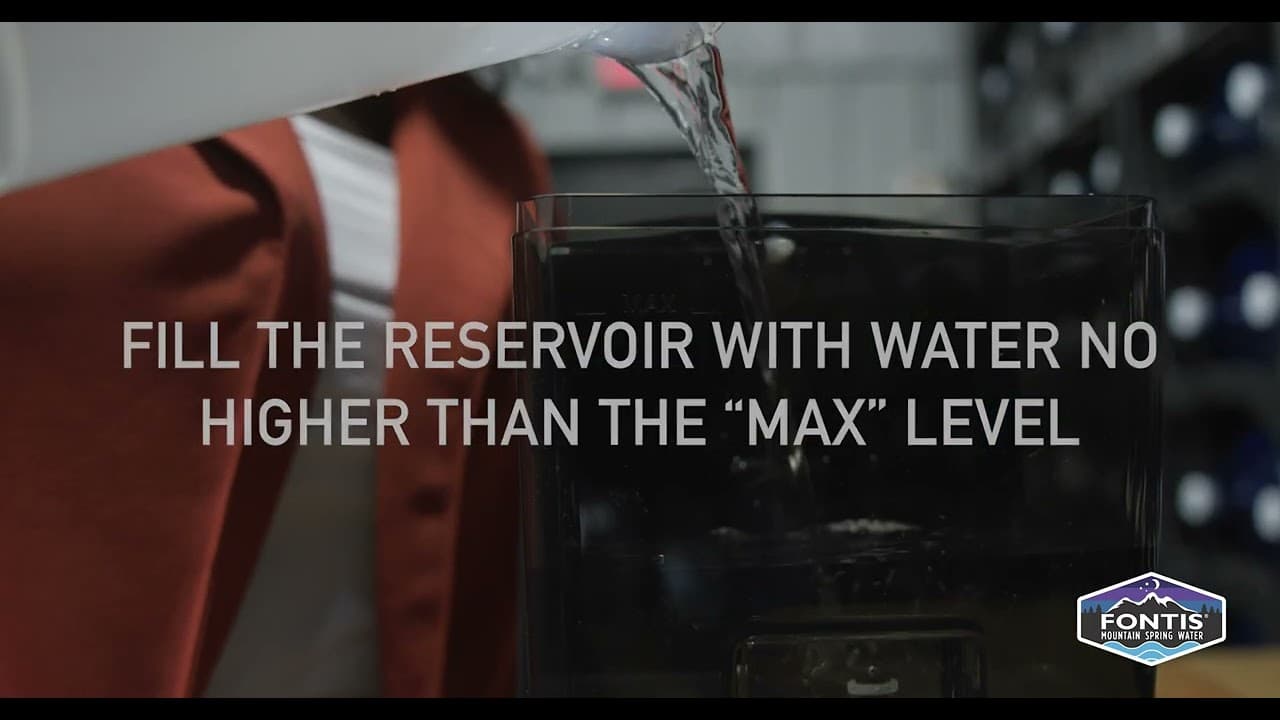
#K-CupBrewer #CoffeeLovers #BrewingTutorial #coffeetutorial #KcupBrewerSetup #BrewerTutorial #KcupSetupGuide #StepByStepTutorial #CoffeeEnthusiast #CoffeeLovers #ConvenientBrewing #SingleServeCoffee #BrewingTips #CoffeeTutorial #KcupBrewing #KcupBrewer #CoffeeBrewing #HowToBrewCoffee #CoffeeSetup #CoffeeMakerTutorial Welcome to our comprehensive tutorial on setting up your brand new K-Cup brewer! If you're a coffee enthusiast or someone who enjoys the convenience of single-serve coffee, this step-by-step guide is perfect for you. In this video, we'll walk you through the entire process of setting up your K-Cup brewer, from unboxing to your first delicious cup of coffee. Setting up your K-Cup brewer has never been easier! We've designed this tutorial to be beginner-friendly, providing clear instructions and helpful tips along the way. Whether you're using a Keurig, Nespresso, or any other K-Cup compatible brand, this guide applies to most standard models. During the unboxing segment, we'll showcase the contents of the package and give you a quick overview of the different components. From there, we'll guide you through each step of the setup process, ensuring that you don't miss a beat. Once your brewer is properly set up, we'll cover initial settings, including adjusting brew strength and water temperature, if applicable. We'll also walk you through priming your brewer, a crucial step that ensures optimal performance. Choosing the perfect K-Cup flavor can be a delightful experience, and we'll help you navigate the wide variety available. You'll learn how to insert the K-Cup into your brewer, how to select cup size, and how to start the brewing process. In the latter part of the video, we'll cover cleaning and maintenance tips to keep your K-Cup brewer in top-notch condition. We'll also address common troubleshooting issues you may encounter along the way, providing quick solutions to ensure your brewing experience remains hassle-free. Join us in this step-by-step tutorial and get ready to enjoy your favorite cup of coffee with your new K-Cup brewer. Don't forget to subscribe to our channel for more coffee-related content, tips, and reviews. Cheers! From the Blue Ridge mountains of North Georgia, we source, filter, and deliver the clearest, best taking drinking water to our customers. 𝐂𝐨𝐧𝐧𝐞𝐜𝐭 𝐰𝐢𝐭𝐡 𝐮𝐬 𝐨𝐧 𝐬𝐨𝐜𝐢𝐚𝐥 𝐦𝐞𝐝𝐢𝐚 𝐩𝐥𝐚𝐭𝐟𝐨𝐫𝐦𝐬 𝐭𝐨 𝐬𝐭𝐚𝐲 𝐮𝐩𝐝𝐚𝐭𝐞𝐝: 𝐅𝐨𝐥𝐥𝐨𝐰 𝐮𝐬 𝐨𝐧: Facebook:- https://www.facebook.com/FontisWater Instagram:- https://www.instagram.com/fontiswater/ Twitter:- https://twitter.com/FontisWater 🔍 𝐅𝐨𝐫 𝐦𝐨𝐫𝐞 𝐢𝐧𝐟𝐨𝐫𝐦𝐚𝐭𝐢𝐨𝐧 𝐯𝐢𝐬𝐢𝐭 𝐮𝐬 𝐨𝐧𝐥𝐢𝐧𝐞 𝐚𝐭 https://fontiswater.com/ 📢 𝐀𝐝𝐝𝐫𝐞𝐬𝐬: Fontis Water 3929 Canton Rd Marietta, GA 30066 ☎ 𝐏𝐡𝐨𝐧𝐞: 678-494-1981
About YouTube Real-Time View Count
With SocialCounts.org’s view counter, track your YouTube video’s live view count and YouTube likes count in real time with fast, reliable updates.
Watch every YouTube video live view count rise with our real-time YouTube views tracker—built for accuracy and minimal delay.
Follow YouTube real time views as they happen, using our dedicated view counter for YouTube videos.
Get up-to-date live view count on YouTube and see real-time growth with SocialCounts.org’s smart tracking tools.
Embed Widget
Parameters:
fullscreen=true- Fullscreen countergraph=true- Live graph chartcounter=0/1/2- Select counter (0=likes, 1=views, 2=comments)
URL
Click to copy the embed URL to your clipboard