


3,269
likes
100
comments
daily view 0
monthly view 0
Live Analytics
Comments 0
Audio Reactive Visuals With TouchDesigner: A Beginner Tutorial for Visual & Music Creators Analytics Table
Income Estimates for Audio Reactive Visuals With TouchDesigner: A Beginner Tutorial for Visual & Music Creators
Based on this YouTube video's total view count of 97.2K views and industry-standard rates, the estimated total earning is $68 - $194 through ad revenue. Historical data is not yet available to calculate daily, weekly, or monthly averages.
About Audio Reactive Visuals With TouchDesigner: A Beginner Tutorial for Visual & Music Creators
Explore Audio Reactive Visuals With TouchDesigner: A Beginner Tutorial for Visual & Music Creators with 97,208 views, 3,269 likes, and 100 comments. Experience the impact of this video content that has captured audience attention.
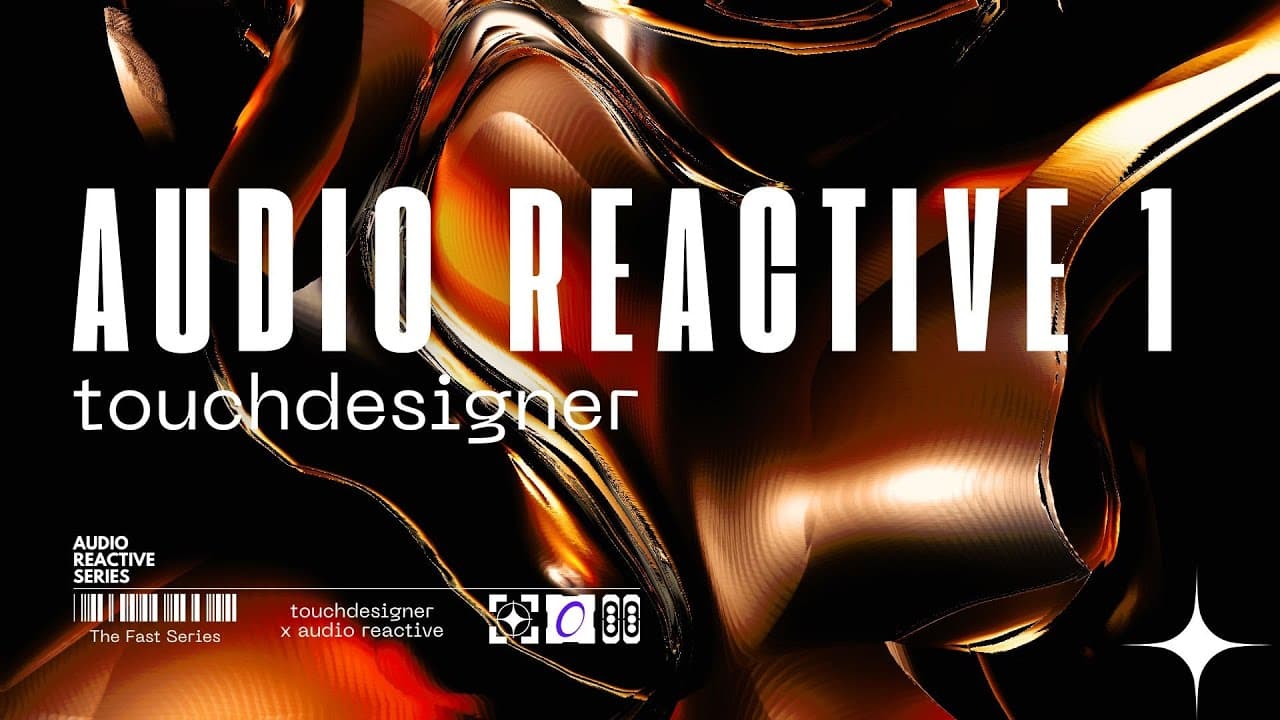
In this TouchDesigner tutorial, you will learn how to build a dynamic audio-reactive composition using advanced analysis techniques. We explore how to extract useful data from audio frequencies to drive visual parameters like displacement, blur, and glitch effects. By implementing nodes such as Audio Analysis, Math, Lag, and the Beat operator, you can create a modular system that responds precisely to the kick, snare, and BPM of any track. *Resources* ◼️ *Project File:* ⇨ https://okamirufu.com/go/projects?utm_source=youtube&utm_medium=video_description&utm_campaign=new_tutorial ◼️ *TouchDesigner Courses:* ⇨ https://okamirufu.com/go/skool?utm_source=youtube&utm_medium=video_description&utm_campaign=new_tutorial ◼️ *Free VJ Packs* ⇨ https://okamirufu.com/go/freevj?utm_source=youtube&utm_medium=video_description&utm_campaign=new_tutorial ◼️ *Creator Tools Mentioned* (The Blobs, Mesher, Tracker & More): ⇨ https://okamirufu.com/go/webapps?utm_source=youtube&utm_medium=video_description&utm_campaign=new_tutorial ◼️ *Ultra Bundle* (Secret Inside): ⇨ https://okamirufu.com/go/ultra?utm_source=youtube&utm_medium=video_description&utm_campaign=new_tutorial ● - - - - - - - - - - - - - - - - - - - - - - - - - - - - - ● *TIMECODE* 00:00 *Introduction to Audio Reactivity* In this series we explore advanced audio analysis techniques. Learn how to create reactive compositions using custom tools. 02:02 *Chapter 1: Building the Network* Drag audio files into the interface and connect audio devices. Setup the initial chains of operators including Audio Analysis. 06:27 *Chapter 2: Audio Analysis Tool* Use this custom component to extract low, mid, and high frequencies. Differentiate between Boolean triggers and dynamic frequency values. 08:27 *Chapter 3: Preparing Operators* Streamline your workflow using the Color Picker and constant nodes. Organize different sections for kick, high frequencies, and colors. 11:28 *Signal Processing and Smoothing* Analyze signal peaks to maintain a full range of movement. Use Lag operators to interpolate values for smoother transitions. 16:07 *Mapping Values to Visuals* Connect processed CHOP data to the pseudo liquid components. Parameterize noise, translation, and dimming based on the beat. 19:54 *Chapter 4: Advanced Mapping and Tweaks* Utilize the Beat operator to sync glitch effects to the song's BPM. Integrate Edge and Transform operators for rhythmic line textures. 22:34 *Dynamic Blend Modes and Finishing* Switch composite blend types automatically every four bars. Finalize the composition with random but beat-synced movements. ● - - - - - - - - - - - - - - - - - - - - - - - - - - - - - ● *Connect* ◼️Patreon ⇨ https://okamirufu.com/go/patreon?utm_source=youtube&utm_medium=video_description&utm_campaign=new_tutorial ◼️Instagram ⇨ https://okamirufu.com/go/instagram?utm_source=youtube&utm_medium=video_description&utm_campaign=new_tutorial ◼️TikTok ⇨ https://okamirufu.com/go/tiktok?utm_source=youtube&utm_medium=video_description&utm_campaign=new_tutorial ◼️Pinterest ⇨ https://okamirufu.com/go/pinterest?utm_source=youtube&utm_medium=video_description&utm_campaign=new_tutorial *Subscribe to Stay Updated on Future Tutorials* Stay Strong & Make Art #touchdesigner #creativeposter #posterdesign #realtime #generativeart
About YouTube Real-Time View Count
With SocialCounts.org’s view counter, track your YouTube video’s live view count and YouTube likes count in real time with fast, reliable updates.
Watch every YouTube video live view count rise with our real-time YouTube views tracker—built for accuracy and minimal delay.
Follow YouTube real time views as they happen, using our dedicated view counter for YouTube videos.
Get up-to-date live view count on YouTube and see real-time growth with SocialCounts.org’s smart tracking tools.
Embed Widget
Parameters:
fullscreen=true- Fullscreen countergraph=true- Live graph chartcounter=0/1/2- Select counter (0=likes, 1=views, 2=comments)
URL
Click to copy the embed URL to your clipboard